93-346-80 Issue 4 © Copyright Protec Fire Detection PLC 2011
4.0 Scan Outstations and Missed Replies
By using the option 4 - Test Options it is possible to check the status of every logged device.
Using option 2 Scan outstations it is possible to identify problem outstations on a loop
Understanding the results. Small case letters are replies from devices that are not logged onto the
loop. Upper case letters are replies from devices logged onto the loop.
S – Scan (correct)
W – Replied at the wrong address
I - interference, only displayed in small case
P - Pulse error, incorrect message length received back from the loop device
K - Checksum error
C - Command
A - Acknowledgement
B - Boundary Error, received incomplete data, generally occurs when outstations isolator close.
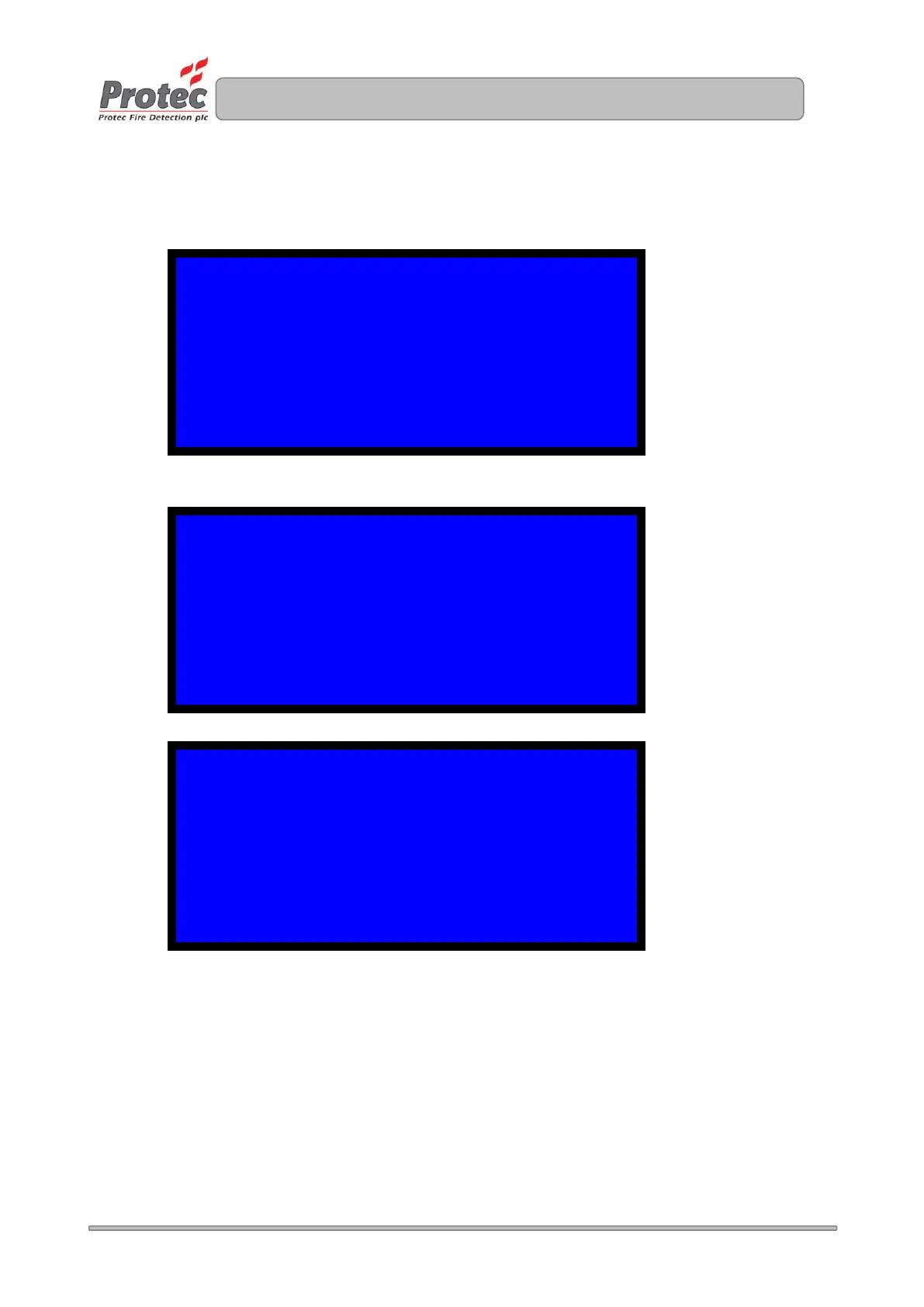
PANEL 01 MAIN MENU V0.97
0 EXIT MENU 5 ADVANCED OPTIONS
1 SET TIME 6 HARDWARE INPUTS
2 SET DATE 7 VIEW MEMORY
3 OPTION DISABLED 8 REBUILD
4 TEST OPTIONS
TEST OPTIONS
0 RETURN TO PREVIOUS MENU
1 SOFTWARE VERSIONS
2 SCAN OUTSTATIONS
3 MISSED REPLIES
8181C00LP1 2 3 4 5 6 7 8 9 10
(01-10) S C S S i - - - - -
(11-20) - - - - - - - - - -
(21-30) - - - - - - - - - -
(31-40) - - - - - - - - - -
CTRL - - - - - - -
PDP LOOP - - -
PRESS 0 TO EXIT


 To Next Page