93-346-80 Issue 4 © Copyright Protec Fire Detection PLC 2011
9.3 Conference Call
Conference call allows to-way communication between a control panel and up to four outstations. To
active conference call pick up the handset on the control panel press conference call and select the
outstations you require on the relevant call buttons. The call buttons will flash and the ring tone can be
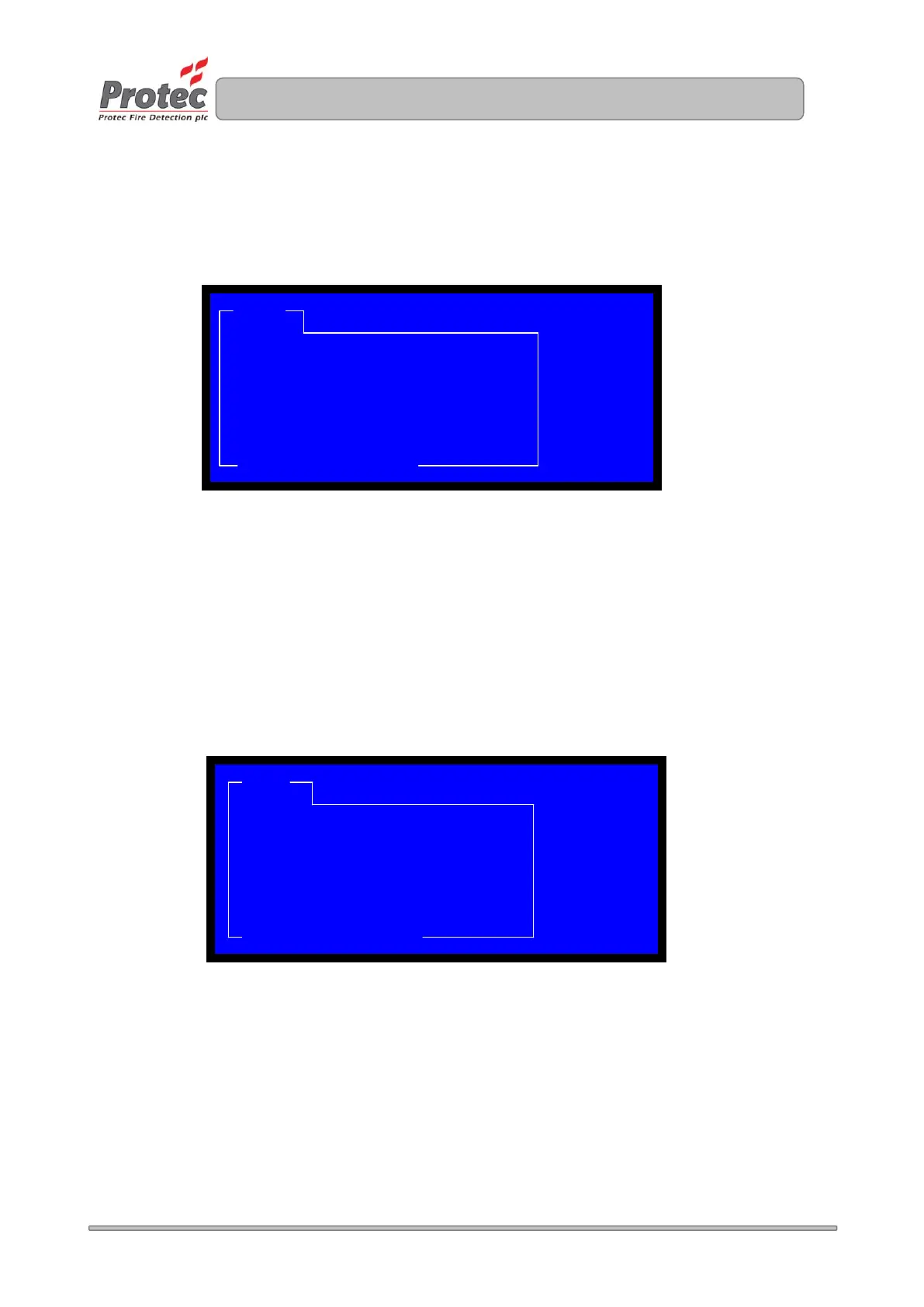
heard. The LCD will show
Once the outstations accept the call/s two-way communication will be established, between the
outstation/s and control panel. The LCD will change from waiting to In Call.
9.4 Listen In
The listen in feature allows you to select a outstation from the control panel and listen at the outstation
location. Further press of the outstation button will enable two-way communication. To active Listen
in, pick up the handset on the control panel press Listen In and select the outstation you require via the
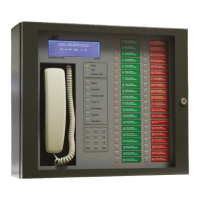
call buttons. The call button will flash green, the outstation LED will flash green and the LCD will display
Listen In.
Further pressing of the outstation call button will active two-way communication. The call button will
change to steady RED and the LCD will change to call connected.
CALL CALL
1/2 PARTY
WAITING: GROUP 2 WAITING
LOCATION: SITE RELATED TEXT 2 CALLS
TIME: TIME / DATE
ENTER/FN: SCROLL
CALL LISTEN - IN
LISTEN-IN: REFUGE POINT XX
LOCATION: SITE RELATED TEXT 1 CALL
TIME: TIME / DATE
ENTER/FN: SCROLL


 To Next Page