93-346-80 Issue 4 © Copyright Protec Fire Detection PLC 2011
9.0 Call Features
9.1 All Call
There are two options available, Global All Call which actives all outstations on all panels, or Panel all
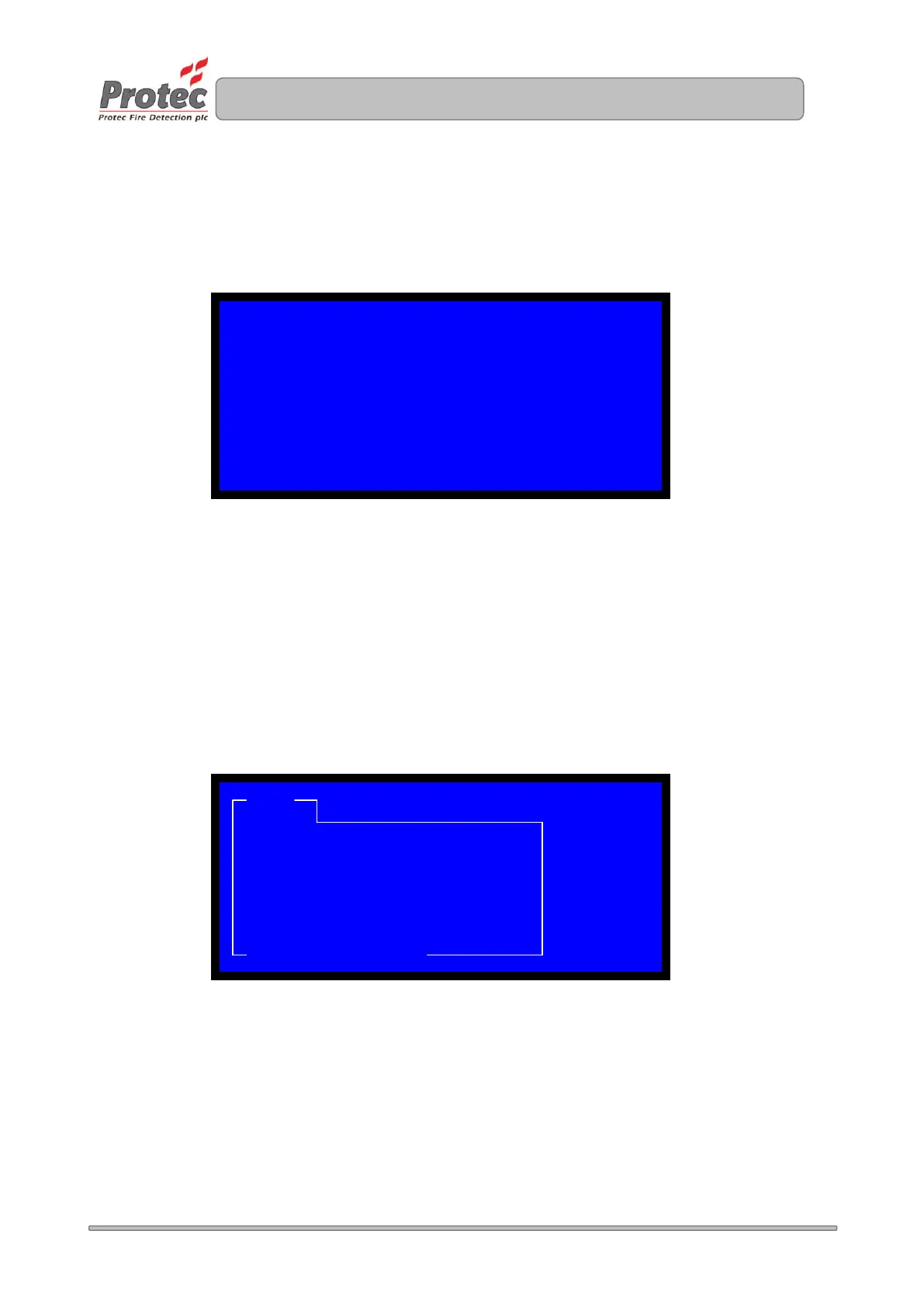
call. To enter this menu lift the handset on the control panel and press ‘All Call’, a menu will be
displayed upon the LCD. Select the option you require
Once option 1 is selected all outstation will be active and the green LED on the outstation will flash.
If option 2 is selected a further menu will appear to enable the required panel to be selected before the
outstations become active.
9.2 Group Call
Via the commissioning software, it is possible to group the outstations into groups 1 to 8 and assign
group text. Once done and the site file has been downloaded to the control panel, you can use this
option. To active group call lift the handset on the control panel and press Group Call. A menu option
will appear with groups 1 to 8. Select the require group and press enter to enable the call to the
required group.
PANEL 01 ALL CALL OPTIONS
0 EXIT MENU
1 GLOBAL ALL CALL
2 PANEL ALL CALL
CALL GROUP
ALL CALL
ALL CALL: GROUP 2 GROUP: 2
LOCATION: SITE RELATED TEXT 1 CALL
TIME: TIME / DATE
ENTER/FN: SCROLL


 To Next Page