93-346-80 Issue 4 © Copyright Protec Fire Detection PLC 2011
9.5 On hold
This feature allows you to place the present call connected on hold while allowing the user at the control
panel to select another incoming call. To use this feature press the On Hold button (on old overlays
labelled as Lock Release) which will place the connected call on hold, the call button on the control
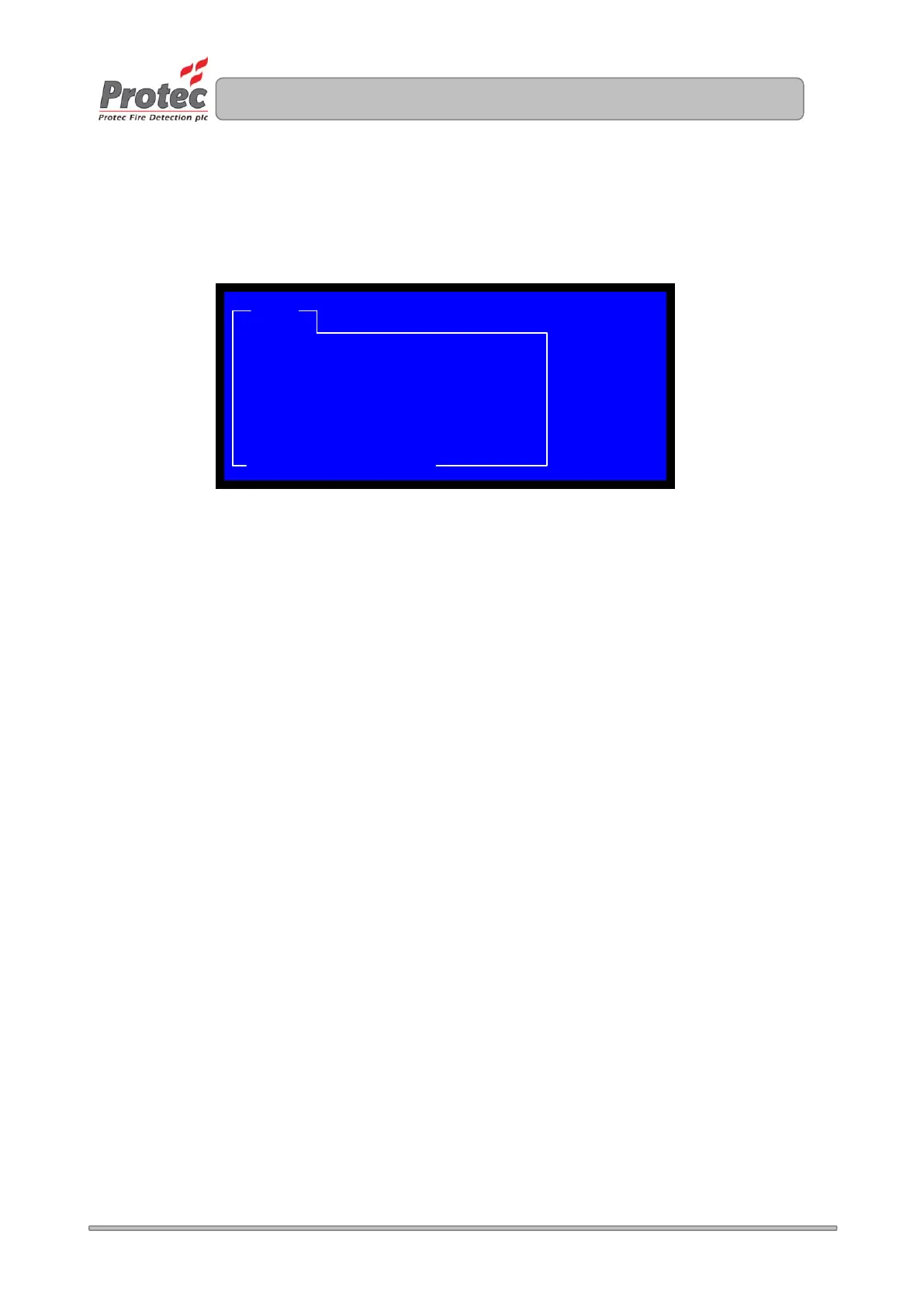
panel will flash RED / GREEN. The LCD will change to indicate which outstation is on hold
To take the call off hold press the outstation call button, the call will be re-established.
CALL CALL
WAITING
ON-HOLD: REFUGE POINT XX
LOCATION: SITE RELATED TEXT 1 CALL
TIME: TIME / DATE
ENTER/FN: SCROLL


 To Next Page