PS Engineering
PAC45 Audio Selector Panel and Intercom System
Installation and Operator’s Manual
200-045-0000 Page 3-9 Rev. 7, May 2019
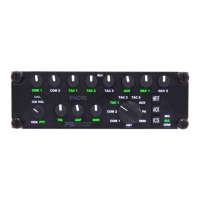
4. When finished with Alert #1, press the “ACK”.
5. Now COM2 will blink, to indicate the recording of ALERT #2.
6. Speak message.
7. When finished with Alert #2, press the “ACK”
8. Now COM3 blinks, to indicate the recording of ALERT #3.
9. Speak message.
10. When finished with Alert #3, press the “ACK”
11. A chime indicates that recording is now finished.
NOTE: If ACK is not pressed to indicate end of recording, it will record for five seconds, and then
advance to next alert. After all three time slots are timed out, the PAC45 will exit the alert re-
cording mode.


 To Next Page