72-900-06 Rev. F
Page 32 of 38
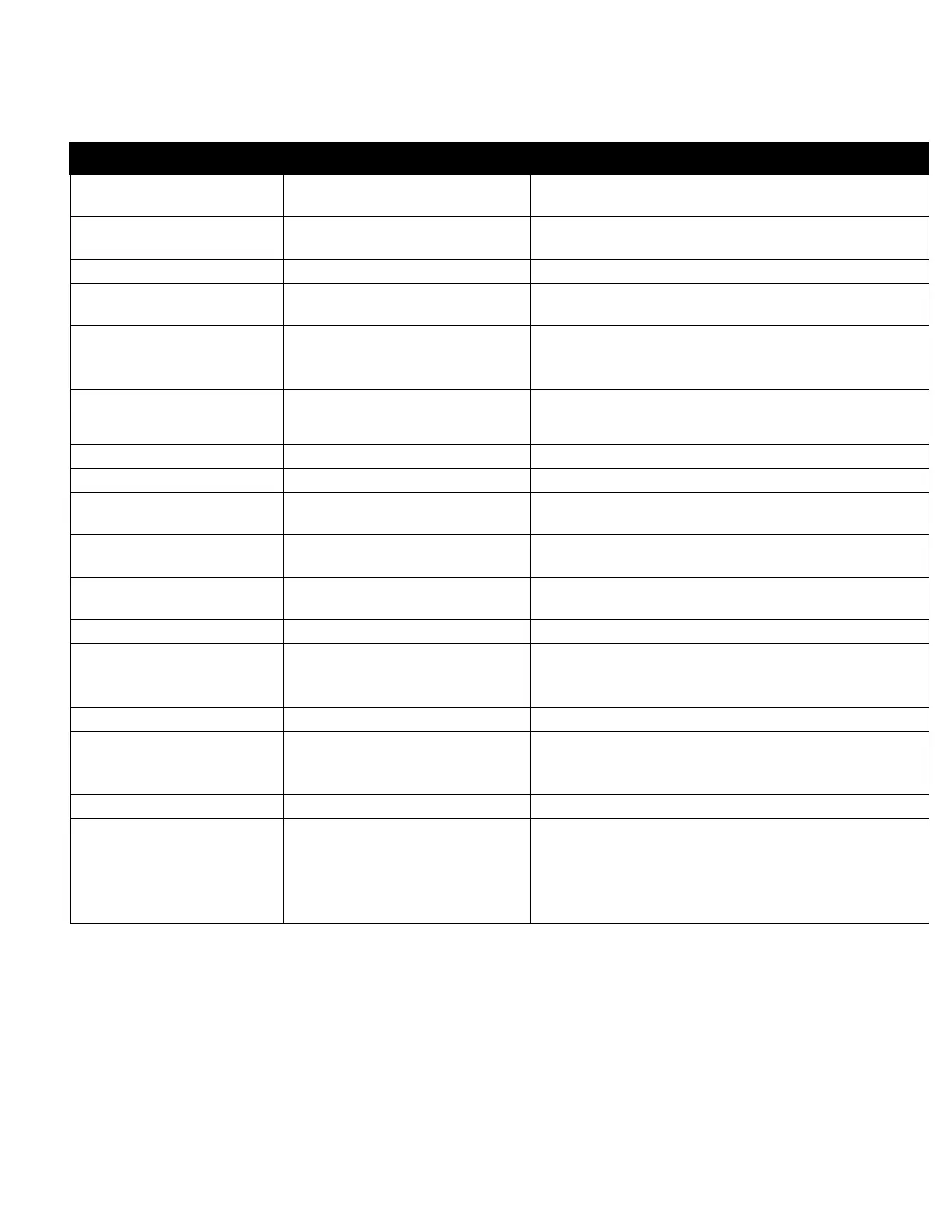
6. TROUBLESHOOTING GUIDE
Controller does not
power up.
No power supplied to
controller.
Insure that correct voltage is supplied to
controller.
Check circuit breaker supplying power to
the controller.
check/replace fuses (see page 9)
Check ribbon cable connecting upper and
lower pc boards inside controller.
Controller displays
“Flow Switch Alarm”
alarm message.
No flow thru flow
assembly.
Insure there is enough water flow through
the assembly. At least 1 GPM (3.8 LPM) of
flow.
Flow switch wiring or
connector loose.
Check flow switch connections
Clean flow switch sensor mechanicals.
Clean inside flow assembly.
Flow switch input jumper
missing.
Install jumper if flow switch is not used.
Controller displays "
Limit" alarm message.
Programmed limit timer
set too short.
Adjust limit timer value to longer duration
Clogged bleed valve or
drain.
Controller displays
"Probe Comm" alarm
message.
probe wiring or connector
loose.
Controller displays
"Bleed Limit" alarm
message.
Conductivity Limit timer
set too short.
Bleed valve/drain failure.
Clear obstruction around drain.
Conductivity, pH or
ORP reading on
controller does not
match portable hand-
held reading.
reading is within
specification.
Due to variations in hand-held meters,
standard solutions, temperature
compensation, and the controller’s accuracy
of +/- 2%, the reading on the controller
may not match that of your hand-held



 To Next Page