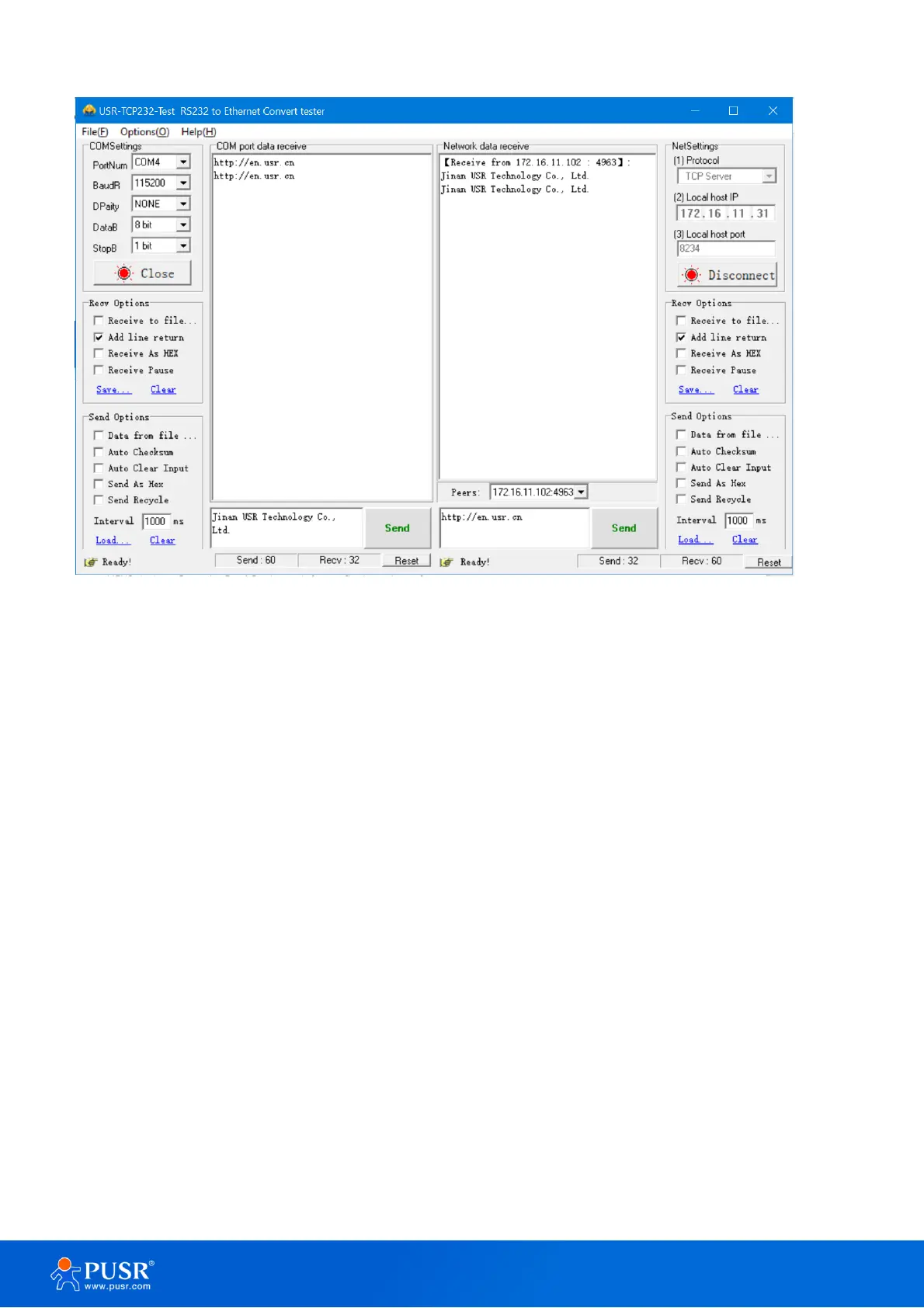
Figure 13. Data transmission test
2.2.5. Technical support and assistance
Please visit the USR IoT website: https://www.pusr.com where you can find the latest information about the
product. Contact your distributor, sales representative, or PUSR's support center:
http://h.usriot.com/index.php?c=frontTicket&m=sign for technical support if you need additional assistance.
Please have the following information ready before you submit a ticket:
– Product model
– Description of your peripheral attachments
– Description of your software (firmware version, application, function description, etc.) – A complete
description of the issue and steps to reproduce
3. Configuration and parameter details
3.1. Web interface
Every USR-TCP232-30X Industrial Serial Device Server is equipped with a built-in web server in the firmware.
Therefore, the device can be accessed by using a web browser for configuring by entering the device’s IP address
in the URL field of your web browser. An authentication will be required and you will have to enter the username
(Default value is “admin”) and password (Default value is “admin”) for accessing the web interface as shown



 To Next Page