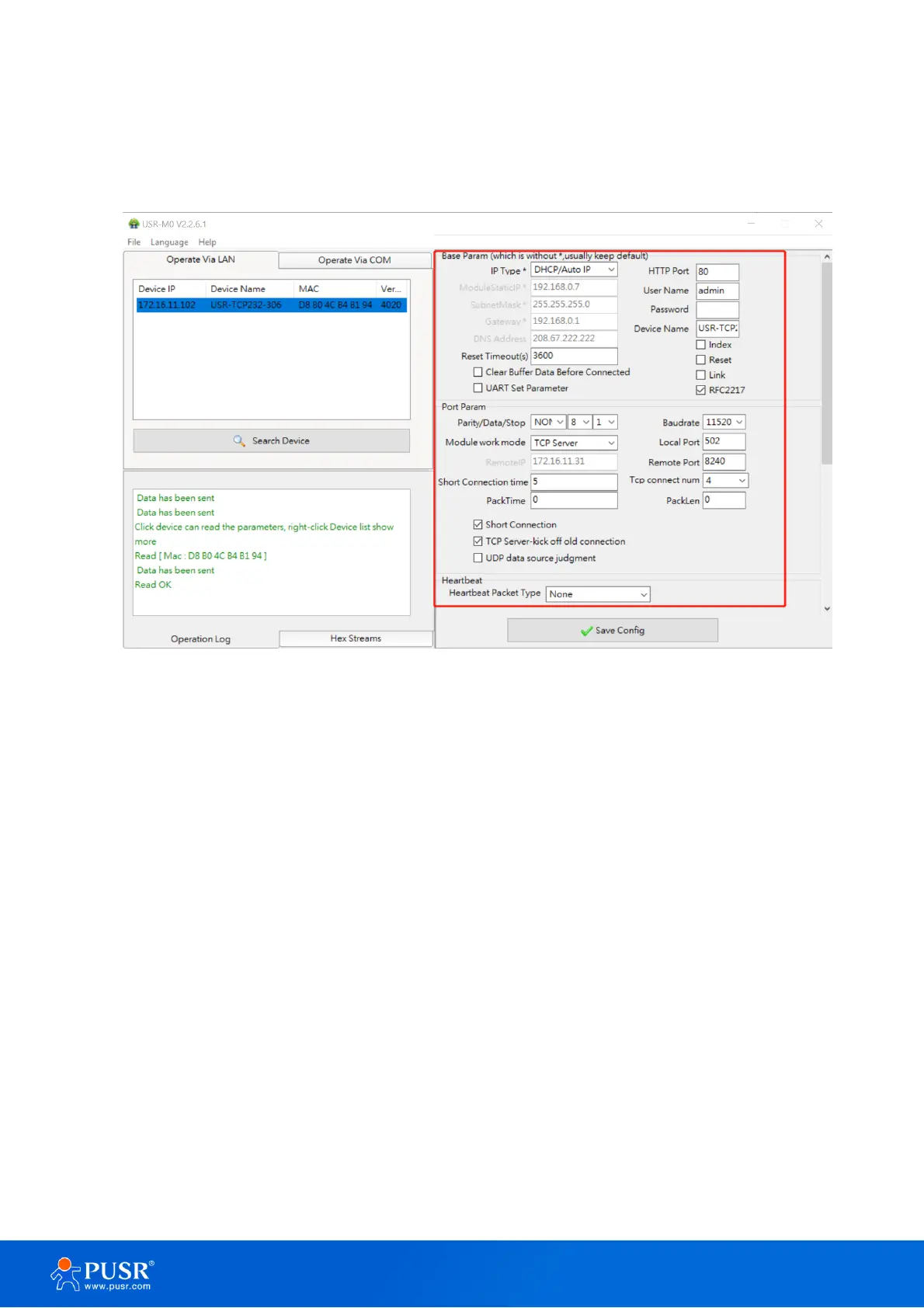
3.2.2. Parameter settings
Users can modify the parameters as needed, and the click “Save Config” to make the parameters take effect.
More parameters can be checked by scrolling down or up.
Figure 21. Parameters configuration via config sofrware
3.2.3. Open web server
Users can visit the web server of serial device server conveniently with configuration tool. Select the device
you want to visit and right click, then click External web config ,you will open the web server with default
browser such as Google Chrome.
1. Right-click a desired device to display the settings menu,
2. Select OpenWeb



 To Next Page