USR-TCP232-30x Series User Manual
3.1.2. IP settings
You must assign a valid IP address to the USR-TCP232-30x before it will work in your network environment.
The IP address must be unique within the network. If the device is connected to the Internet and should connect
to other servers over the Internet to get some services such as Network Time Protocol (NTP) server, you will
need to configure the DNS server to be able to resolve the host name of the NTP server. The detailed
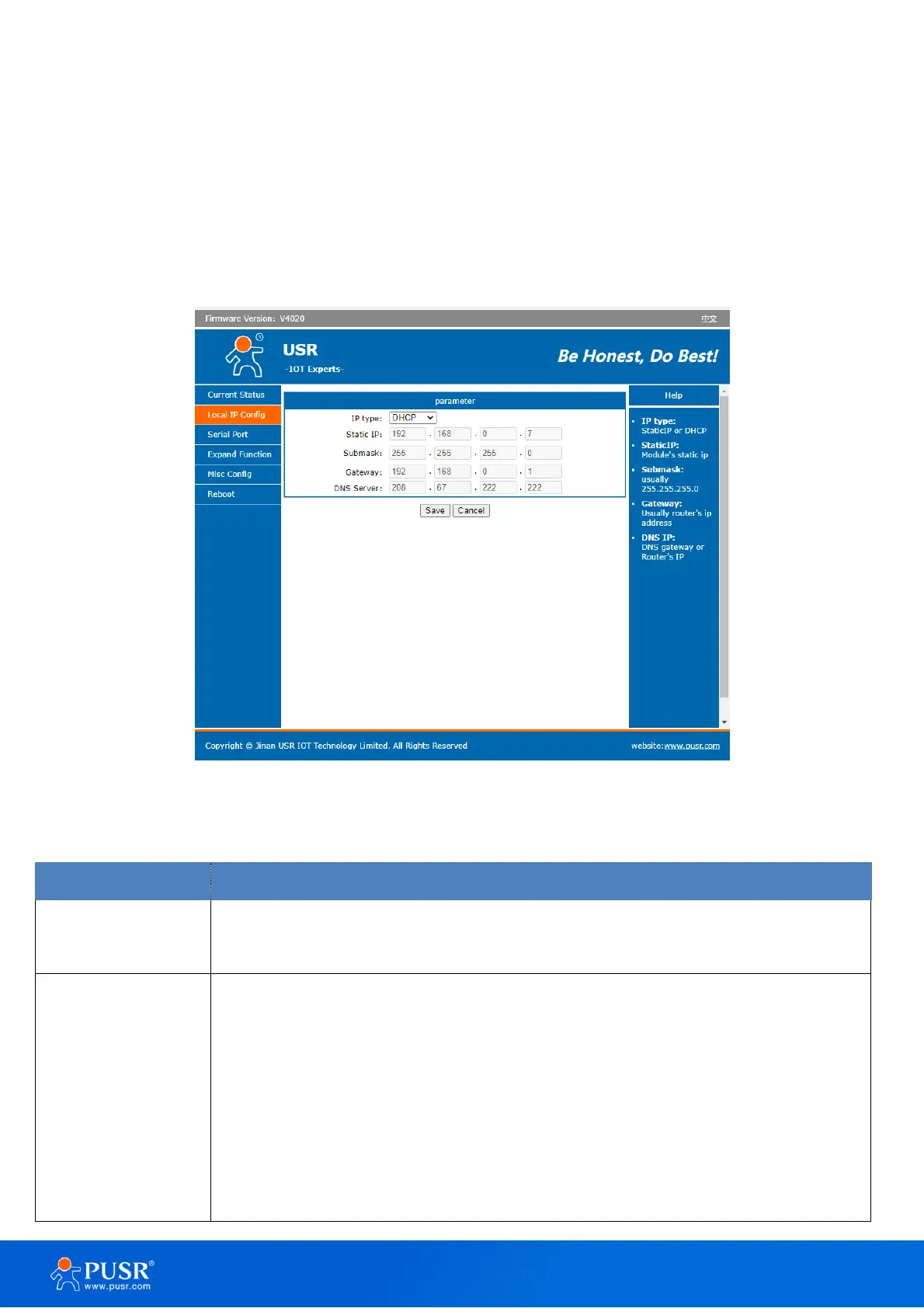
description of the configuration parameters on this interface is shown in Table 7.
Figure 16. IP settings
Table 7. Detail description of IP settings
DHCP: To obtain required TCP/IP configuration information from router.
Static IP: User need to set the IP information manually.
IP address is a 32-bit address assigned to devices connected to the Internet. The IP
address consists of two fields: the network number field (Net-id) and host number field
(host-id). In order to facilitate the management of IP addresses, IP addresses are
divided into five categories: Class A, B, and C addresses are unicast addresses, Class D
addresses are multicast addresses, Class E addresses are reserved addresses for future
special purposes. The IP addresses currently in large numbers belong to three types of
addresses: A, B, and C.



 To Next Page