6. Additional features
6.1. Built-in webpage
PUSR opens the source code of the built-in webpage to users. Users can modify it according to their own
needs, which helps customers fully develop the products.
6.1.1. Edit webpage file
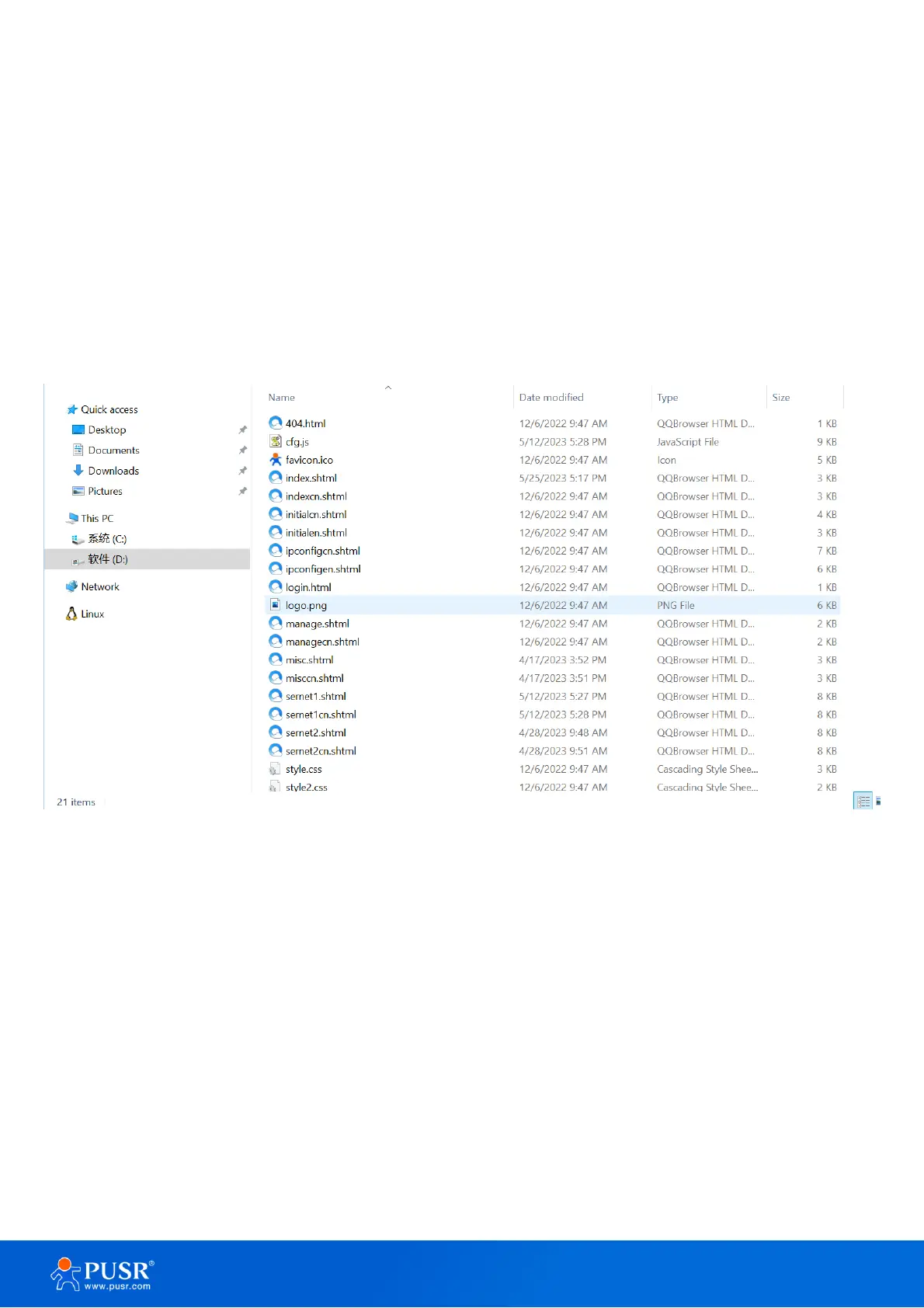
Users can download the built-in webpage package first: The file in usr_web folder can be edited as user
needed.
Figure 54. Built-in webpage file
6.1.2. Upgrade the webpage file
User need download the upgrade tool first,
Download address:
• Destination IP: Enter the IP address of TCP232-30X device,
• Port: Fixed 1501,
• Start Address: 08020000(Fixed),
• MaxSize: 1C000(Fixed),
• Select Path: Select the webpage file folder,
• Upgrade.



 To Next Page