USR-TCP232-30x Series User Manual
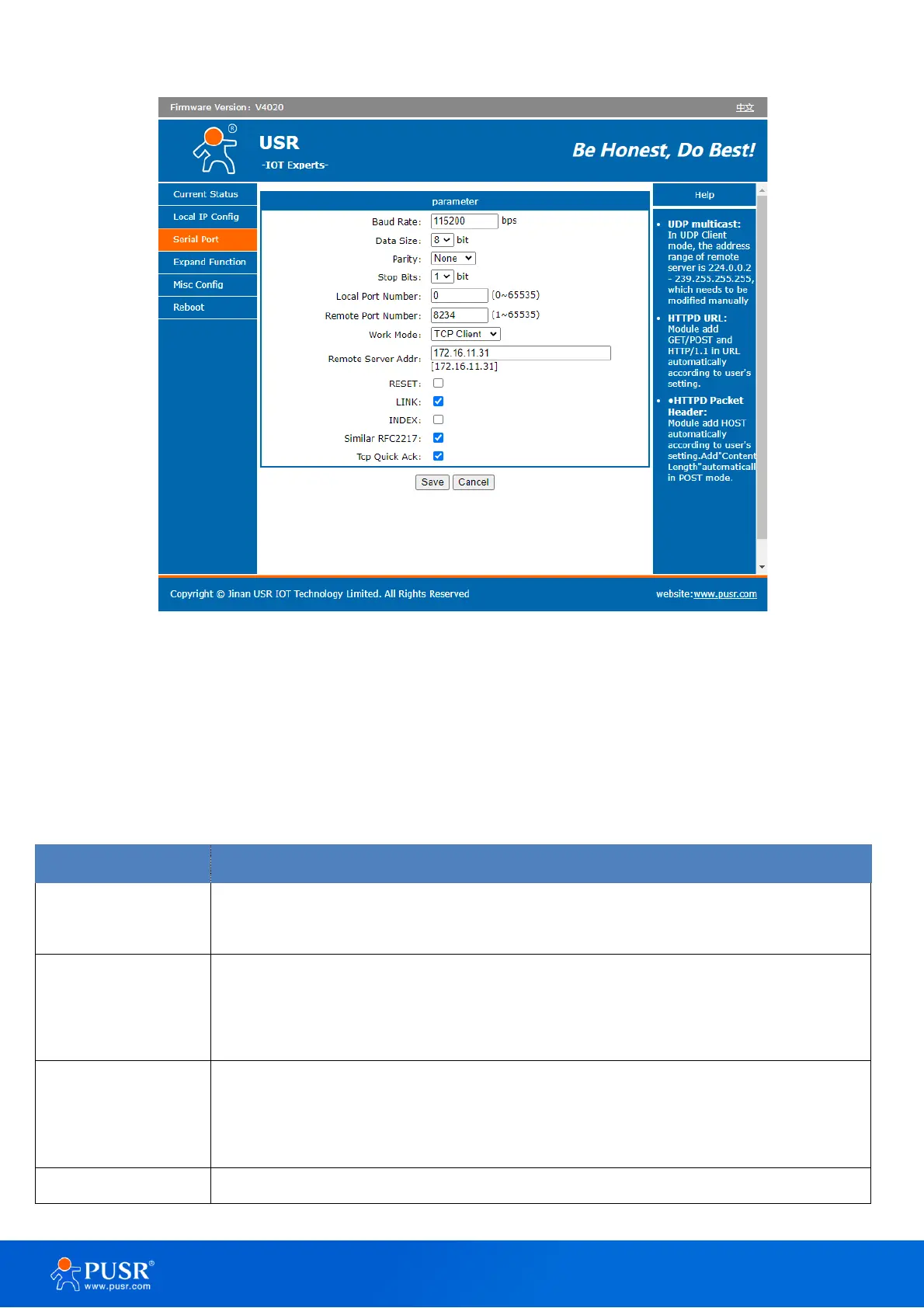
Figure 17. Settings of serial port
Details on work mode connectivity protocols and its settings of TCP232-30X series are given in Chapter 4
Operation modes, this section will only focus on the part of parameter description. The description of the
configuration parameters on this interface is shown in Table 8.
Table 8. Detail description of serial port
This sets the port’s data transfer speed. Choices are from 600—230400. Set this to
match the baud rate setting of the connected device. Default is 115200.
This sets the number of bits used to transmit one character of data. Choices are: 7 and
8. Set this to match the data bit setting of the connected device. Default is 8 (which is
the default for the majority of serial devices).
This bit checks the integrity of the transmitted data. Choices are: None, Odd, Even. Set
this to match the parity setting of the connected device. Default is None (which is the
default for the majority of serial devices).
This indicates that a character has been transmitted. Set this to match the stop bit



 To Next Page