11
key is also used to accept the current selection, like the return key in a computer
keyboard.
2.3 Turning on the SP-910
After new batteries installation, the SP-910 will not be automatically turned on. To turn
on SP-910, press the OK key, and release the OK key when the LCD is lit.
You can navigate the main page menu and launch an operation by pressing on an
icon. If battery voltage is too low for the instrument to work properly, the SP-910 will
show a low battery warning message when it is being turned on. If this happens,
replace all four batteries.
2.4 Main Page
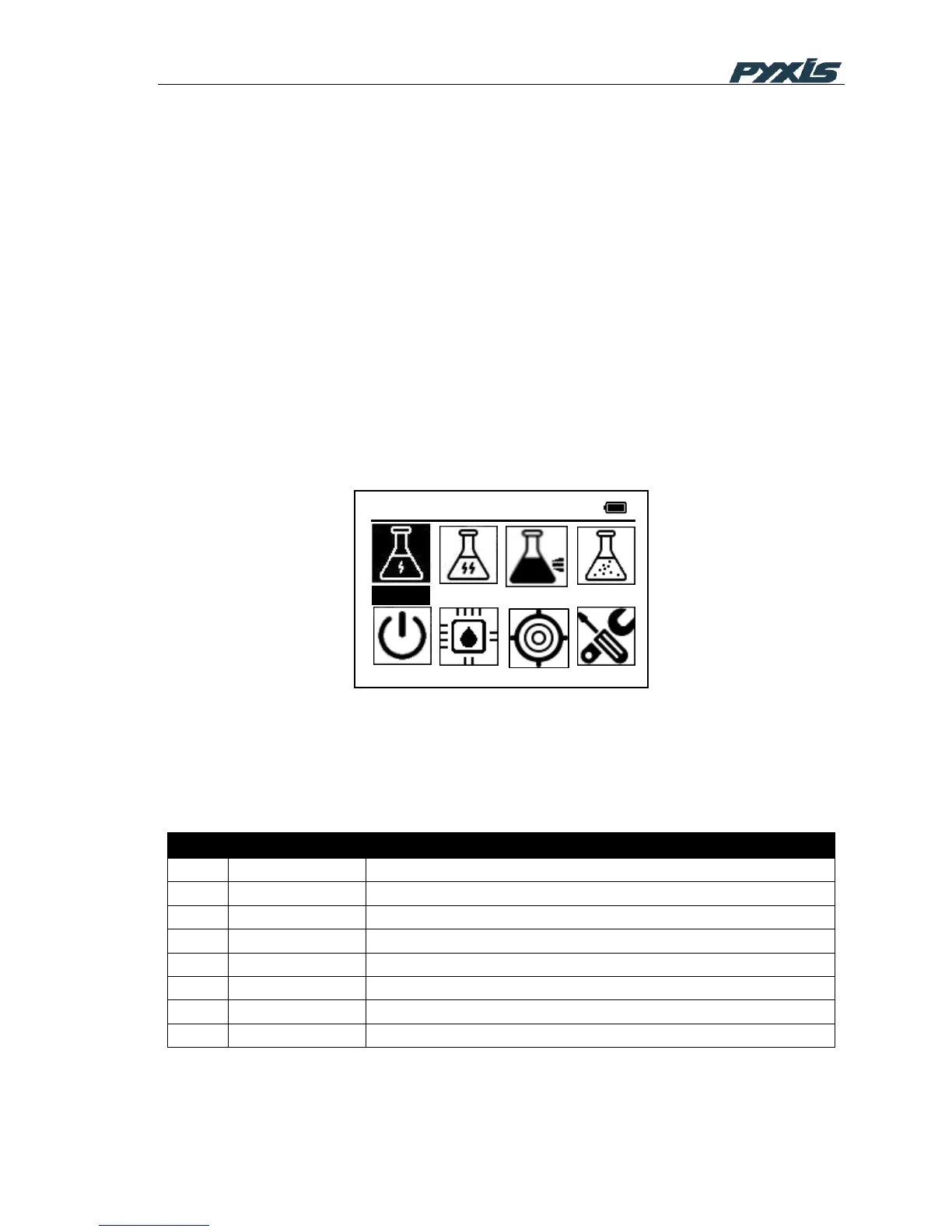
The SP-910 provides intuitive icon driven user operations. On the main page, eight
major feature groups are illustrated as below:
Figure 4 Main Menu
A brief description of each feature group is given in Table 1. Detailed operation instructions
can be found in the following chapters.
Table 1 Feature Groups on Main Menu



 To Next Page