14
The SP-910 with earlier versions of firmware may show mistakenly the PTSA value
in ppm after selecting CL01. Regardless the software version and the unit shown on
the right, the value after selecting CL01 is always ppb PTSA.
On-screen key instructions in the earlier version of firmware are text based and
may be different from those shown in figure 5.
During the fluorescence measurement to determine the PTSA concentration, the SP-
910 checks the sample turbidity. If the sample turbidity value detected is greater than
40 NTU, The SP-910 will display a warning. For best results, the sample should be
filtered if turbidity exceeds 40 NTU.
Sample color causes a lower PTSA concentration to be measured. The SP-910
automatically compensates for sample color. If the sample color is too intense, The
SP-910 will display a warning.
For best results, ensure that the sample vial is clean. Wipe off water on the outside
wall of the sample vial using a lint-free tissue paper. Fill the sample vial to the 10 ml
mark. If the sample contains air bubbles, tap the sample vial gently to remove the
bubbles before placing the sample vial to the sample vial compartment.
3.2 PTSA calibration
Deionized water (DI) as the blank calibration solution and the 100 ppb PTSA calibration
standard solution are needed.
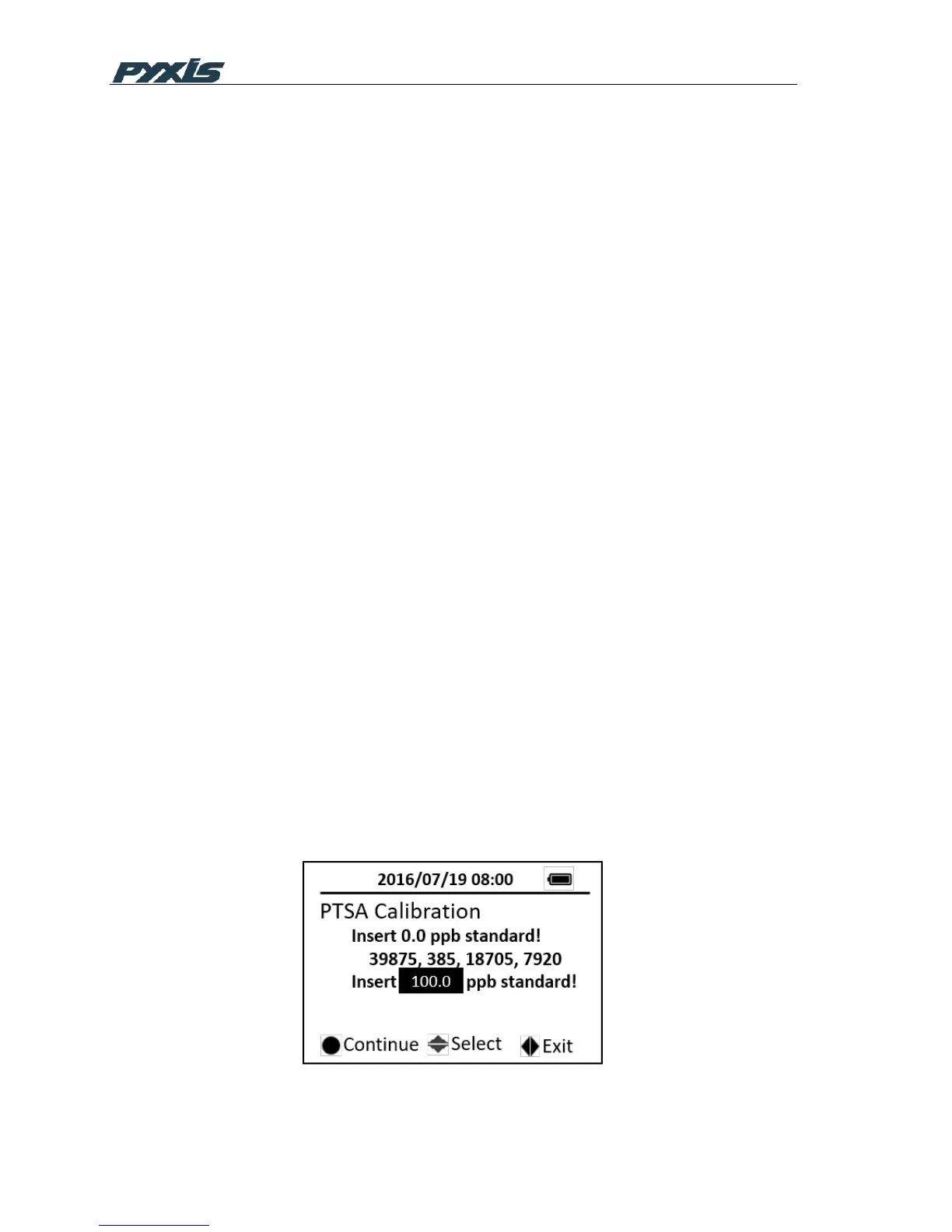
1. Press the CAL on the main page, then choose the M-P and press the OK key to
launch the PTSA calibration page.
2. Follow the message prompts, fill the sample vial with DI blank and place the
sample vial into the sample vial compartment and press the OK key.
3. Follow the message prompts, use the upper and down key to switch between 100
ppb and 200 ppb standard
4. Fill the sample vial with the 100 ppb or 200 ppb standard and place the sample vial
into the sample vial compartment and press the OK key to start calibration
Figure 7 PTSA Calibration



 To Next Page