33
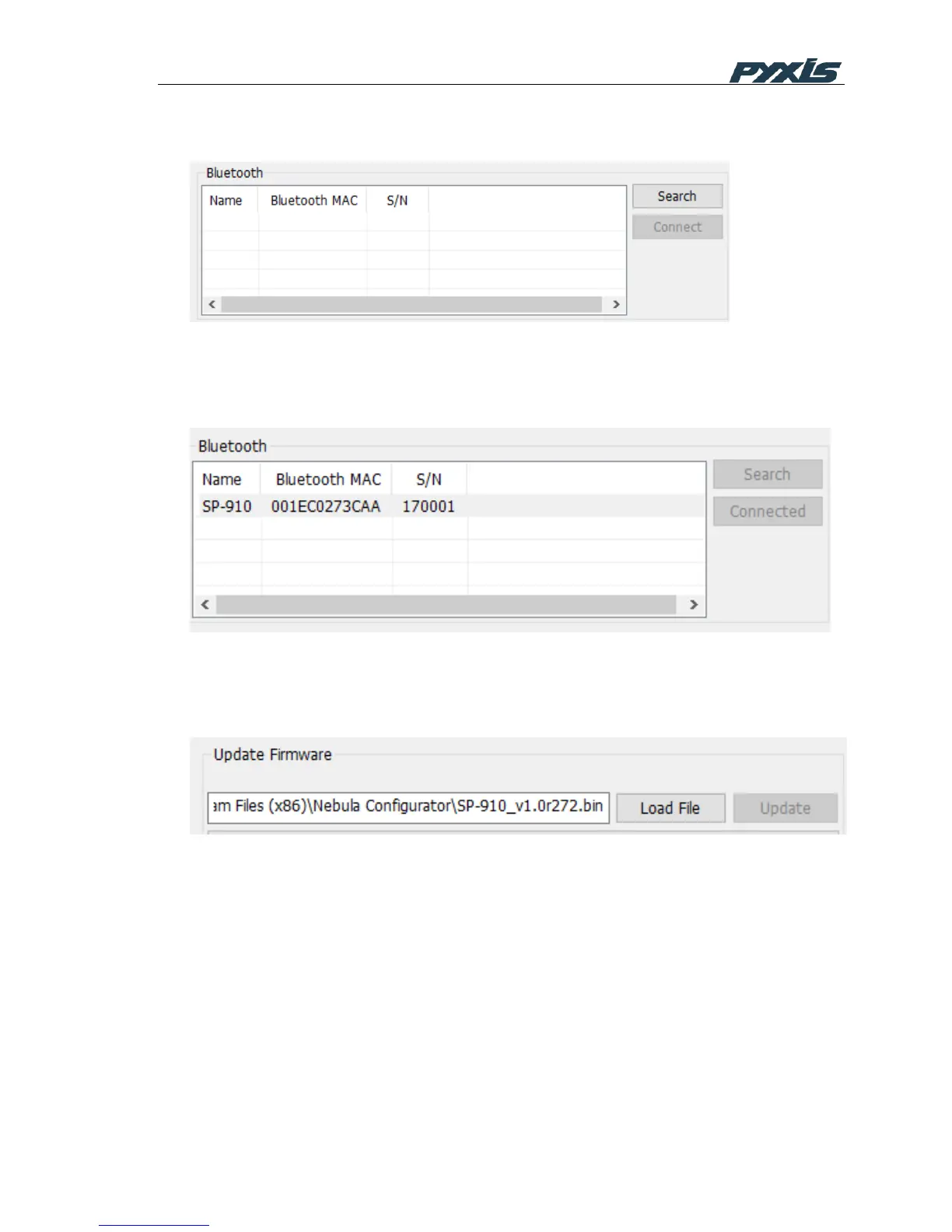
Open Nubula PC software, it searches device automatically. All available devices will be listed
in blow screen shot.
2) Nebula will connect to device automatically if it is the only device available. Otherwise
please select a device you want connected to. Please un-plug then plug Bluetooth
adapter and restart the Nebula PC software if no device was found.
3) Once the device is connected, click the Load File button to select SP-910 firmware file,
and click update button to start upgrading SP-910. It takes about 160 seconds to
complete the procedure. SP-910 starts the new firmware after upgrading.
9 Upgrade the ChemTreat Product List
1. Click Sync with CTVista+
2. Enter your CTVistaPlus user name and password to proceed to download the product
list
3. Click on Write to load the list to the SP-910



 To Next Page