35
Figure 29 Read Inline Device
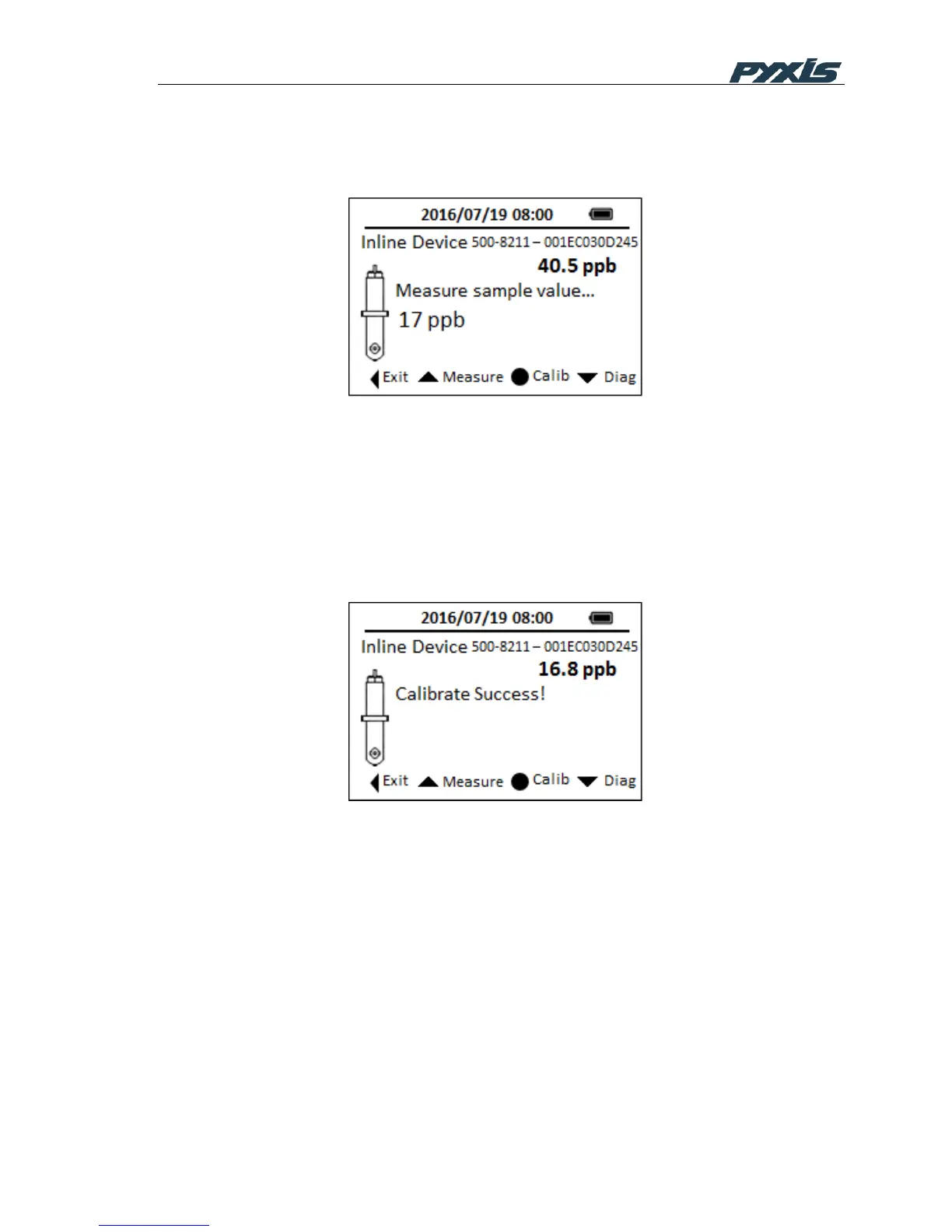
Use the SP-910 to measure the sample water by clicking Up key, as shown in Figure 30
Figure 30 SP-910 Measure Sample Water
Click OK key to send the calibration instruction to the ST-500 via Bluetooth connection.
After that, the connected ST-500 will be calibrated to the value measured by the SP-910.
The SP-910 will keep reading ST-500 every 4 seconds to verify if the calibration is
successful. Please note that it takes about a minute for the ST-500 to approach to the
calibrated reading.
Figure 31 Calibration Success
Click Down key to start diagnose ST-500 probe. As Figure 26 shows, a range of ST-500
operation parameters will be displayed. Furthermore, click OK button in diagnosis page to
check whether ST-500 is fouled.



 To Next Page