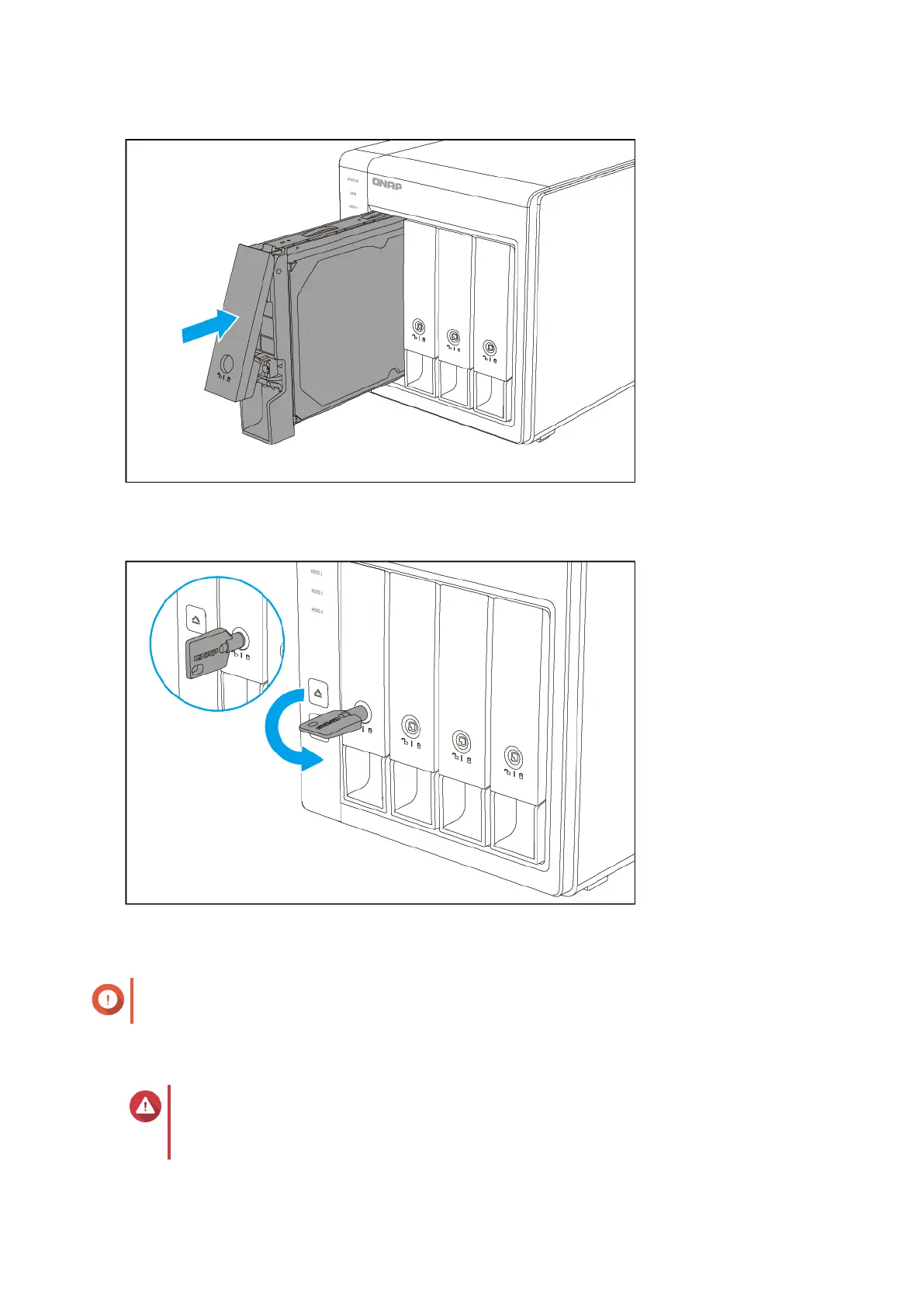
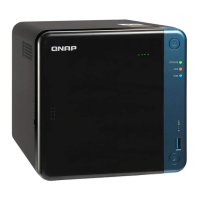
c. Optional: Lock the tray.
5. Power on the RAID enclosure.
Important
The RAID enclosure may take up to 30 seconds to detect the installation of the new drive.
Installing 2.5-inch Drives on 3.5-inch Trays
Warning
• Installing a drive deletes all data on the drive, unless the RAID enclosure is in
Individual or Software Control mode.
QNAP External RAID Enclosure User Guide
Hardware Installation 14



 To Next Page