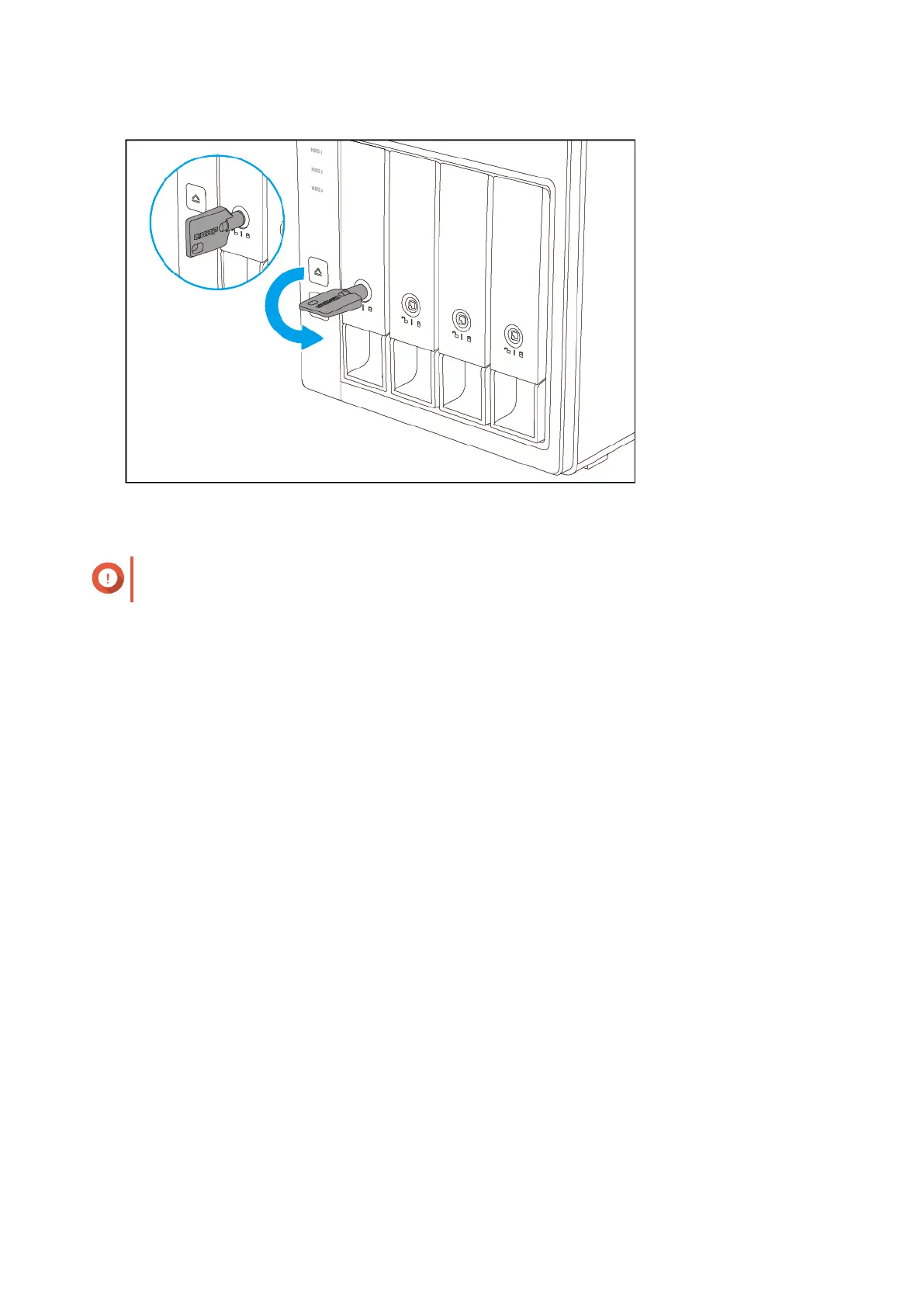
5. Power on the RAID enclosure.
Important
The RAID enclosure may take up to 30 seconds to detect the installation of the new drive.
Connecting the RAID Enclosure to a NAS
A QNAP NAS can support a maximum of two external RAID enclosures.
1. Connect the RAID enclosure to the NAS.
a. Connect a USB cable to the USB 3.0 Type-C port on the RAID enclosure.
b. Connect the USB cable to a USB port on the NAS.
c. Optional: Connect a second RAID enclosure to the NAS.
QNAP External RAID Enclosure User Guide
Hardware Installation 18



 To Next Page