• To avoid potential injury or damage to components, ensure that the drives and other internal system
components have cooled before touching them.
• Observe electrostatic discharge (ESD) procedures to avoid potential injury or damage to components.
Power
• To reduce the risk of fire or electric shock, ensure that you only connect the power cord to a properly
grounded electrical outlet.
•
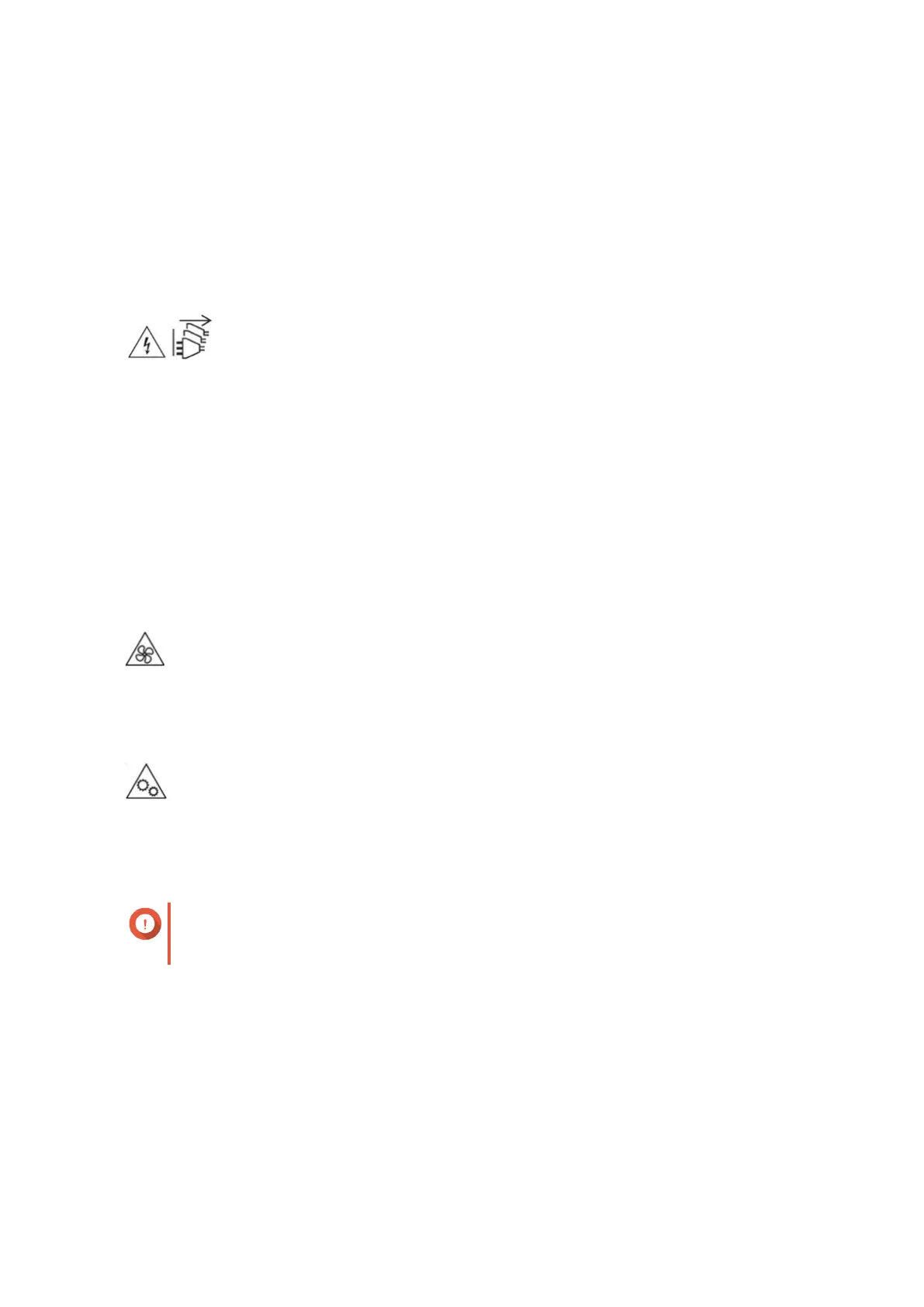
The device may have one or more power supply unit (PSU) cords. To avoid serious injuries, a trained
service technician must disconnect all PSU cords before installing or replacing system components.
System Battery
• To avoid potential battery explosion, causing injury or damage to components, ensure that you replace
the existing battery with a battery of the same type.
• Dispose of used batteries properly according to local regulations or the instructions of the battery
manufacturer.
Moving Parts
•
Moving fan blades: Keep your body parts away from moving fan blades while the device is connected
to a power source.
•
Moving components: Keep your body parts away from other moving components.
Setting up the NAS
Important
Read all safety requirements and information in Safety Information carefully before setting
up the NAS or installing NAS components.
1. Place your NAS device in an environment that meets the requirements.
For details, see Installation Requirements.
2. Optional: Replace memory modules.
For details, see Replacing Memory Modules.
3. Optional: Replace expansion cards.
For details, see Replacing Expansion Cards.
4. Install the drives.
For details, see the following topics:
TS-h1283XU-RP User Guide
Product Overview 10



 To Next Page
 Loading...








