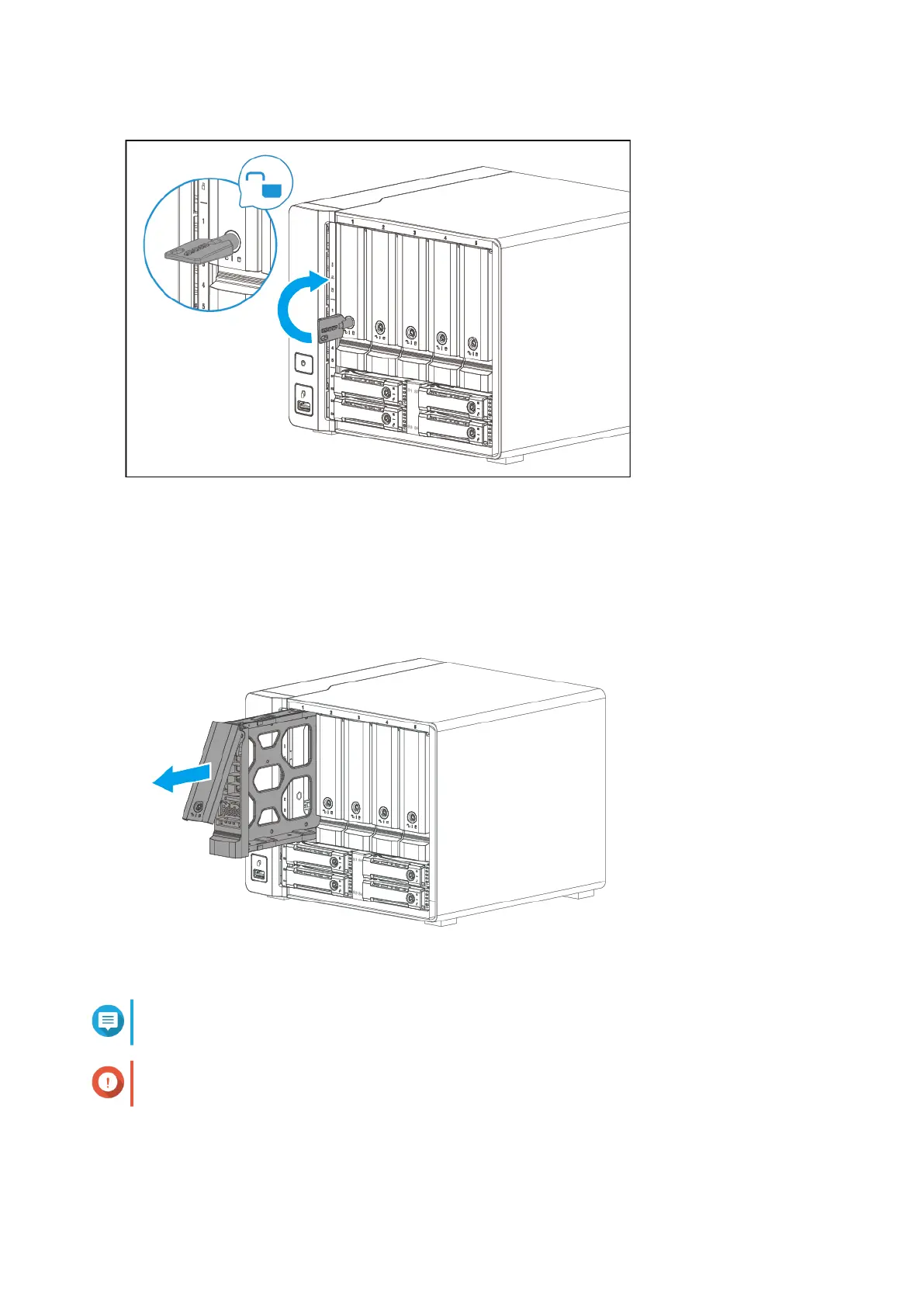
3. Remove the drive tray.
a. Pull the handle to release the tray.
b. Pull the tray out.
Note
The preinstalled drive trays come unlocked.
Important
Ensure the drive tray keys are stored in a safe place.
4. Install a drive on the tray.
a. Remove the right fastening panel from the drive tray.
TS-h973AX User Guide
Installation and Configuration 17



 To Next Page
 Loading...