Note
The preinstalled drive trays come unlocked.
Important
Ensure the drive tray keys are stored in a safe place.
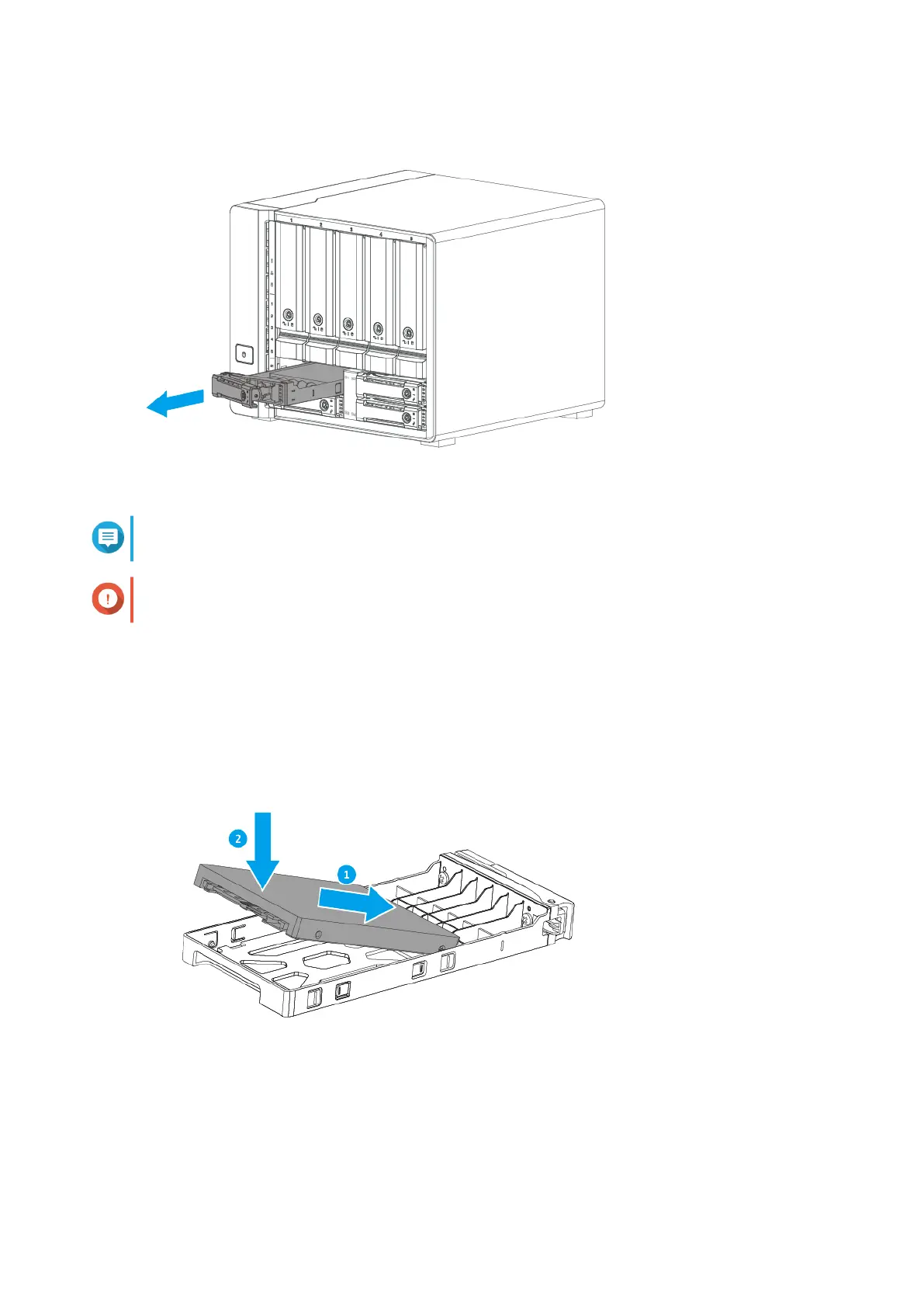
4. Install a drive on the tray.
a. Align the connector on the drive with the opening at the end of the tray.
b. Place the drive on the tray.
5. Load the tray into the bay.
a. Insert the tray into the bay.
TS-h973AX User Guide
Installation and Configuration 21


 To Next Page
 Loading...