Important
Use only all ECC memory modules, or all non-ECC memory modules. Installing both types
of memory modules will cause the ECC modules to perform as non-ECC modules.
Warning
• Observe electrostatic discharge (ESD) procedures to avoid damage to components.
•
Moving fan blades: Keep your hands and other body parts away from moving fan
blades.
•
Other moving components: Keep your hands and other body parts away from other
moving components.
1. Power off the device.
2. Disconnect the power cord from the electrical outlet.
3. Disconnect all cables and external attachments.
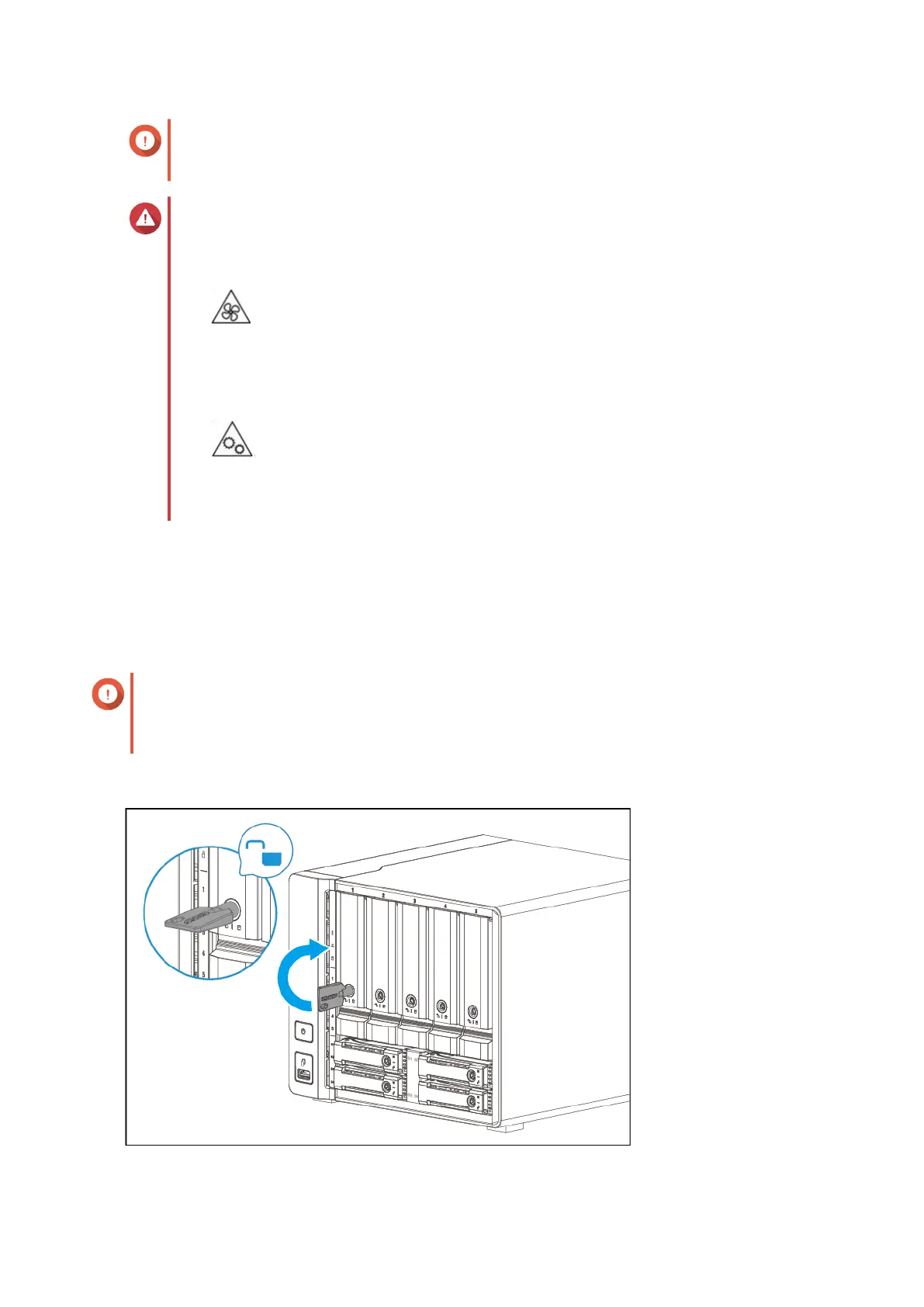
4. Remove each drive tray in bays 1 to 5.
Important
Remember the number of each drive. The drive trays will need to be returned to their original
bays.
For details, see Drive Numbering.
a. Optional: Unlock the tray.
TS-h973AX User Guide
Installation and Configuration 23


 To Next Page
 Loading...