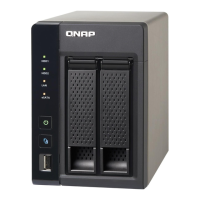
8. Place the NAS in its normal upright position.
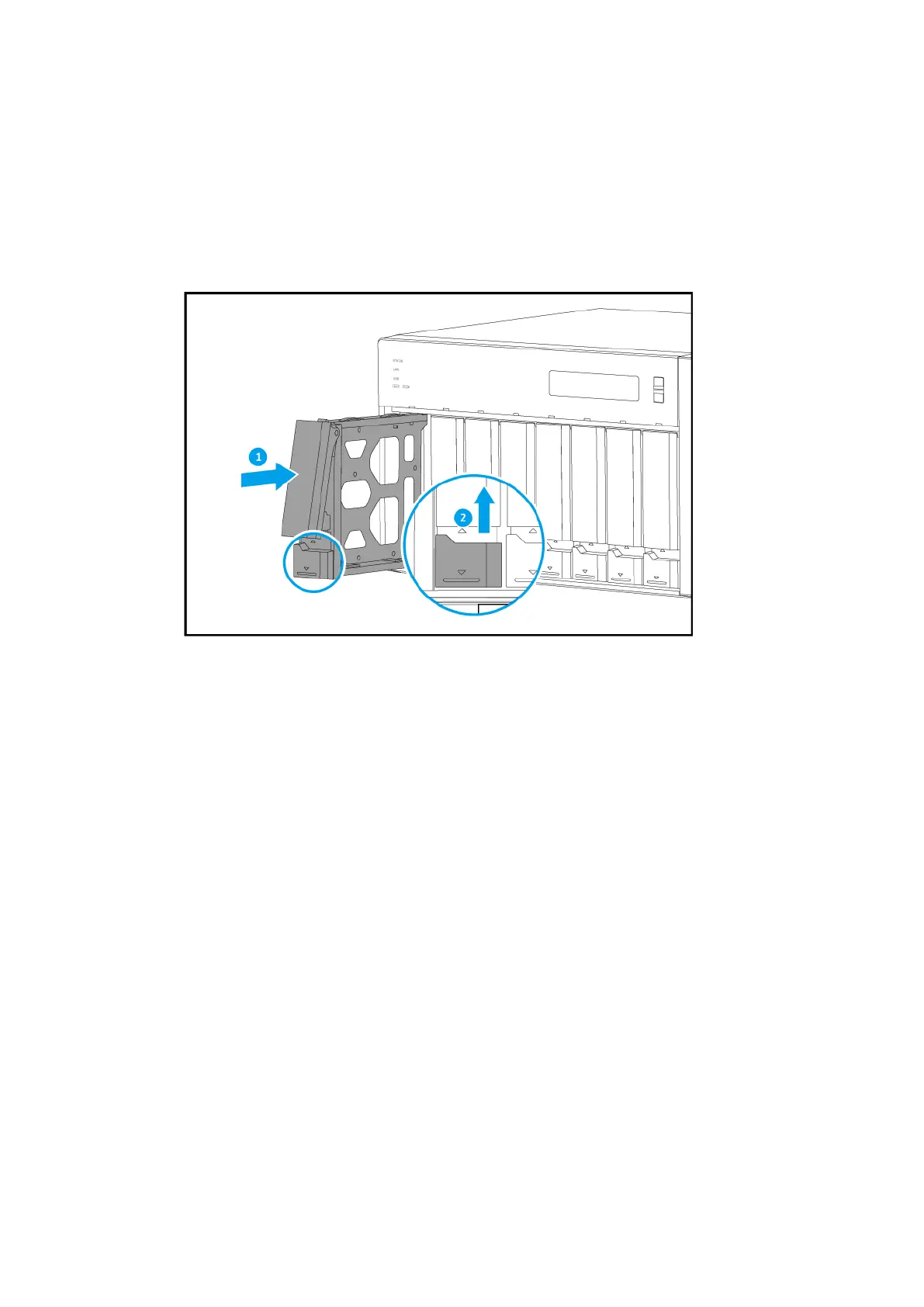
9. Load each drive tray back into the NAS.
a. Slide the tray into the drive bay.
b. Push the handle.
c. Slide the lock up.
10. Connect all cables and external attachments.
11. Connect the power cord to the electrical outlet.
12. Power on the NAS.
13. Verify that the module is recognized by the NAS.
a. Log on to QTS as administrator.
b. Go to Control Panel > System > System Status > Hardware Information.
c. Check the value for Total memory.
QTS Installation
The TVS-x72XT uses the QNAP QTS operating system. You can install QTS using any of the following
methods.
TVS-x72XT User Guide
Installation and Conguration 42



 To Next Page