2. Lower and hold the handle A to the left and remove the envelope(s) from the lower
envelope track.
3. Release the handle A.
4. If necessary, the envelopes and documents can be transported manually by turning
the blue knob C clockwise.
5. Turn the blue knob B clockwise to manually transport envelopes through the lower
envelope track.
6. Close the side cover.
7. Press the [Reset] button to reset the error and restart the job.
Feeder area
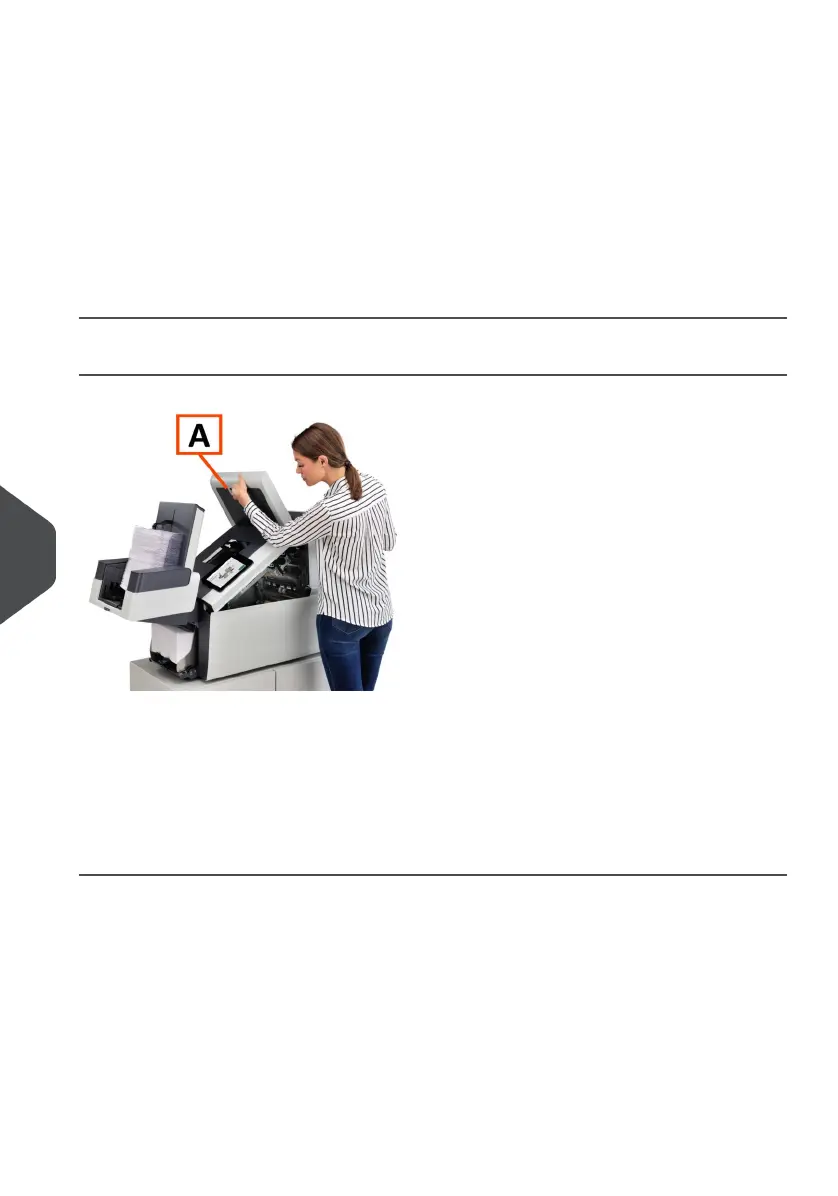
When a stoppage occurs in the Feeder area, remove the documents as follows:
Open the top cover A by pulling up the handle.1.
2. Remove the documents from the Feeder area.
3. Close the top cover A.
4. Press the [Reset] button to reset the error and restart the job.
134
| Page 134 | Jul-11-2022 07:45 | Fault Finding
10
English



 To Next Page