Quincy Compressor 49
Week timer menu
Menu icon, Week timer
Function
•Toprogramtimebasedstart/stopcommandsforthecompressor.
•Toprogramtimebasedchangeovercommandsforthenetpressureband.
•Fourdifferentweekschemescanbeprogrammed.
•Aweekcyclecanbeprogrammed,aweekcycleisasequenceof10weeks.Foreach
weekinthecycle,oneofthefourprogrammedweekschemescanbechosen.
Notice!
Important remark:
You can select different timers on one day.(up to 8 actions). It is however not possible to
program 2 actions at the same time. The solution: leave at least 1 minute in between 2 actions.
Example: Start Compressor: 5.00 AM, Pressure Setpoint 2: 5.01 AM (or later).
Procedure
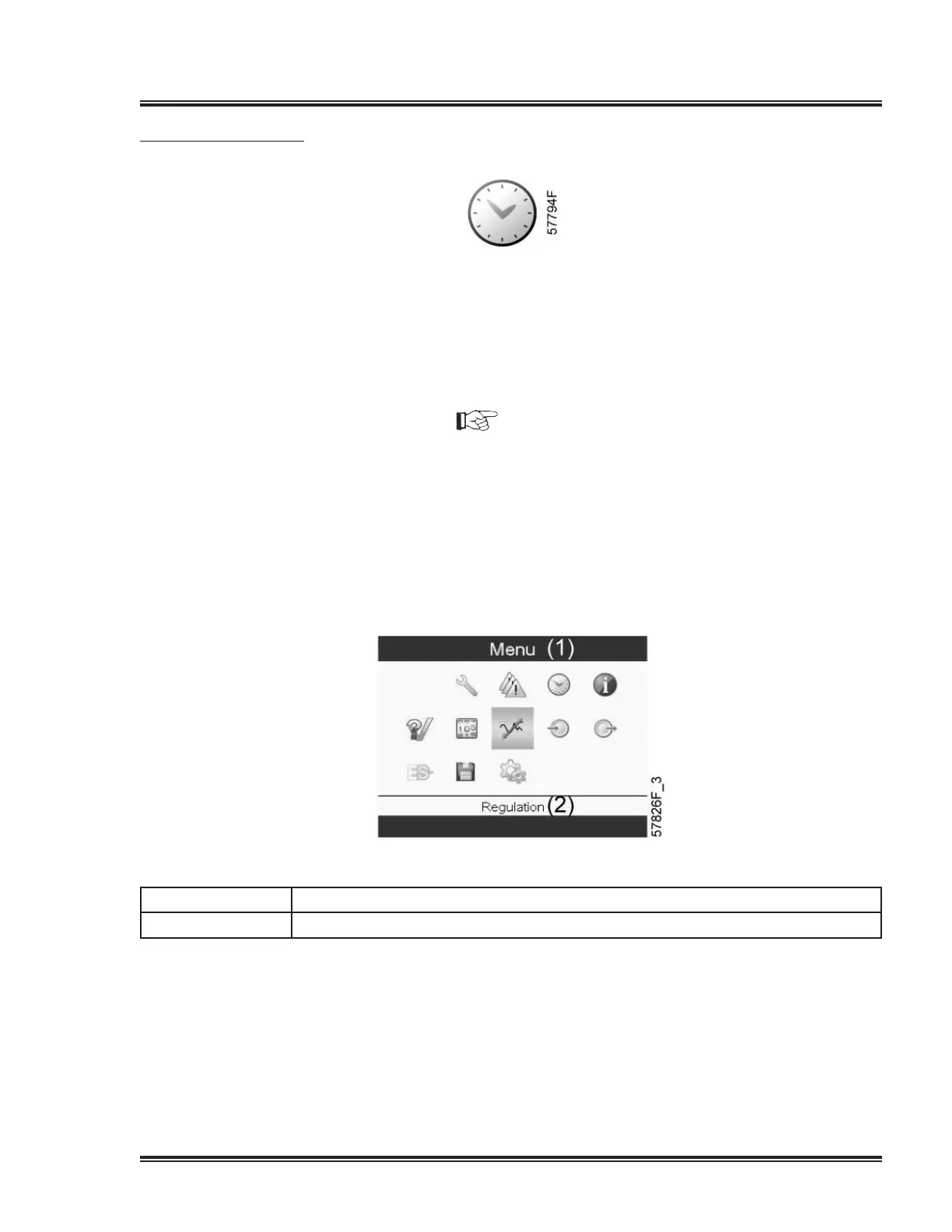
Starting from the Main screen,
•MovethecursortotheactionbuttonMenuandpresstheEnterkey.UsetheScroll
buttonstoselecttheTimericon.
Textonimage
(1) Menu
(2) Regulation
•PresstheEnterkeyonthecontroller.Followingscreenappears:


 To Next Page
 Loading...