Quincy Compressor 59
Test menu
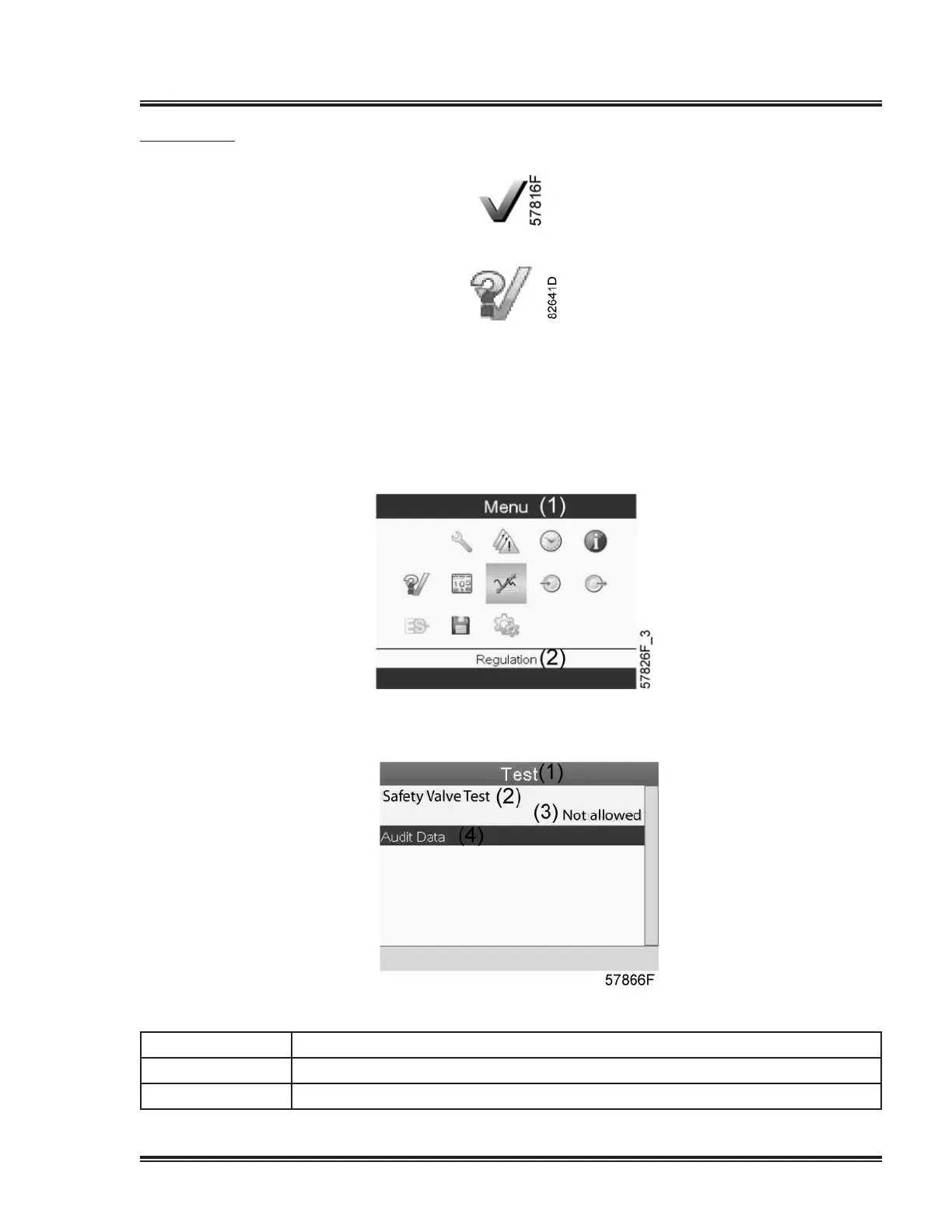
Menu icon, Test
or
Function
•Tocarryoutadisplaytest,i.e.tocheckwhetherthedisplayandLED’sarestillintact.
Procedure
Starting from the Main screen,
•MovethecursortotheactionbuttonMenuandpresstheEnterkey(2).Following
screenappears:
•Usingthescrollkeys,movethecursortothetesticon(seeabove)
•PresstheEnterkey,followingscreenappears:
Textonimage
(1) Test
(2)
SafetyValveTest
(3) Notallowed


 To Next Page
 Loading...