60 Quincy Compressor
(4) AuditData
•Thesafetyvalvetestcanonlybeperformedbyauthorizedpersonnelandisprotected
by a security code.
•Selecttheitemdisplaytestandpresstheenterkey.Ascreenisshowntoinspectthe
display,atthesametimeallLED’sarelit.
User password menu
Menu icon, Password
Function
Ifthepasswordoptionisactivated,itisimpossiblefornotauthorizedpersonstomodify
any setting.
Procedure
Starting from the Main screen,
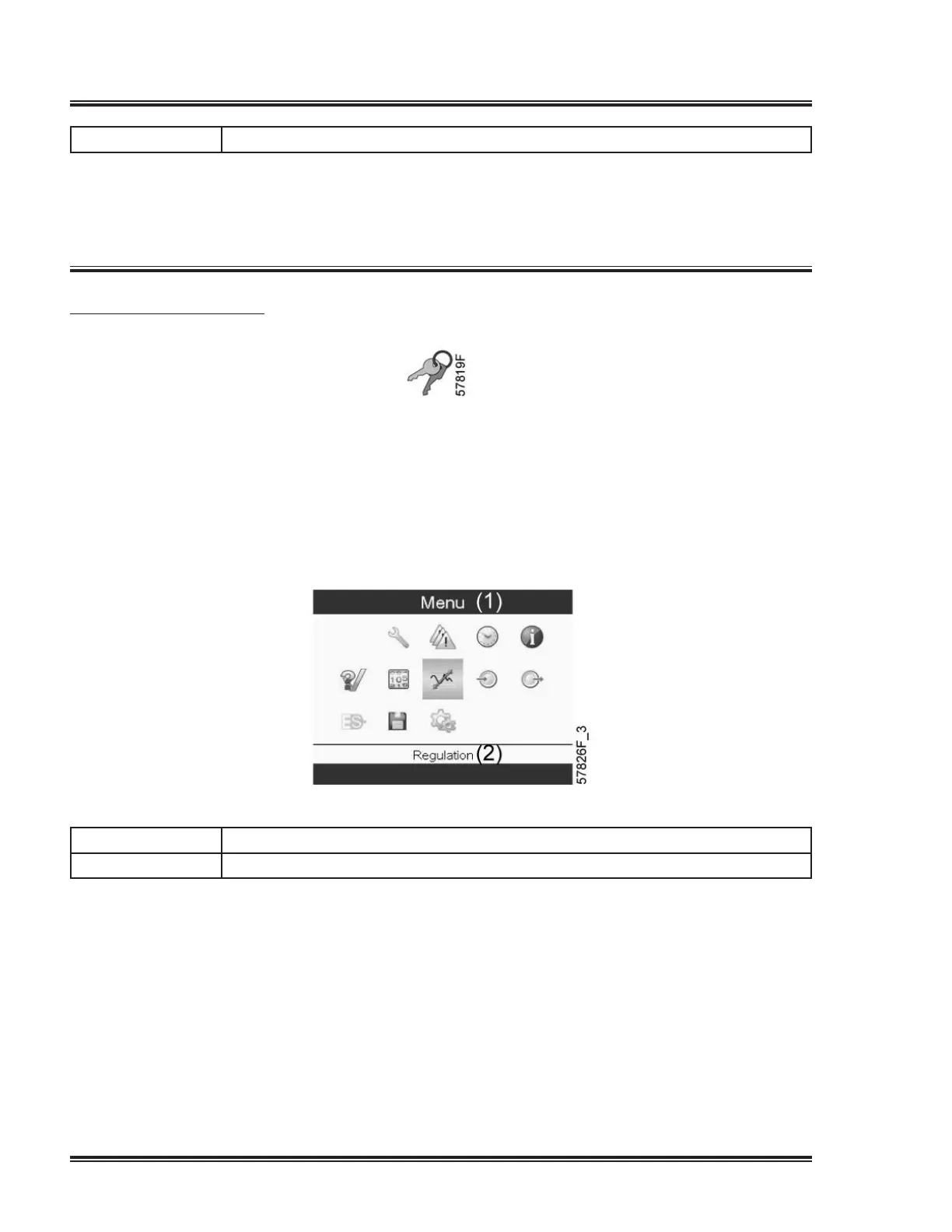
•MovethecursortotheactionbuttonMenuandpresstheEnterkey.Followingscreen
appears:
Textonimage
(1) Menu
(2) Regulation
•UsingtheScrollkeys,selecttheSettingsicon(seesectionGeneralsettingsmenu).
•PresstheEnterkey.Followingscreenappears:


 To Next Page
 Loading...