34
© 2023 Radiacode Ltd.
Stand-alone use of the device
There are three alarm thresholds for each of these sources in the Radiacode-10X series instrument:
If the current count rate, dose rate, or dose value crosses any of the thresholds from bottom to top, an
Alarm event occurs:
·
first threshold - Alarm 1;
·
second threshold - Alarm 2;
·
upper limit of the scale - over scale;
The values of alarm thresholds of the first and second level, separately for each of the sources, are set in
the device settings. They can be changed at your discretion.
The value of the third threshold is the upper limit of the scale of each of the measured values. These
thresholds cannot be changed through the menu.
The instrument constantly checks the current values of count rate, dose rate, accumulated dose and
compares them with the threshold values.
Exceeding any of the thresholds puts the instrument into the Alarm state.
Each Alarm Source defines one of 4 states:
·
Normal - value below the first threshold (no alarm);
·
Alarm 1 - value higher than the first threshold but not higher than the second;
·
Alarm 2 - value higher than the second threshold, but not higher than the third;
·
Over scale - value above the third threshold, going beyond the scale.
Exceeding the upper threshold by count rate leads to unreliability of dose rate estimation. In this case
the upper threshold for dose rate is also considered to be exceeded.
If any of the alarm thresholds for dose rate, count rate or accumulated dose is exceeded, the
corresponding alarm will be activated. To stop the alarm for any level, you need to confirm by briefly
pressing the round button that you have accepted the alarm. The instrument will continue to display
exceeding the set level with a flashing icon of the appropriate type. To terminate an alarm based on the
accumulated dose level, you must reset it to zero, or change the corresponding alarm threshold.
Each Alarm Event has corresponding Alarms associated with it:
·
audible alarm;
·
vibration signal;
Audio and vibration Alarms can be enabled/disabled in the Radiacode-10X series settings for each level
of any of the alarm sources independently.
On an Alarm Event, Radiacode-10X series will play the Alarms allowed in the settings.
You can stop playing the alarm by briefly pressing the round button.
The next Alarm Event will be signaled again.
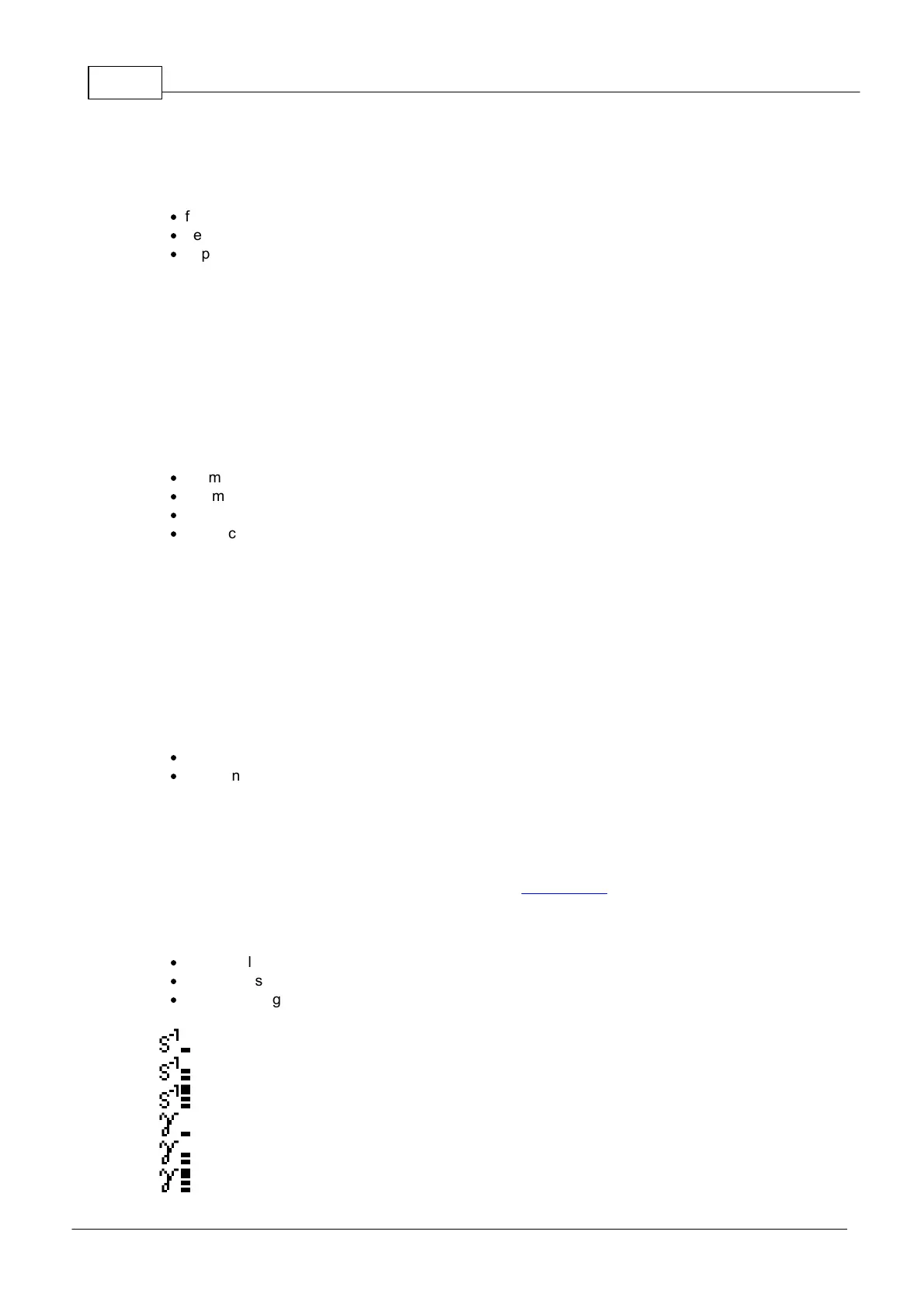
The Alarm Status is indicated by:
·
red LED flashes;
·
alarm icons on the status panel of the device display;
·
unacknowledged alarms status line.
Alarm 3 on Count Rate over scale.
Alarm 3 on Dose Rate over scale.



 To Next Page