Onboard LED indicators
29
SAS enable (SB5520DT1-SAS only)
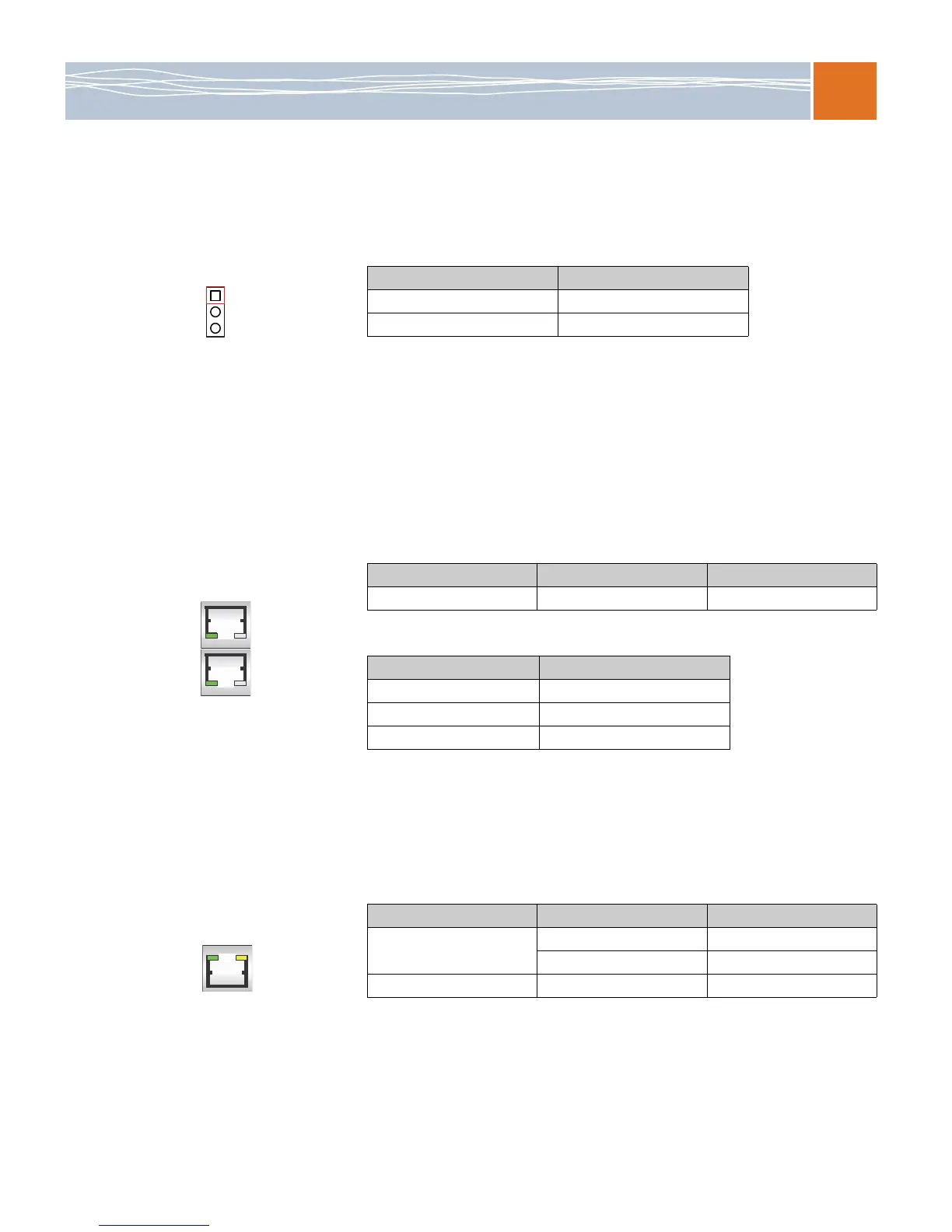
JPS1 allows you to enable or disable SAS connectors. The default position is on pins 1 and 2 to
enable SAS.
Onboard LED indicators
GLAN LEDs
Two LAN ports (LAN 1/LAN 2) are located on the IO backplane of the motherboard. Each
Ethernet LAN port has two LEDs. The green LED indicates activity, while the other link LED may
be green, amber or off to indicate the speed of the connections. See the tables below for more
information.
IPMI dedicated LAN LEDs
In addition to LAN 1/LAN 2, an IPMI Dedicated LAN is also located on the IO backplane of the
SB5520DT1. The amber LED on the right indicates activity, while the green LED on the left
indicates the speed of the connection. See the table below for more information.
Table 33. SAS enable/disable jumper settings
Jumper Setting Definition
Pins 1–2 Enabled (default)
Pins 2–3 Disabled
Table 34. LAN 1/LAN 2 activity LED (left) LED state
LED Color Status Definition
Green Flashing Active
Table 35. LAN 1/LAN 2 link LED (right) LED state
LED Color Definition
Off No connection or 10 Mbps
Green 100 Mbps
Amber 1 Gbps
Table 36. IPMI LAN link LED (left) and activity LED (right)
Color Status Definition
Link (left) Green: Solid 100 Mbps
Off No connection
Activity (right) Amber: Blinking Active



 To Next Page