Hardware Reference
32
Processors and heatsinks
See General specifications on page 12 for information about the Intel 5500/5600 series
processors.
W
ARNING: When handling the processor package, avoid placing direct pressure on the
label area of the fan.
Notes:
Always connect the power cord last, and always remove it before adding, removing, or
changing any hardware components. Be sure to install the processor into the CPU socket
before you install the CPU heatsink.
Make sure to install the motherboard into the chassis before you install the CPU heatsink
and heatsink fans.
When purchasing a motherboard without a 5500/5600 Series processor preinstalled, make
sure that the CPU socket plastic cap is in place, and none of the CPU socket pins are bent;
otherwise, contact your RadiSys representative immediately.
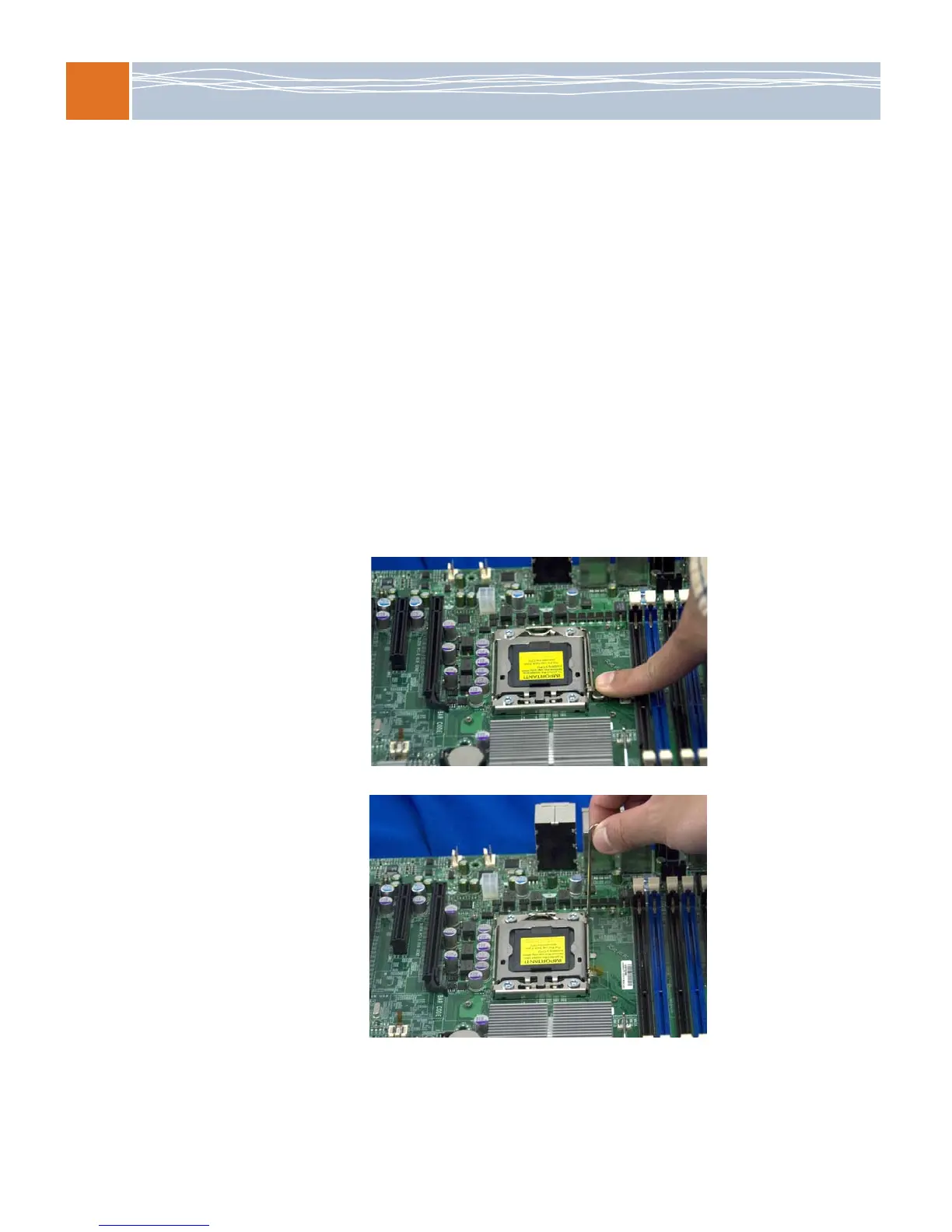
Processor installation
1. Press the socket clip to unlock it.
2. Gently lift the socket clip to free the load plate.



 To Next Page