BIOS Configuration
38
Main menu
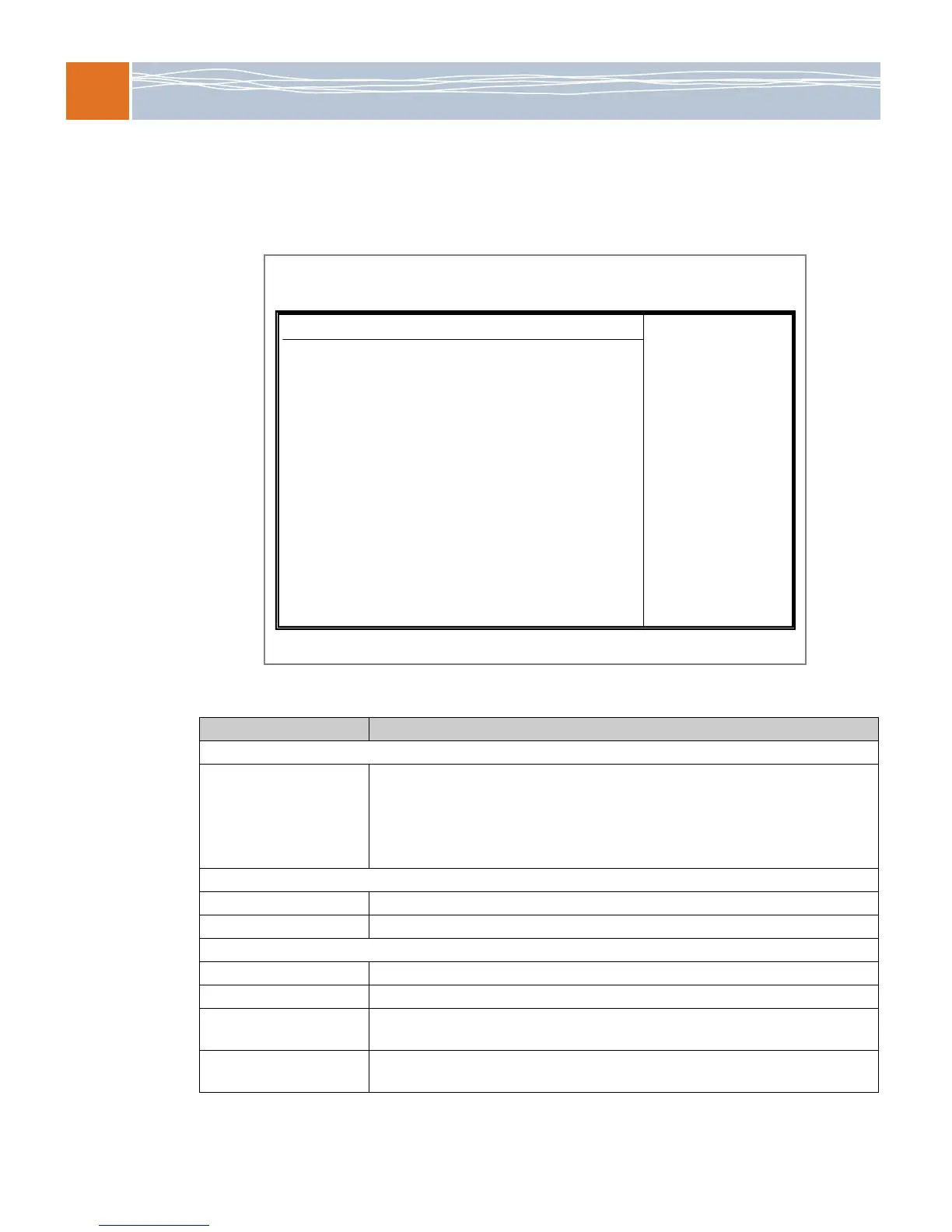
When you first enter the setup utility, the Main menu is selected. The options that appear on the
Main menu are described below.
Figure 8. Main menu
Table 42. Main menu options
BIOS item Usage
System Overview
System Time/System Date Use this option to change the system time and date. Highlight System Time or
System Date using the arrow keys. Enter new values using the keyboard and press
Enter. The date must be entered in Day MM/DD/YY format. The time must be
entered in HH:MM:SS format.
Note: The time is in the 24-hour format. For example, 5:30 P.M. appears as 17:30:00.
RadiSys SB5520DT1
Version This item displays the BIOS revision used in your system.
Build Date This item displays the date when this BIOS was completed.
Processor
CPU Type This item displays the type of CPU used in the motherboard.
Speed This item displays the speed of the CPU detected by the BIOS.
Physical Count This item displays the number of processors installed in your system as detected by
the BIOS.
Logical Count This item displays the number of CPU cores installed in your system as detected by
the BIOS.
BIOS SETUP UTILITY
Main Advanced Security Boot Exit
V02.67 (C)Copyright 1985-2009, American Megatrends, Inc.
System Overview
System Time [11:19:59]
System Date [Thu 04/30/2009]
RadiSys SB5520DT1
Version :1.0
Build Date :04/24/09
Processor
Intel(R) Xeon(R) CPU E5530 @ 2.40GHz
Speed :2400MHz
Physical Count :2
Logical Count :16
System Memory
Populated Size :6144MB
Available Size :613MB



 To Next Page