BIOS Configuration
62
Exit menu
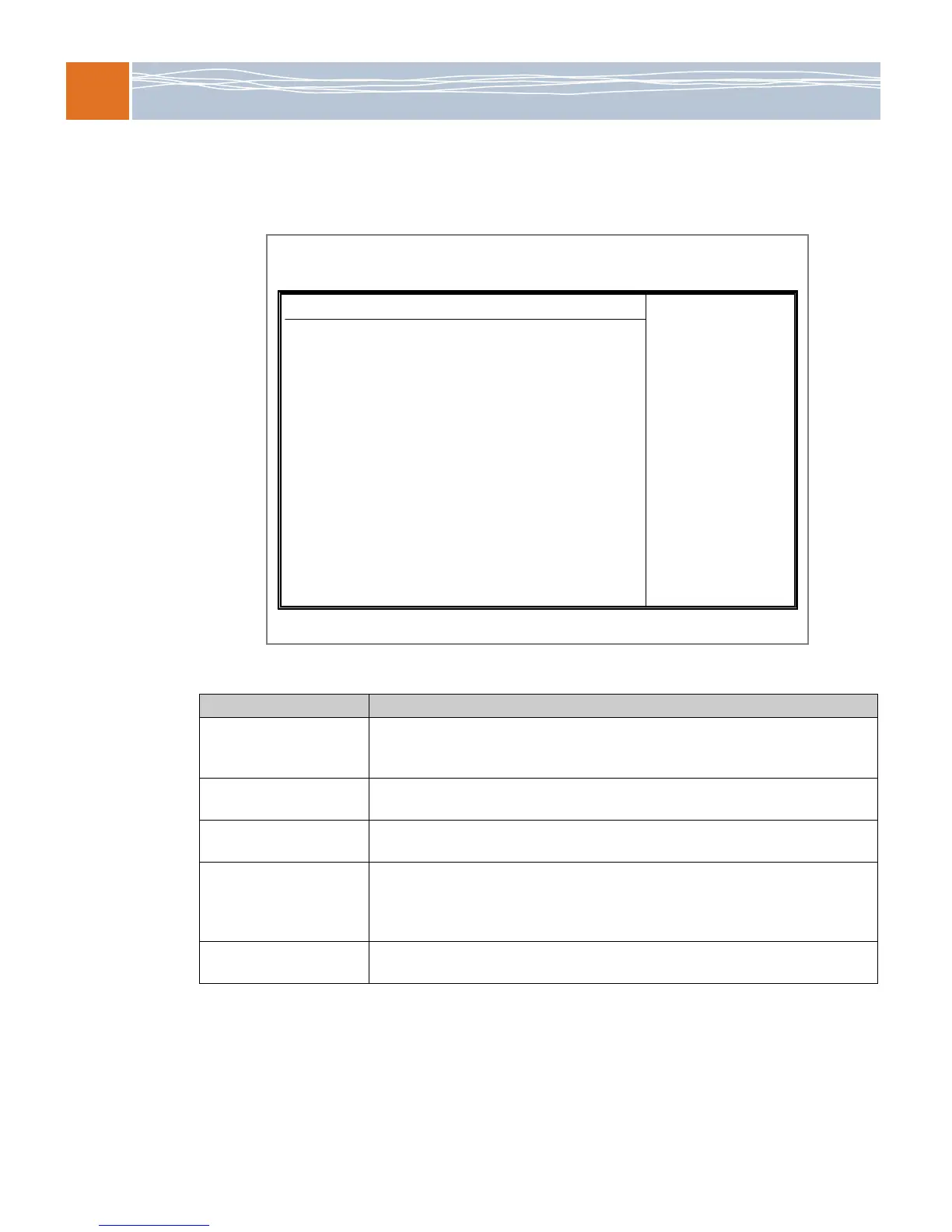
When you are ready to save or discard your changes, select the Exit menu.
Figure 12. Exit menu
Table 60. Exit menu options
BIOS item Usage
Save Changes and Exit When you have completed your system configuration changes, select this option
from the Exit menu and press Enter to leave the BIOS setup utility. This option
reboots the computer so the new system configuration parameters can take effect.
Discard Changes and Exit Select this option and press Enter to leave the BIOS setup utility without making any
permanent changes to the system configuration. This option reboots the computer.
Discard Changes Select this option and press Enter to discard all changes and to return to the BIOS
setup utility.
Load Optimal Defaults To set this feature, select this option from the Exit menu and press Enter. Select OK to
allow the AMI BIOS to automatically load optimal defaults to the BIOS settings. The
optimal settings are designed for maximum system performance, but may not be the
best for all computer applications.
Load Fail-Safe Defaults Select this option from the Exit menu and press Enter. The fail-safe settings are
designed for maximum system stability, but not for maximum performance.
BIOS SETUP UTILITY
Main Advanced Security Boot Exit
V02.67 (C)Copyright 1985-2009, American Megatrends, Inc.
Exit Options
Save Changes and Exit
Discard Changes and Exit
Discard Changes
Load Optimal Defaults
Load Failsafe Defaults



 To Next Page