Processors and heatsinks
35
Heatsink installation
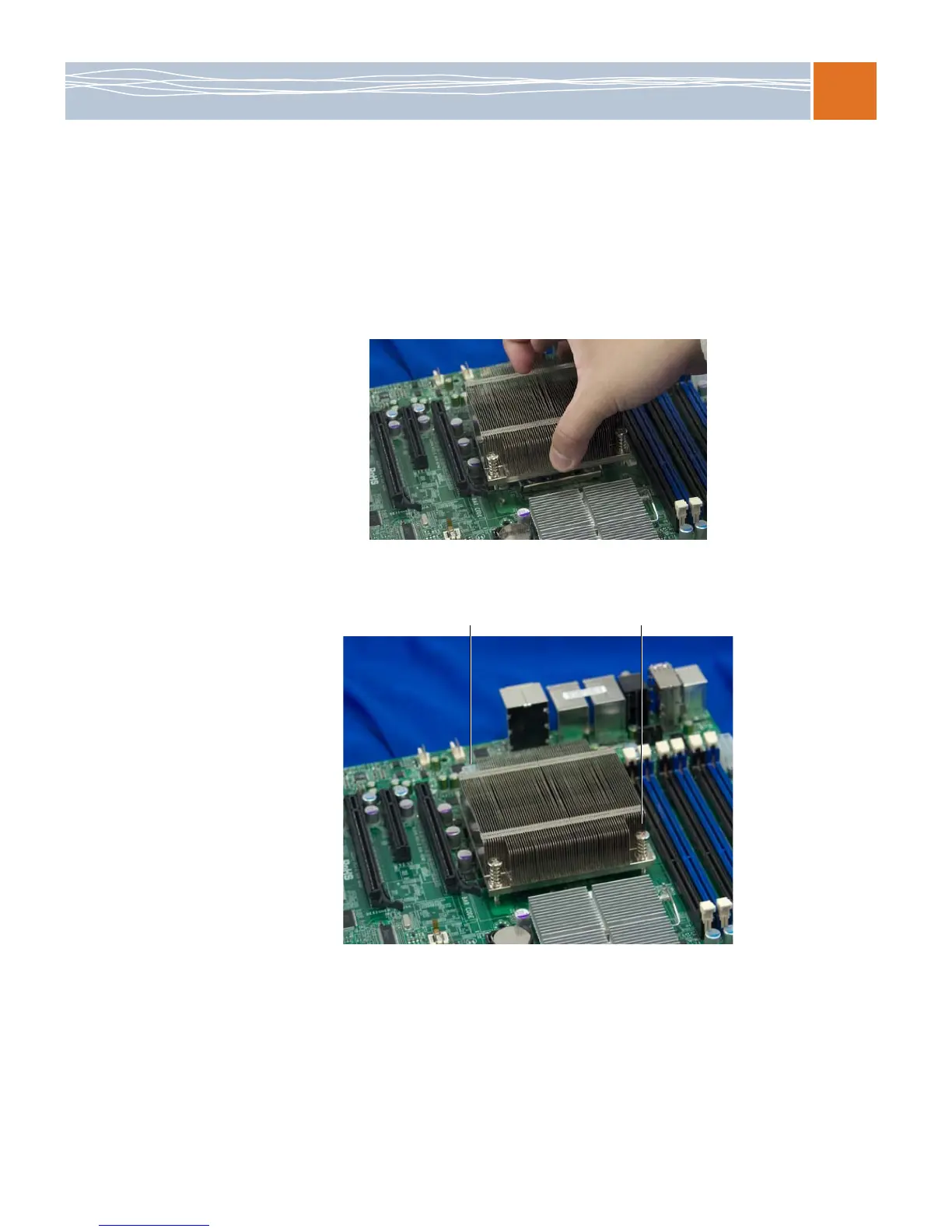
This procedure demonstrates how to install a passive heatsink. To install an active heatsink
(“fansink”), plug the fan’s power connector into the nearest fan header after completing step 3.
Refer to the board layout diagram on page 10 for fan header locations.
Important: Do not apply thermal grease to the heatsink or the CPU, because the required
amount has already been applied.
1. Place the heatsink on top of the CPU, so that the four mounting holes are aligned with
those on the retention mechanism.
2. Install two screws (#1 and #2 in the illustration), and tighten them until just snug. To avoid
possible damage to the CPU, do not fully tighten the screws yet.
3. Install the other two screws, and tighten them until just snug.
4. Finish the installation by fully tightening all four screws.



 To Next Page