Hardware Reference
34
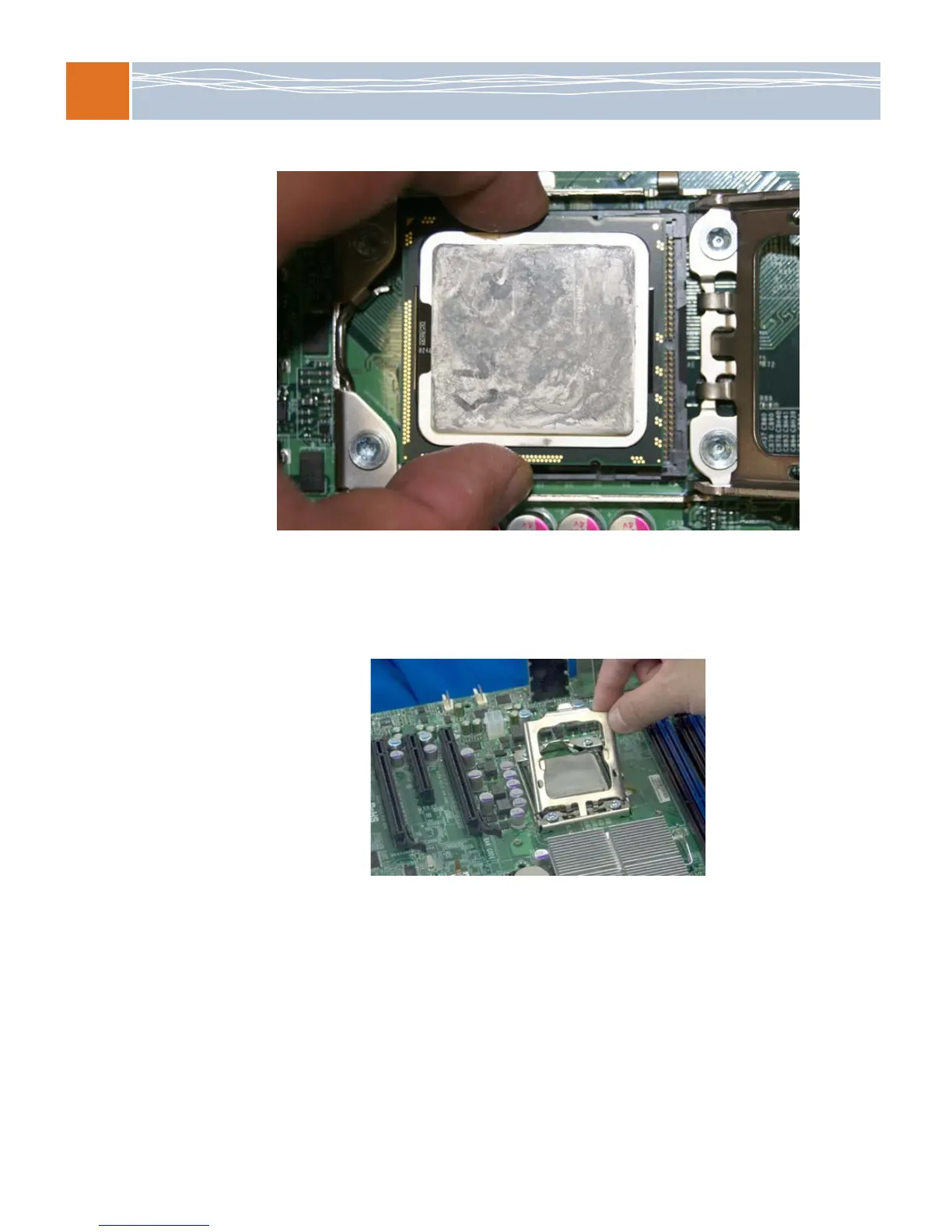
6. Once the CPU and socket are aligned, carefully lower the CPU straight down into the socket.
W
ARNING: To avoid damaging the CPU or the socket, be careful not to rub the CPU
against the surface of the socket or its pins.
7. With the CPU seated in the socket, inspect the four corners of the CPU to make sure that
the CPU is properly installed.
8. Once the CPU is securely seated on the socket, lower the CPU load plate to the socket.
9. Swing the socket clip down, and gently push it into the locked position.
W
ARNING: Be sure to save the plastic cap. If shipment of the motherboard becomes
necessary, the plastic cap must be properly installed; otherwise, the socket pins will be
damaged.



 To Next Page