Boot menu
61
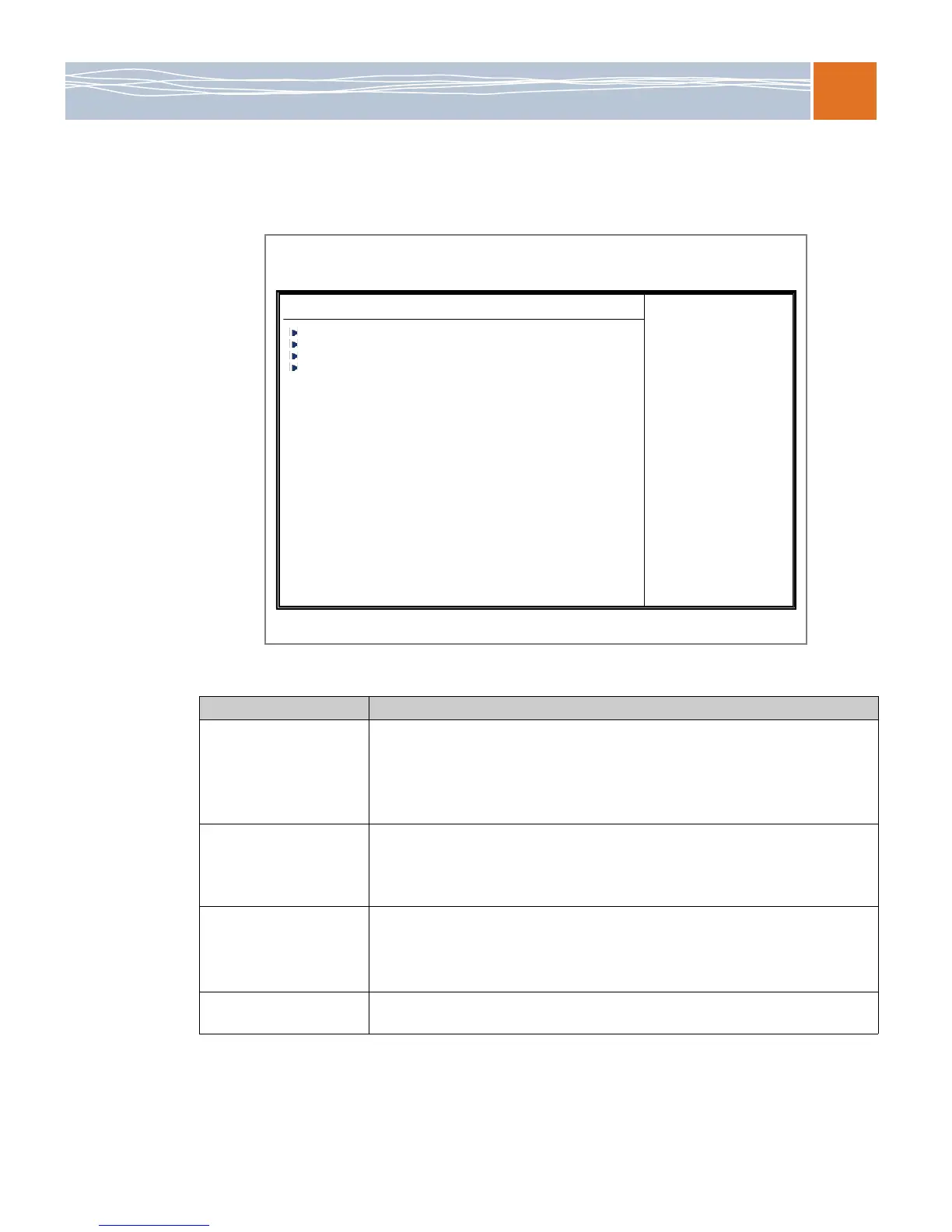
Boot menu
Use this menu to configure boot settings.
Figure 11. Boot menu
Table 59. Boot menus options
BIOS submenu Usage
Boot Device Priority This feature enables you to specify the sequence of priority for the boot device. The
settings are 1st boot device, 2nd boot device, 3rd boot device, 4th boot device, 5th
boot device and Disabled.
1st Boot Device – [USB: XXXXXXXXX]
2nd Boot Device – [CD/DVD: XXXXXXXXX]
Hard Disk Drives This feature enables you to specify the boot sequence from all available hard disk
drives. The settings are Disabled and a list of all hard disk drives that have been
detected (for example, 1st Drive, 2nd Drive, 3rd Drive, and so on).
1st Drive – [SATA: XXXXXXXXX]
Removable Drives This feature enables you to specify the boot sequence from available removable
drives. The settings are 1st boot device, 2nd boot device, and Disabled.
1st Drive – [USB: XXXXXXXXX]
2nd Drive
CD/DVD Drives This feature enables you to specify the boot sequence from available CD/DVD drives
(for example, 1st Drive, 2nd Drive, and so on).
BIOS SETUP UTILITY
Main Advanced Security Boot Exit
V02.67 (C)Copyright 1985-2009, American Megatrends, Inc.
Boot Settings
Boot Device Priority
Hard Disk Drives
Removable Drives
CD/DVD Drives



 To Next Page