BIOS recovery
65
7. To use Hyper Terminal to transfer the XModem protocol, follow the instructions below to
complete XModem transfers.
A. From the Transfer menu, select Send File.
B. Specify the location of the ROM file and select XModem as the protocol.
C. Press Send to start ROM file extraction.
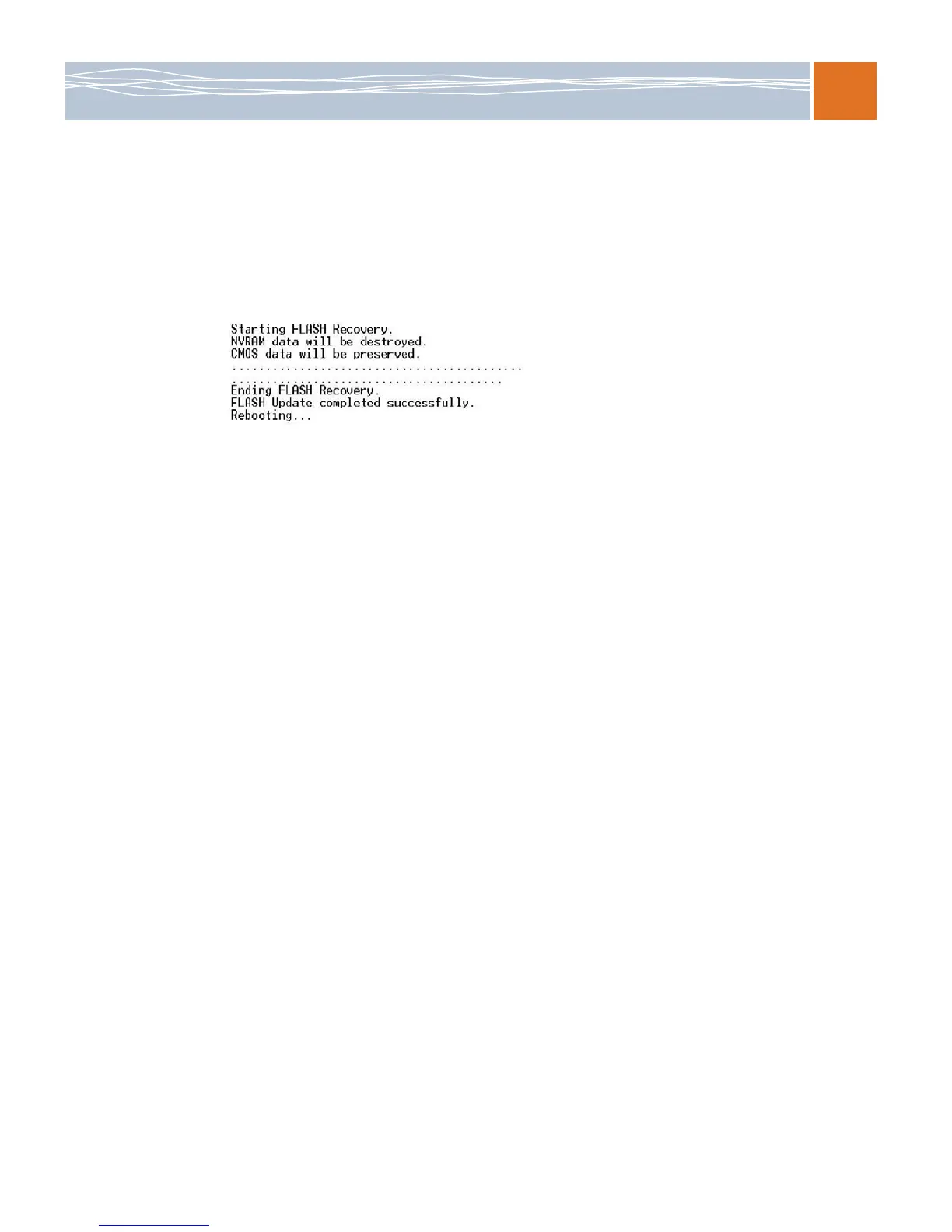
Once the ROM file extraction is completed, the message “New BIOS received OK” appears:
8. Once remote BIOS flash is completed, the system reboots.
Note: AMIBIOS Serial Flash will work with any terminal communications program that
supports VT-100 and XModem protocols, including protocols designed for GNU/LINUX and
BSD operating systems such as minicom. It is recommended that the terminal program be
configured to use the CR/LF style of line termination.



 To Next Page