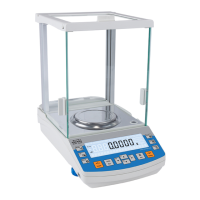
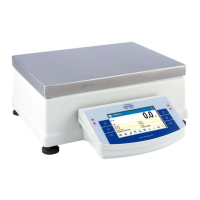
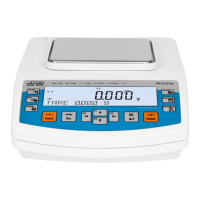
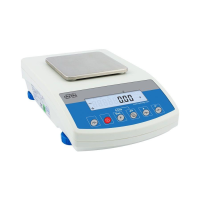
4. BALANCE DESCRIPTION
4.1. Graphic display
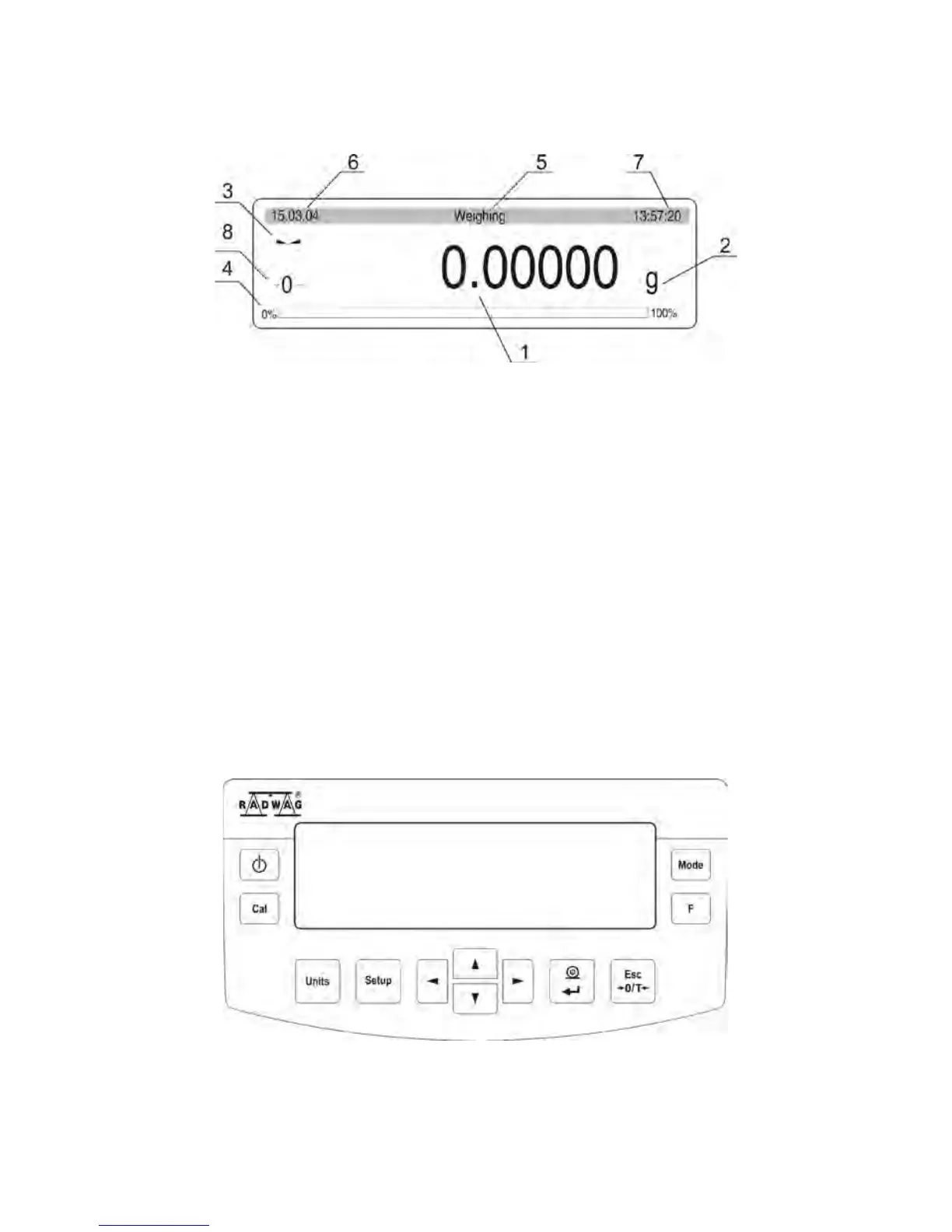
Fig. 3. Balance display
1. Mass indication of weighed load or counted parts,
2. Measuring unit,
3. Pictogram denoting whether measurement result is stable,
4. „BARGRAPH” presenting which part of accessible measuring range is in use,
5. Text informing on enabled working mode,
6. Current date,
7. Current time,
8. Pictogram denoting, that the indication is in precise ZERO.
4.2. Keyboard
Each button of the balance’s keyboard operates as a dual-function key, i.e. it can either
carry out a specific function or be used to move in balance’s menu structure.


 To Next Page
 Loading...