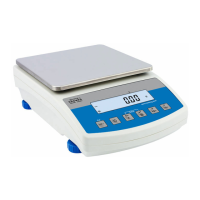
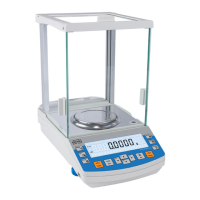
5.1. Moving through the menu
Moving in the user menu can be carried out using:
- Balance keyboard,
- External PC keyboard PS/2 type connected to balance’s socket,
- Commands sent from a connected computer to a balance
5.1.1.
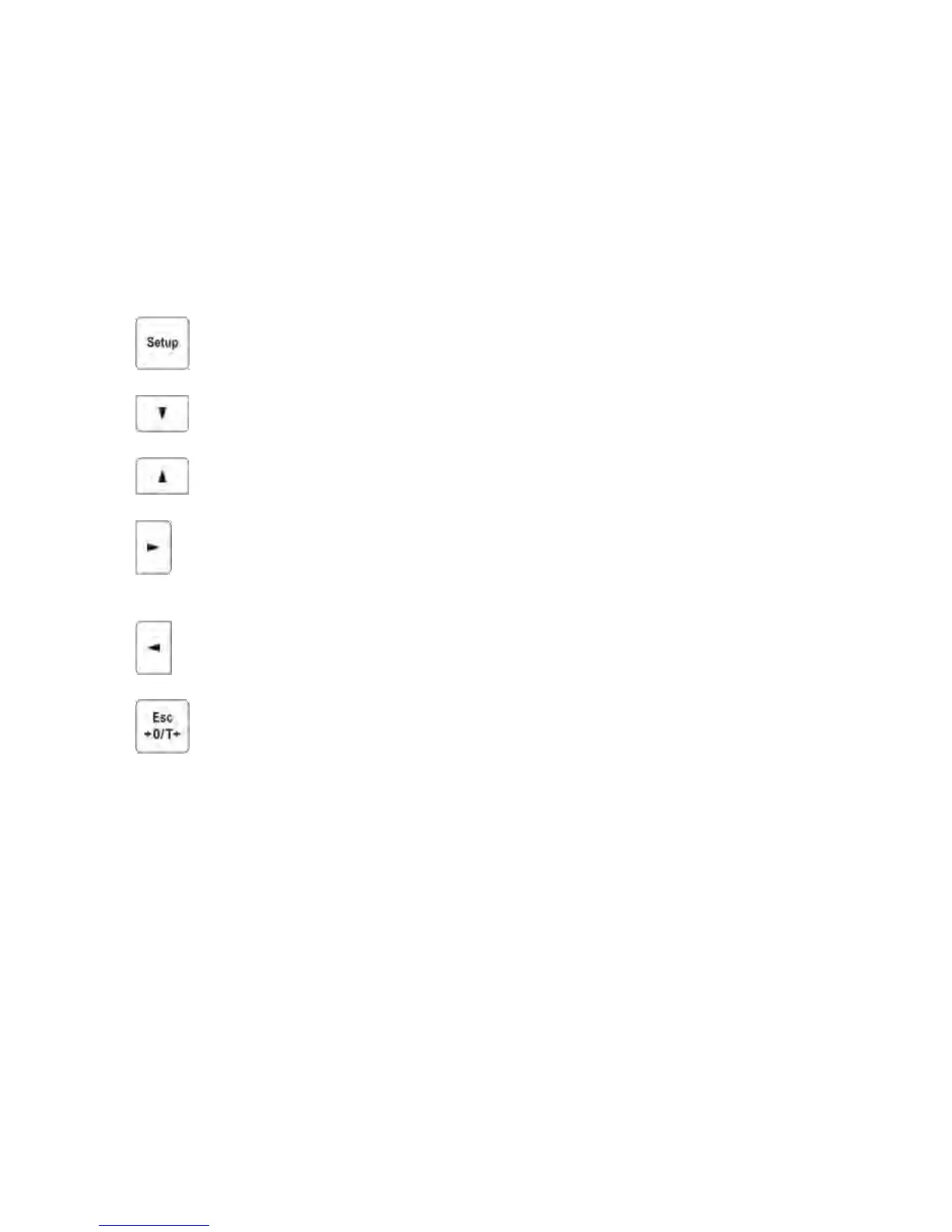
Moving in the user menu using balance keyboard
Setup key. Entering balance’s main menu
Moving the cursor down in the menu list
Moving the cursor up in the menu list
Selecting submenu for activating. On pressing the key, the display
indicates the content of a selected group.
Exit to previous menu level, e.g. to main menu
Esc/TARE key. Abandon parameter changes


 To Next Page
 Loading...