MiniRAE Lite User’s Guide
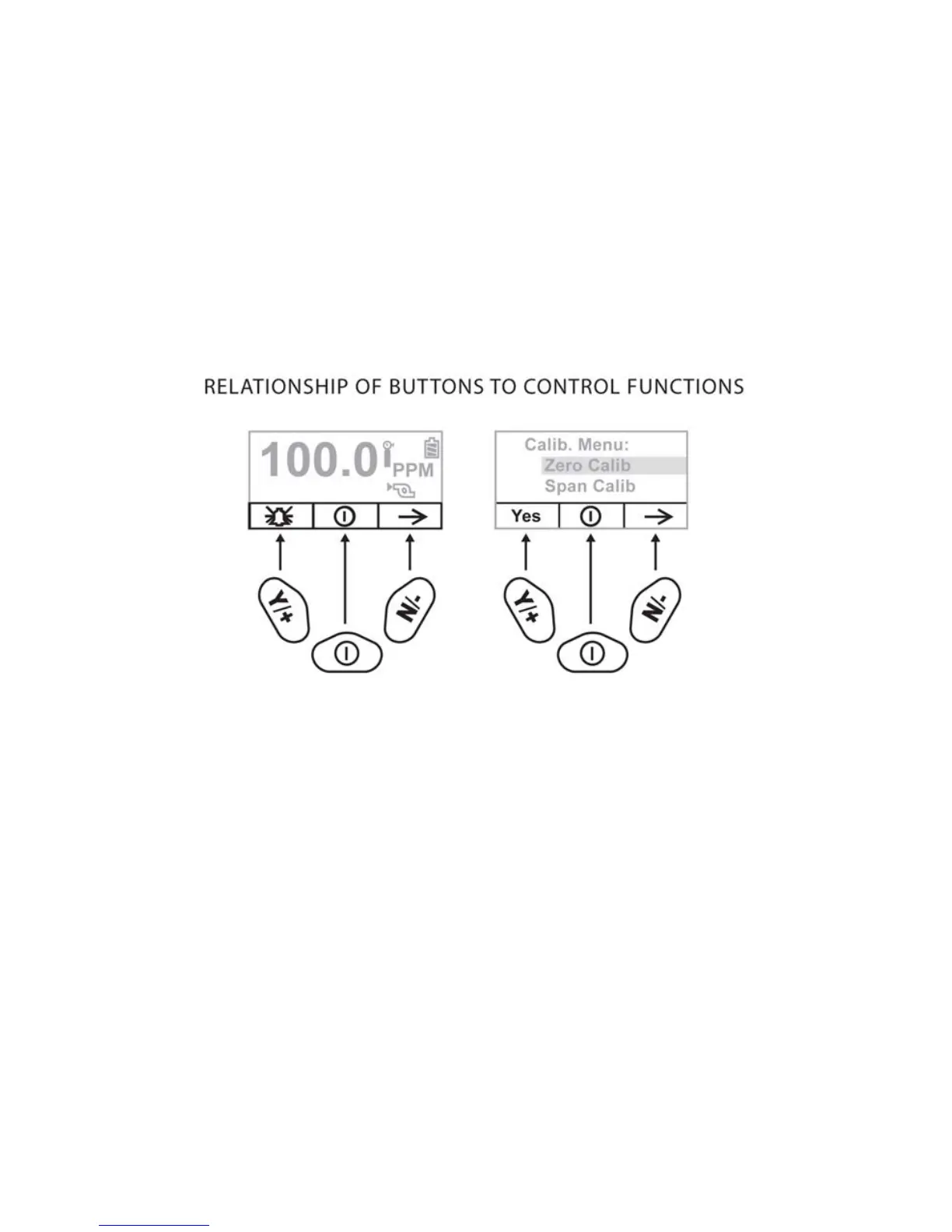
menu, each key controls a different parameter or makes a different
selection.
Three panes along the bottom of the display are “mapped” to the
keys. These change as menus change, but at all times the left pane
corresponds to the [Y/+] key, the center pane corresponds to the
[MODE] key, and the right pane corresponds to the [N/-] key. Here
are three examples of different menus with the relationships of the
keys clearly shown:
18



 To Next Page