MiniRAE Lite User’s Guide
Entering Calibration
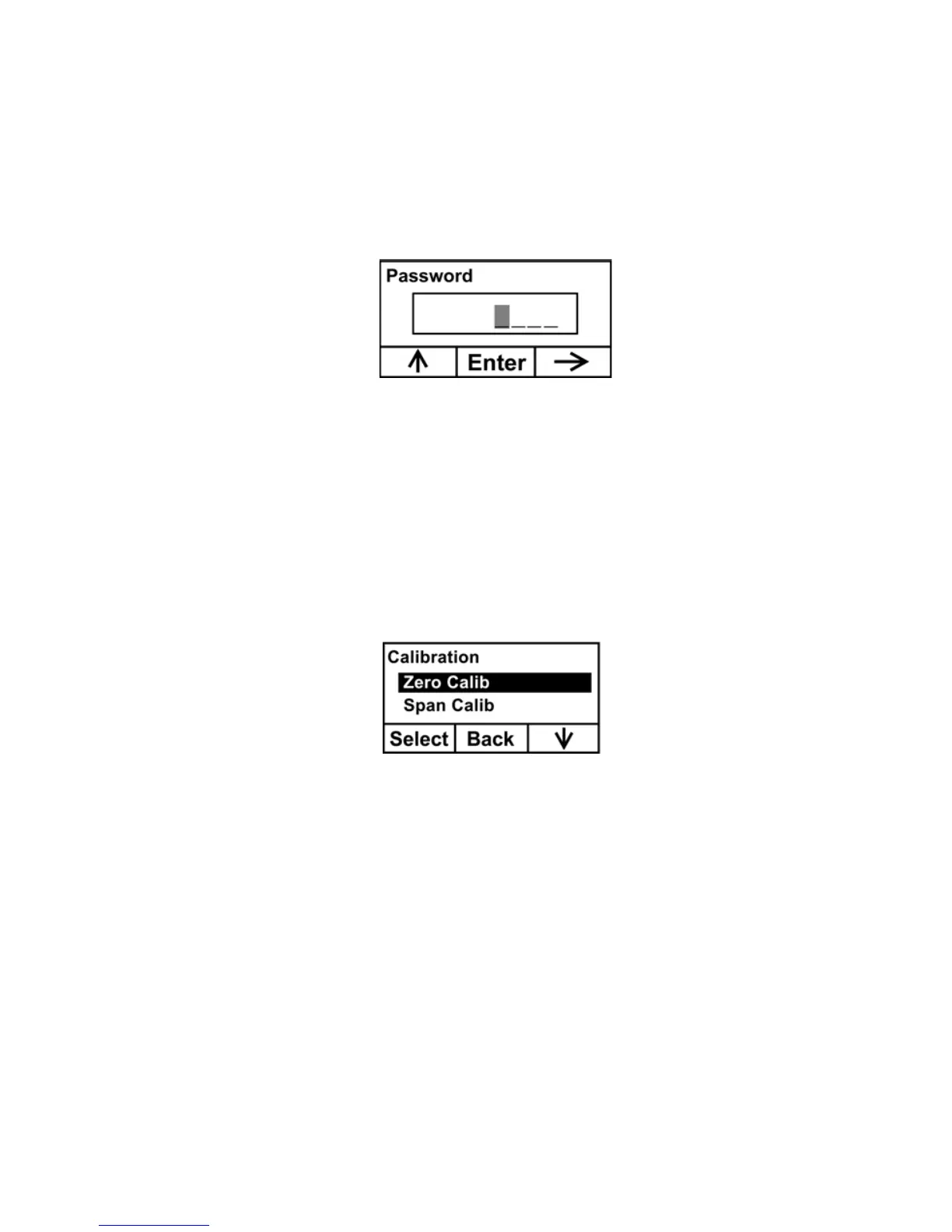
1. Press and hold [MODE] and [N/-] until you see the Password
screen.
2. You do not need a password to perform calibrations. Instead of
inputting a password, enter calibration by pressing [MODE].
Note: If you inadvertently press [Y/+] and change any of the
numbers, simply press [MODE] and you will be directed to the
calibration menu.
The Calibration screen is now visible with Zero Calibration
highlighted.
These are your options:
• Press [Y/+] to select the highlighted calibration (Zero Calib
or Span Calib).
• Press [MODE] to exit calibration and return to the main
display and resume measurement.
• Press [N/-] to toggle the highlighted calibration type.
31



 To Next Page