MiniRAE Lite User’s Guide
28 Programming Mode Menus
The Programming Mode allows anyone with the password to change the
instrument’s settings, calibrate the instrument, enter user information,
etc. Programming Mode has three menus. Each menu includes several
sub-menus to perform additional programming functions.
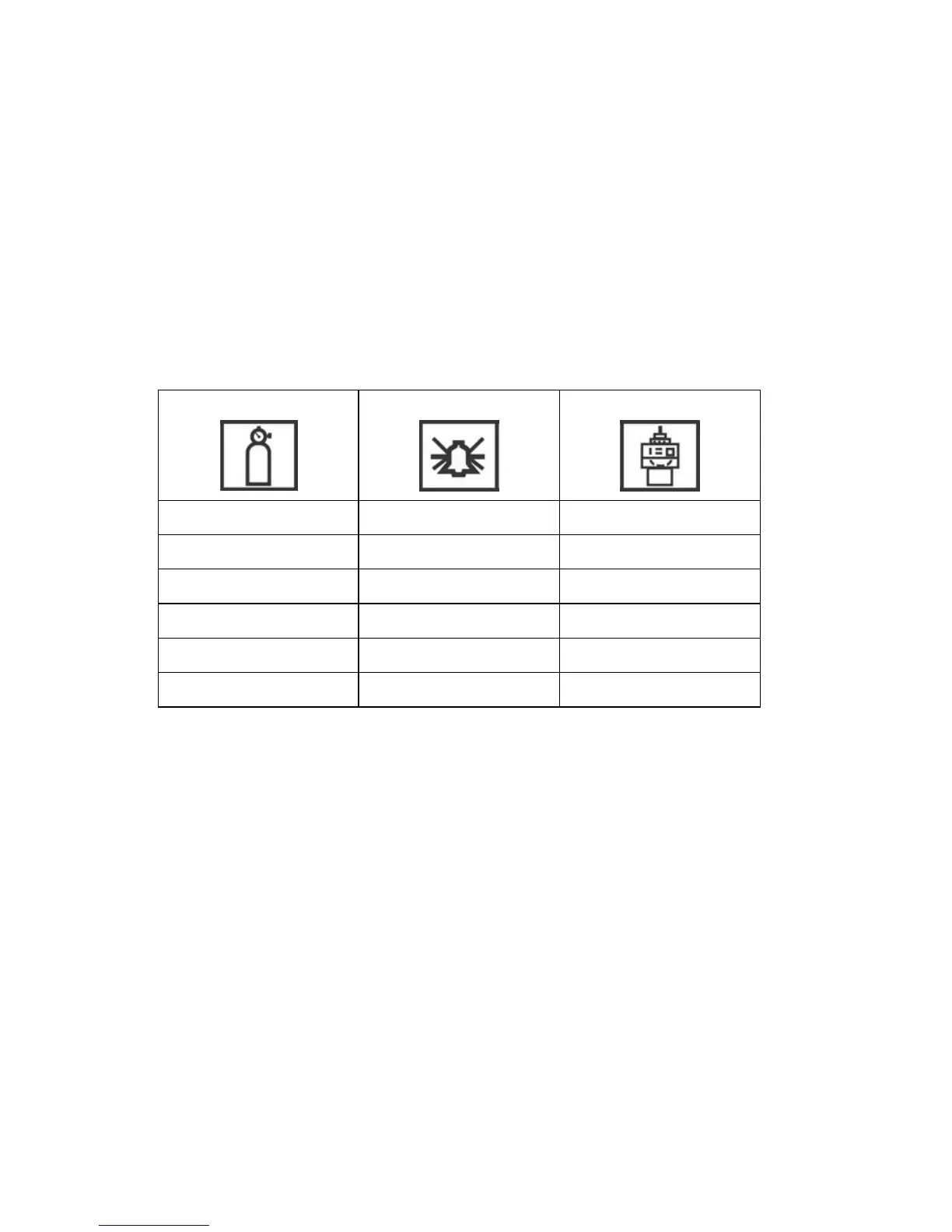
This table shows the menus and sub-menus:
Calibration Alarm Setting Monitor Setup
Zero Calibration High Alarm Date
Span Calibration Low Alarm Time
Alarm Type Language
Buzzer & Light Power On Zero
LCD Contrast
Once you enter Programming Mode, the LCD displays the first menu,
Calibration. Each subsequent menu is accessed by pressing [N/-]
repeatedly until the desired menu is displayed. To enter a sub-menu
of a menu, press [Y/+].
38



 To Next Page