MiniRAE Lite User’s Guide
Exiting Programming Mode
To exit Programming Mode and return to normal operation, press
[MODE] once at any of the programming menu displays. You will
see “Updating Settings…” as changes are registered and the mode
changes.
Navigating Programming Mode Menus
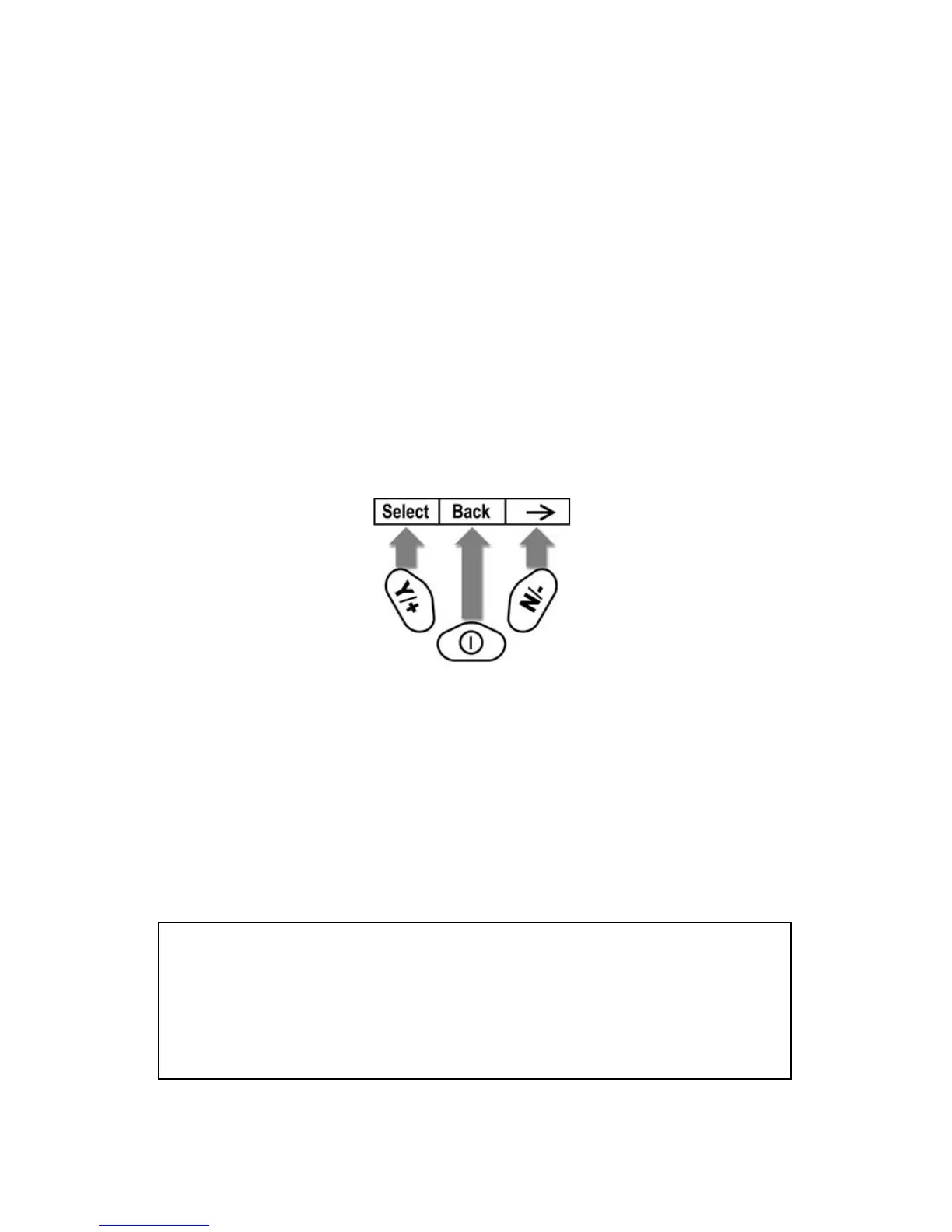
Navigating through the Programming Mode menus is easy and
consistent, using a single interface format of “Select,” “Back” and
“Next” at the top level. The three control buttons correspond to these
choices as shown:
Note: Pressing [MODE] in the Programming Mode’s top level causes
the instrument to exit Programming Mode and return to monitoring.
The three keys perform the following functions in Programming Mode:
29 Key Function in Programming
Mode
[MODE]: Exit menu when pressed momentarily or exit
data entry mode
[Y/+]: Increase alphanumerical value for data entry or
confirm (yes) for a question
[N/-]: Provides a “no” response to a question
39



 To Next Page