MiniRAE Lite User’s Guide
Exiting Two-Point Calibration
When you are done performing calibrations, press [MODE], which
corresponds with “Back” on the display. You will see the following
message:
Updating settings…
The instrument updates its settings and then returns to the main
display. It begins or resumes monitoring.
27 Programming Mode
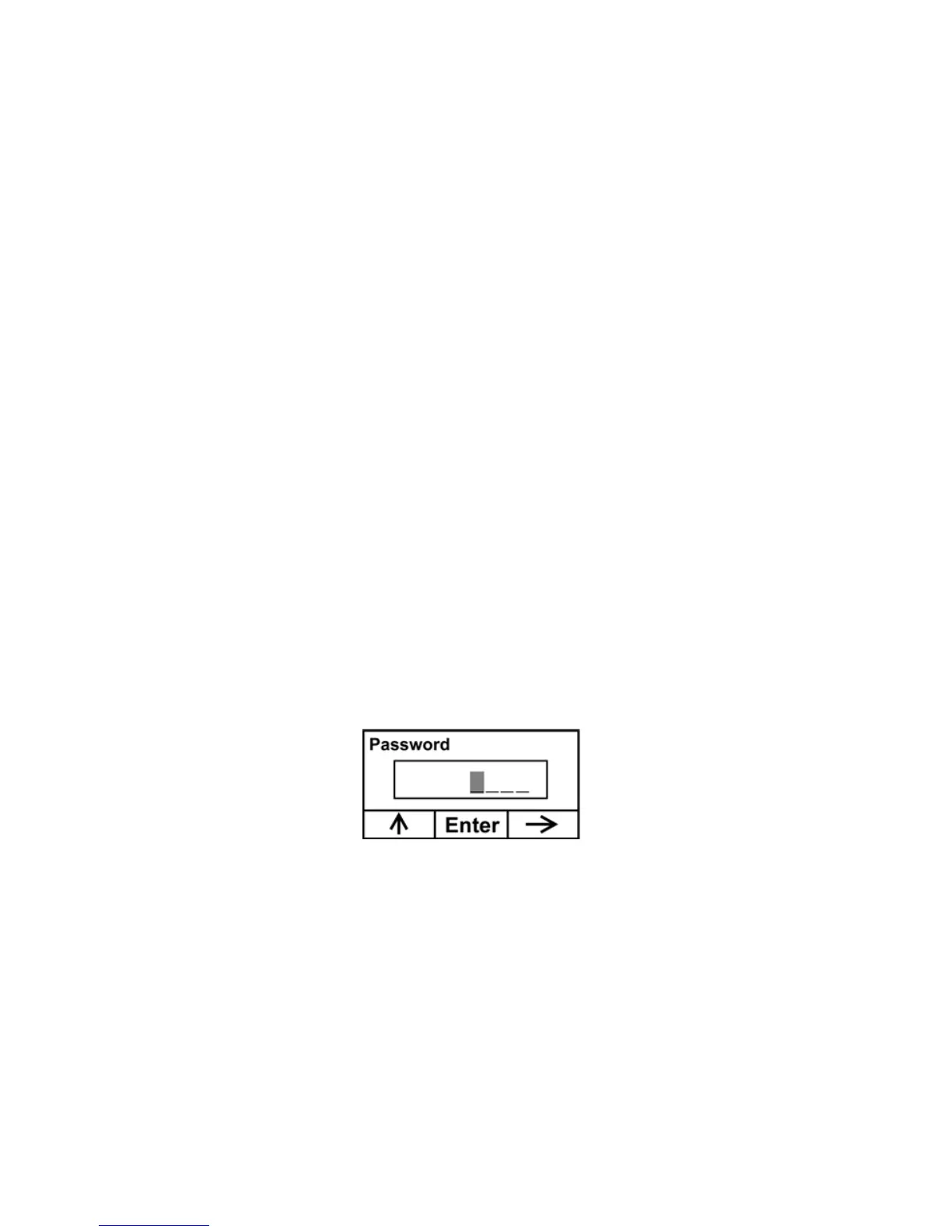
You must provide a 4-digit password to enter Programming Mode.
Entering Programming Mode
1. Press and hold [MODE] and [N/-] until you see the Password
screen.
2. Input the 4-digit password:
• Increase the number from 0 through 9 by pressing [Y/+].
• Step from digit to digit using [N/-].
• Press [MODE] when you are done.
If you make a mistake, you can cycle through the digits by pressing
[N/-] and then using [Y/+] to change the number in each position.
36



 To Next Page