MiniRAE Lite User’s Guide
Note: The default password is 0000.
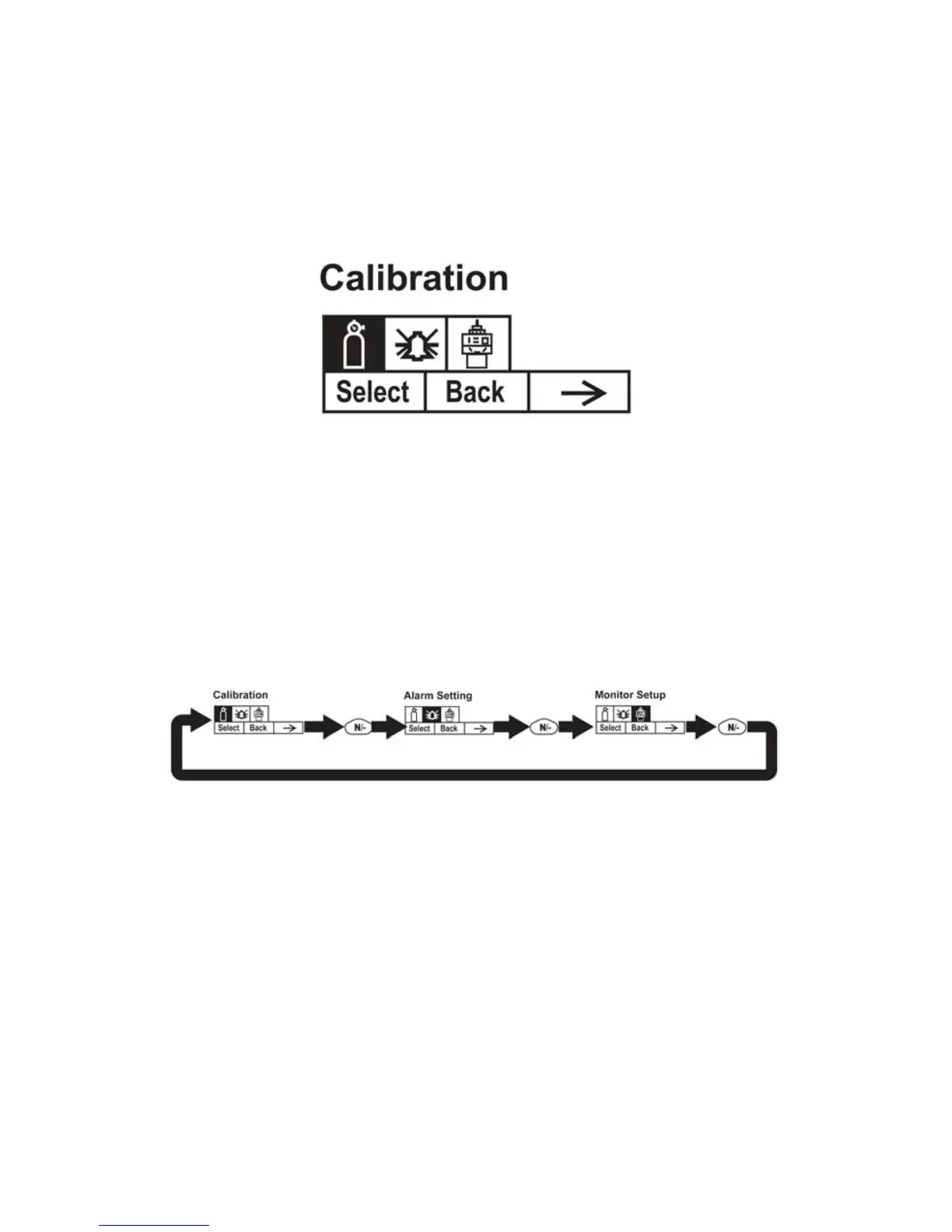
When you have successfully entered Programming Mode, you see
this screen:
Note: The password can only be changed by connecting the
instrument to a PC running ProRAE Studio software. Follow the
instructions in ProRAE Studio to change it.The Calibration label is
shown and its icon is highlighted, but you can press [N/-] to step from
one programming menu to the next, with the name of the menu shown
at the top of the display and the corresponding icon highlighted. As
you repeatedly press [N/-], the selection moves from left to right, and
you see these screens:
Note: When you reach Monitor Setup and press [N/-], the menu
cycles back to Calibration.
37



 To Next Page