Operating the MultiRAE Plus
Preset Alarm Limits and Calibration
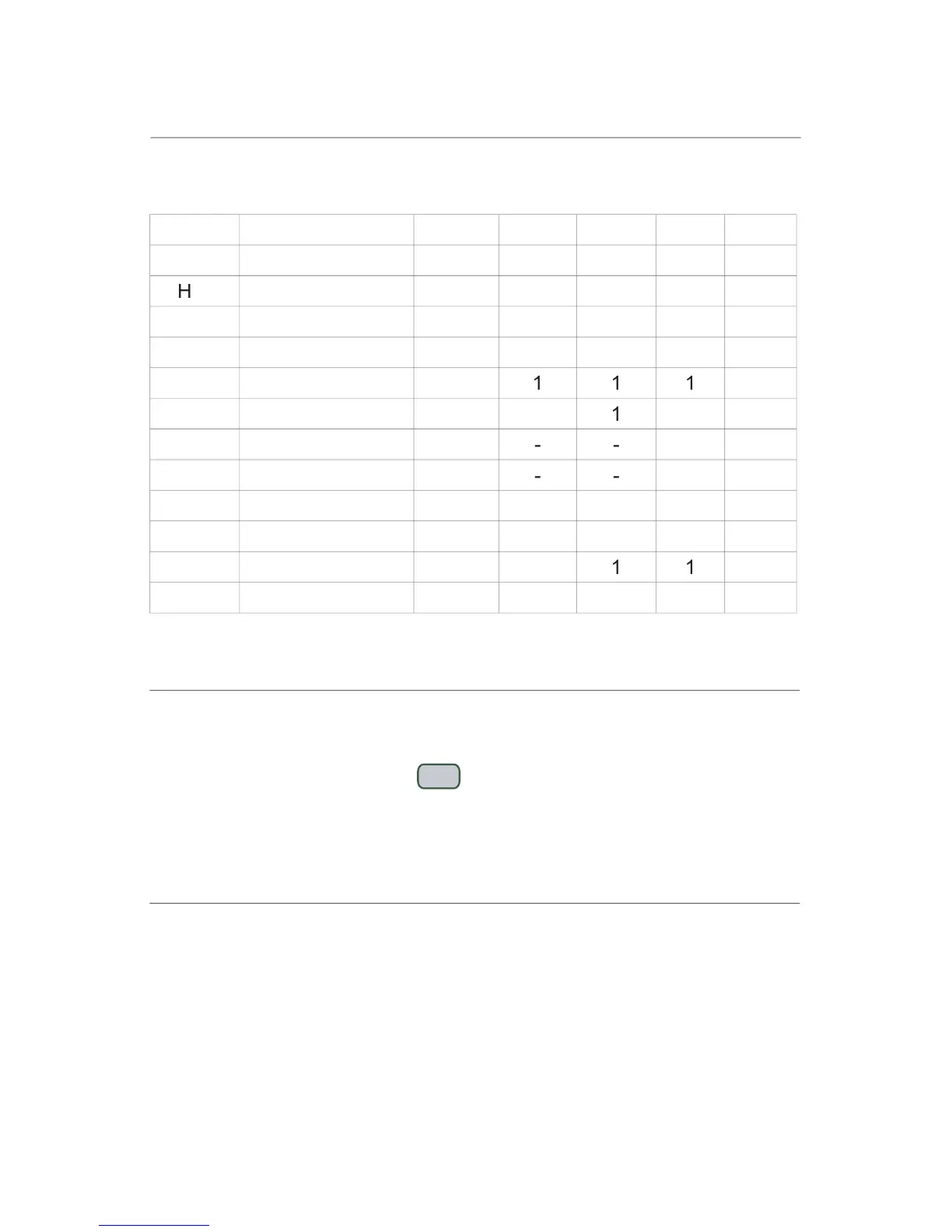
The monitor is factory calibrated with standard calibration gas and is
programmed with default alarm limits as listed:
*Note: 100 ppm isobutylene gas is used for VOC gas calibration
assists reading the LCD in poor lighting conditions and
automatically turns on anytime the MultiRAE Plus is in alarm.
To manually turn on, press [N/-] , and it will automatically turn off after
60 seconds. The backlight can also be set to automatically turn on in low
lighting conditions, and likewise turn off in adequate lighting conditions.
The backlight can shorten the operating time by 20-30%.
The integrated sampling pump automatically turns on when the monitor
is turned on and remains on during normal operation. The pump speed
is adjustable between the default low setting (~200 cc/min) and the
high setting (~300 cc/min). Use the low setting to save battery and filter
life. Use the high setting for reactive gases and remote sampling in
applications like Wingtank entry and HazMat.



 To Next Page