ToxiRAE Pro User’s Guide
22
12.4.1. Navigating Programming Menus
Navigating through the Programming menus is easy and consistent, using a single
interface format of a “forward arrow” and “Select,” controlled by the [MODE] key and
[Y/+] key, respectively.
In the submenus, the functions of a “down arrow” and “Select” are controlled by the
[MODE] key and [Y/+] key, respectively.
Also in submenus, the functions of the keys may correspond to the instruction directly
above each key. Therefore, if it says “OK” above the [MODE] key, pressing [MODE]
selects “OK.” When setting numerical data, the [MODE] key typically selects which digit
is highlighted, while each press of [Y/+] increases the digit by 1.
12.5. Programming Menus
Programming allows anyone with the password to change the instrument’s settings, calibrate
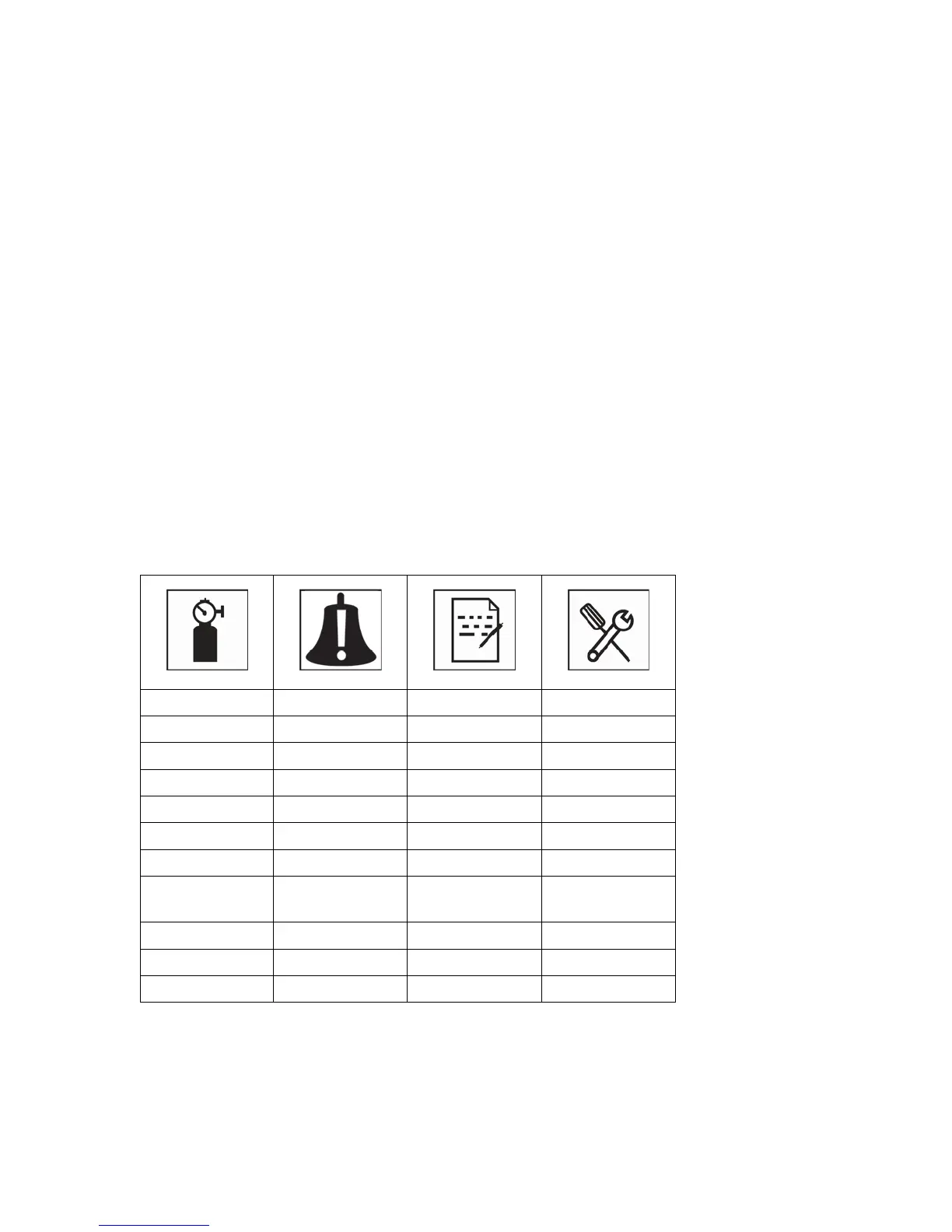
the instrument, enter user information, etc. Programming has four menus. Each menu
includes several submenus to perform additional programming functions.
This table shows the menus (and their icons) and submenus:
* STEL and TWA are not included in the menus on a ToxiRAE Pro equipped with an O
2
sensor.
Note: There is also an “Exit” icon. It has only one function. When you select it, the
instrument exits Programming Mode, updates the settings, and returns to monitoring.



 To Next Page