ToxiRAE Pro User’s Guide
45
14.3. Zero Calibration
This operation sets the zero point of the sensor calibration curve for clean air. Expose the
ToxiRAE Pro to a clean air source with 20.9% oxygen and without any organic, toxic, or
combustible gas impurities. This “Zero Air” can come from a cylinder or clean ambient
air.
Note: If you use a zero air cylinder, you must use the ToxiRAE Pro Calibration Adapter.
Using a calibration adapter is not necessary for calibration in fresh air.
Turn on the ToxiRAE Pro. Once it has been through its startup, enter Programming Mode:
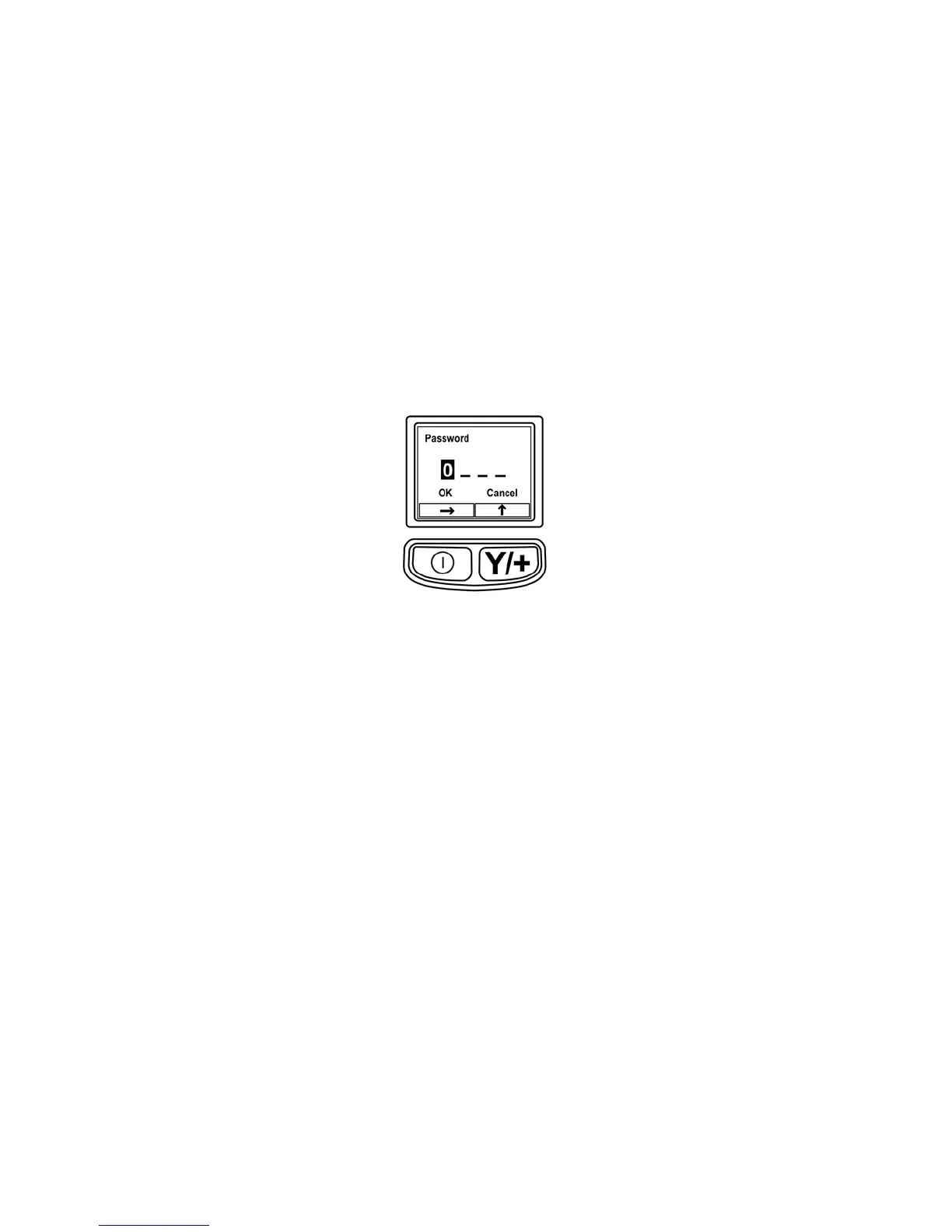
1. Press and hold [MODE] and [Y/+] until you see the Password screen.
2. Input the 4-digit password:
• Press [Y/+] repeatedly to select a desired number. Numbers increase from 0 to
9. Once 9 is reached, pressing [Y/+] again “wraps” around back to 0.
• Step from digit to digit using [MODE].
• When you are done, press [MODE] until OK or Cancel is highlighted.
• Press [Y/+] to register the password (if OK is highlighted) or to exit without
entering the password (if Cancel is selected).
If you make a mistake, you can cycle through the digits by pressing [MODE] and
then using [Y/+] to change the number in each position.
Note: The default password is 0000.
If you do not know the password, do not enter anything. Just press [MODE]
repeatedly to highlight OK, and then press [Y/+].
Note: If the ToxiRAE Pro is in Programming Mode and you do not press a key within 60
seconds, it exits Programming Mode and re-enters Normal Mode.



 To Next Page