RAL STAINER
25
RAL STAINER User guide
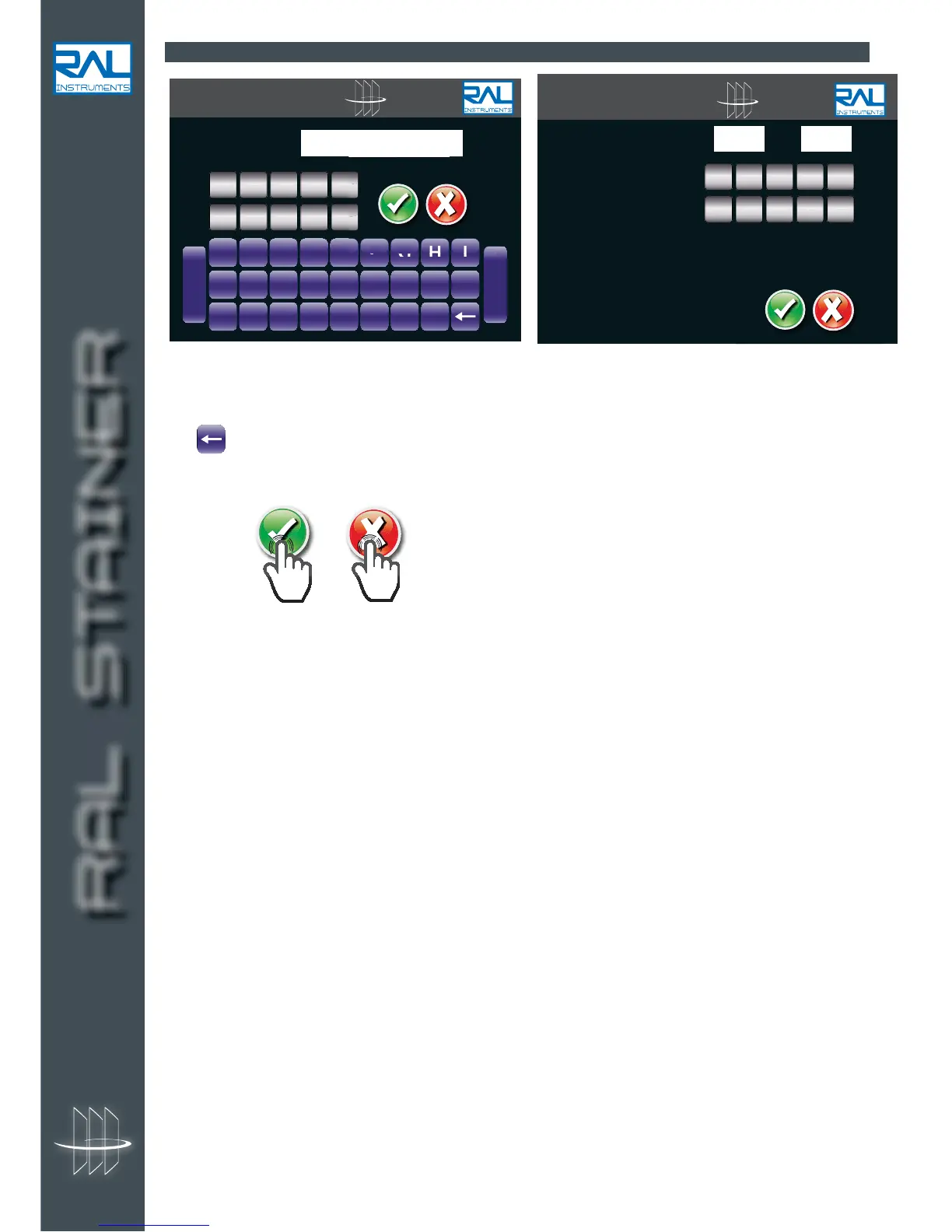
8.2.5 ALPHANUMERIC AND NUMBER KEYBOARD
These dialogue pages are used in several parts of the interface.
They are used to enter numbers from 1 to 9, letters, add a space [Space] or a hyphen [-].
The key is used to cancel entered characters.
On the number page, the cursor passes automatically from minutes to seconds.
Then press :
or .
RAL STAINER
A B C D E F G H I
J K L M N O P Q R
S T U V W X Y Z
-
Space


 To Next Page