RAL STAINER
35
RAL STAINER User guide
The appliance can manage several staining kits in parallel, it keeps the data for each kit in
memory: the autonomy and the customised protocols for this kit reference.
10.6.2 DRAINING
The RAL Stainer will systematically drain the reagents being used if:
- the kit has expired,
- the autonomy (cycles or slides) has been exceeded,
- the level of one reagent is lower.
The effluents are rejected into the appliance's waste container, the reagent drawers are opened to allow to
remove the empty bottles.
The bottles must be disposed of using the decontaminated waste channel.
If the expiry date after opening is passed, the RAL Stainer will advise you to drain the staining kit with the
message: "Warning BBD expired".
On page
,
.
These safety mechanisms have been included for quality assurance reasons. We advise you to
follow the RAL Stainer recommendations.
10.7 STAND-BY
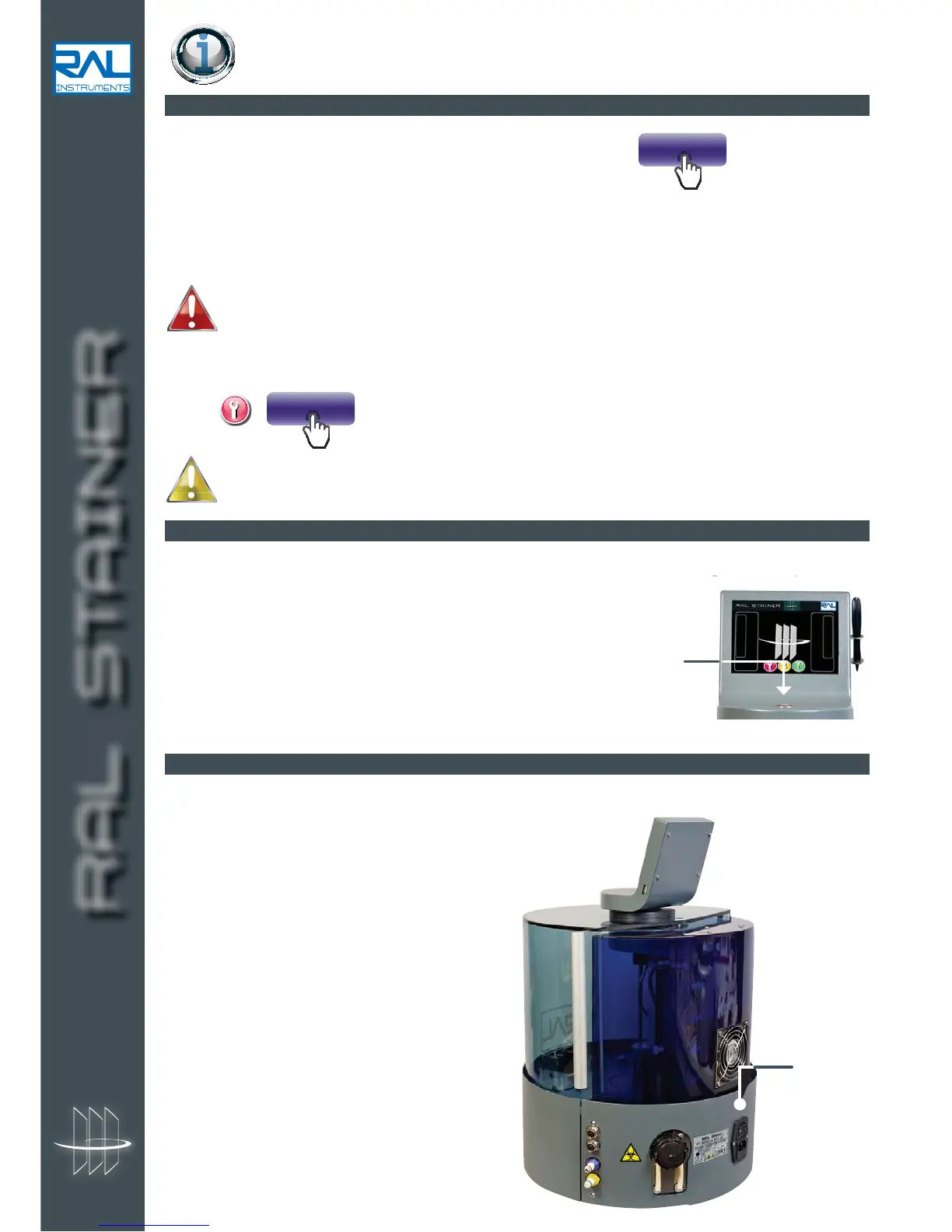
At the end of your working session, simply place the appliance on standby by using the standby button on
the top of the machine.
The RAL Stainer can be restarted by simply pressing the same button again.
10.8 POWERING OFF
When a long period of inactivity is foreseen, prefer powering off the machine to placing it on standby.
In this case press the O/1 switch at the back of the appliance.
On/Off or
0/1 switch


 To Next Page