RAL STAINER
32
RAL STAINER User guide
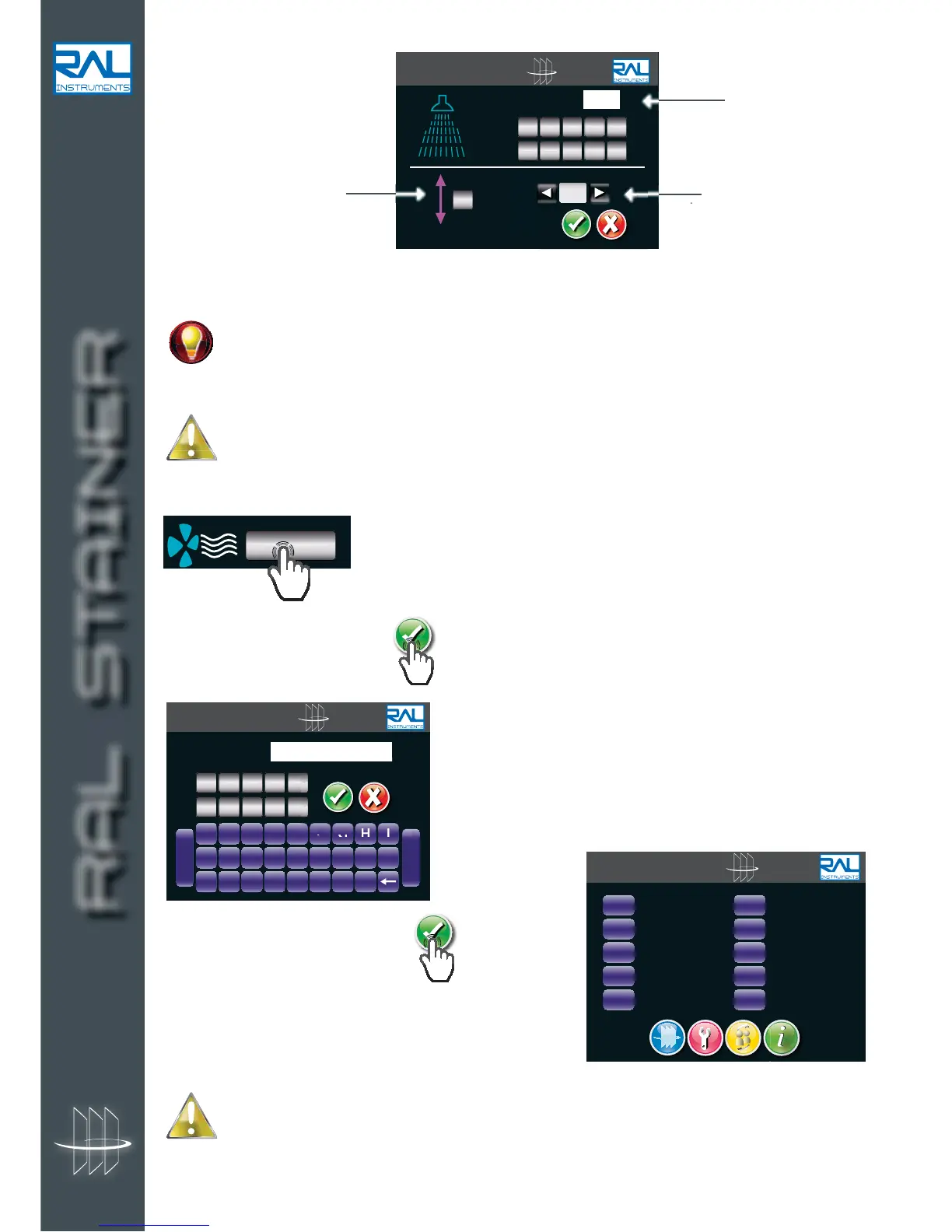
Rinsing
3 parameters :
Draining
RAL Stainer makes it possible to limit the volume of your effluents. You choose whether to drain the
rinsing liquid after each dip. If you choose never to drain the rinsing liquid during a cycle, RAL
Stainer will request the draining frequency by the question :
"How many cycles before draining rising water?" Enter the value.
RAL Instruments recommends draining the rinsing tank after each soaking in order to optimise the
quality of the staining.
Drying
Select the drying time with the numeric keypad.
When all the settings are correct,
.
Give a name to the defined protocol,
.
Select a location to which to save your new protocol on the
protocol list page.
The selection of a location that has already been used will overwrite the protocol that was previously
at this location.
It is impossible to record a new protocol in location 1 which is reserved for the protocol proposed
by RAL Diagnostics. It is possible to return to this protocol at any time.
RAL STAINER
A B C D E F G H I
J K L M N O P Q R
S T U V W X Y Z
-
Space
PROTOCOL NAME :


 To Next Page