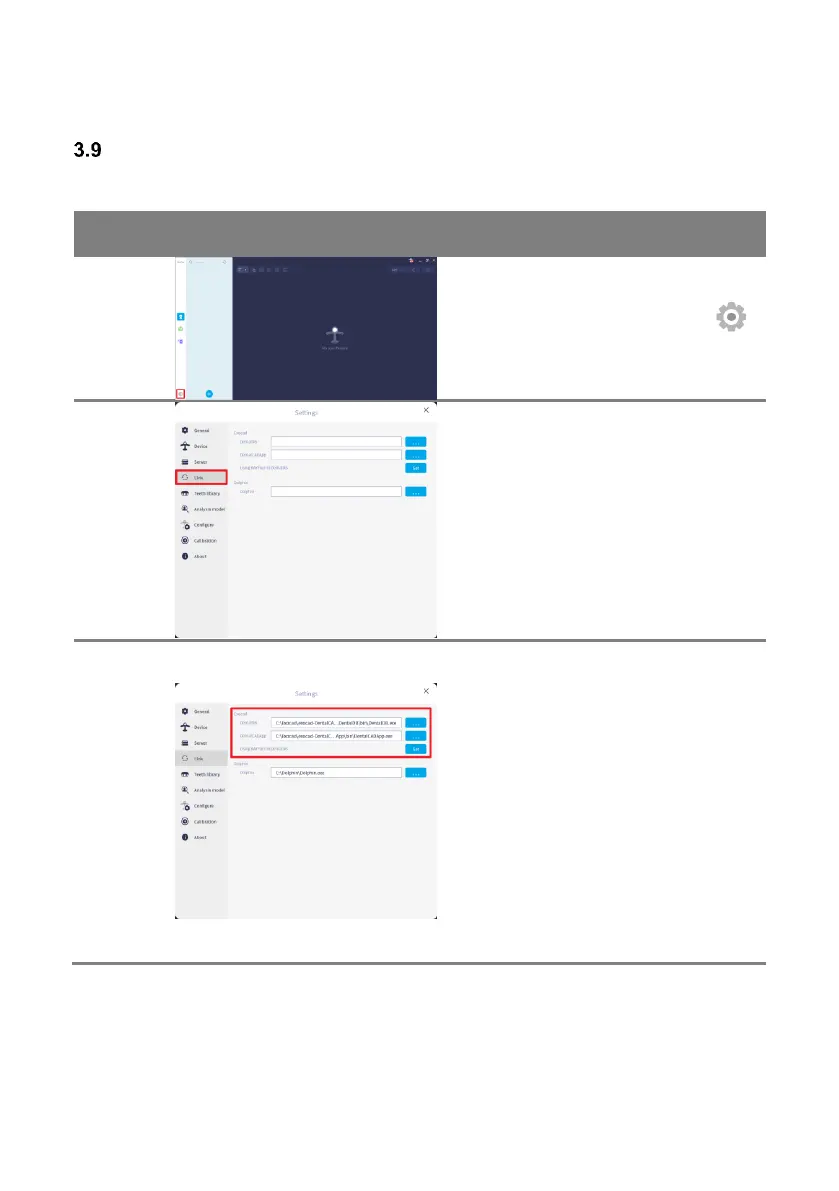
For Exocad integration, set the path for
[DentalDB] and [DentalCADApp].
Once the path has been designated,
RAYFace utilizes the DentalDB to create
a case and save data.
Once the [Using RAYFace in DentalDB]
menu has been utilized, a menu named
[Scan with RAYFace] will be added to
DentalDB, and this will enable case to be
created within DentalDB and then start
RAYFace to take the data.



 To Next Page